
After a school runs the migration tool, desk phones still register to Unified CM. The device file was uploaded, but cloud activation was never completed. What finishes their move to Webex?
Select an answer to reveal the explanation.
Short Explanation
Loading the moving list onto the clipboard does not put the furniture in the new building. You uploaded the device file, but cloud activation was never finished, so the phones stay registered to Unified CM; complete activation as part of the supported migration so they can register to Webex.
Full Explanation
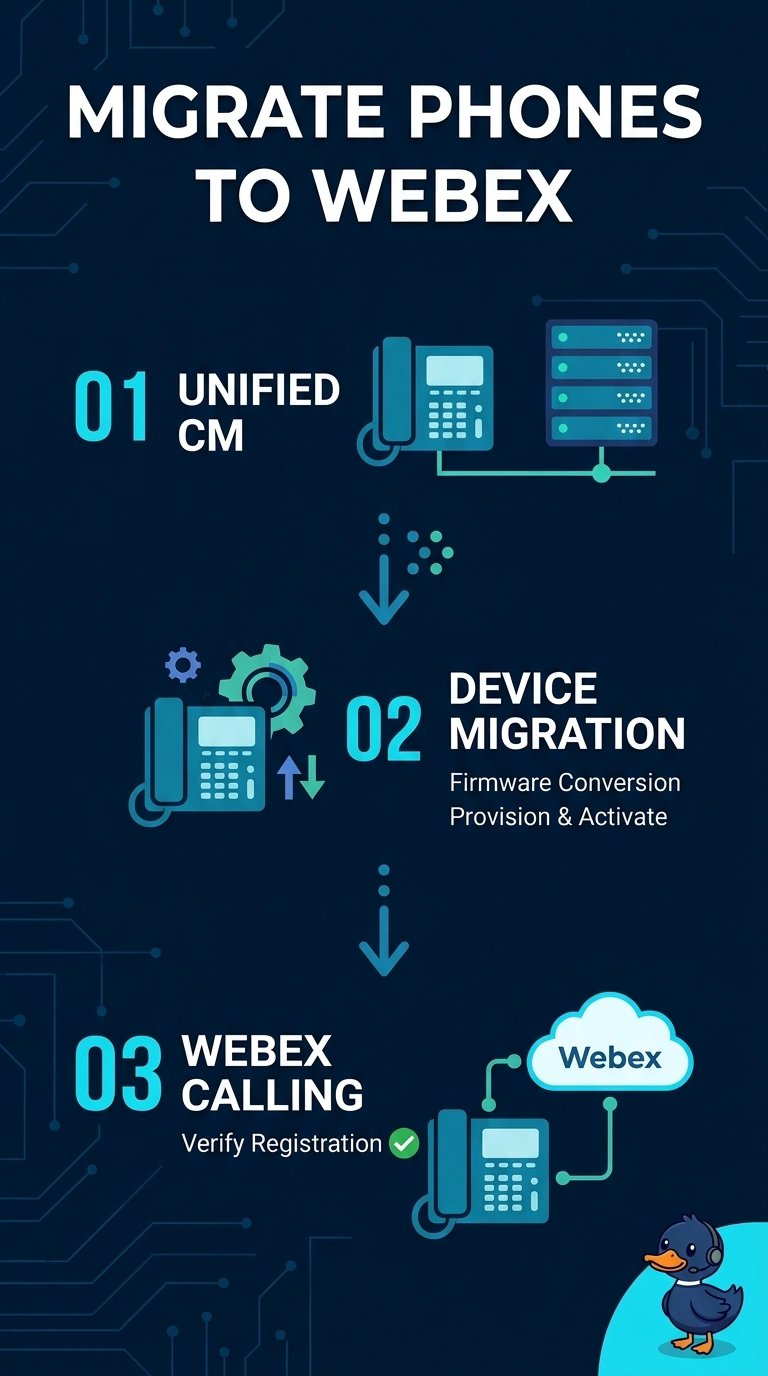
Migrate Features from Unified CM maps devices from the uploaded file, but mapping is not the same as registering phones to Webex. The desk phones remain registered to Unified CM because cloud activation was never completed. Finish the supported device migration, including any required firmware conversion, provisioning, and activation, then verify Webex Calling registration. Creating a second meetings site adds a site with its own meetings settings; it does not retarget desk phones from Unified CM to Webex Calling, and a meetings site is not a calling location. Using Directory Connector in place of activation syncs directory users, but the connector does not register migrated phones to the cloud when it syncs the school domain. Uploading the same device file again repeats a step that already happened; the file alone does not register each phone to Webex Calling, so a separate activation step is still required. Exam caveat: Cloud-Connected UC can inform migration work, but it does not by itself convert every phone to a Webex Calling registration. Practical check: complete activation for a pilot phone, confirm it registers to Webex, and verify it no longer registers to Unified CM.