
A bank's Migrate Features from Unified CM upload leaves out hunt groups and call queues that are present in the Unified CM export. After the run those objects are missing in Webex Calling. What should the team do?
Select an answer to reveal the explanation.
Short Explanation
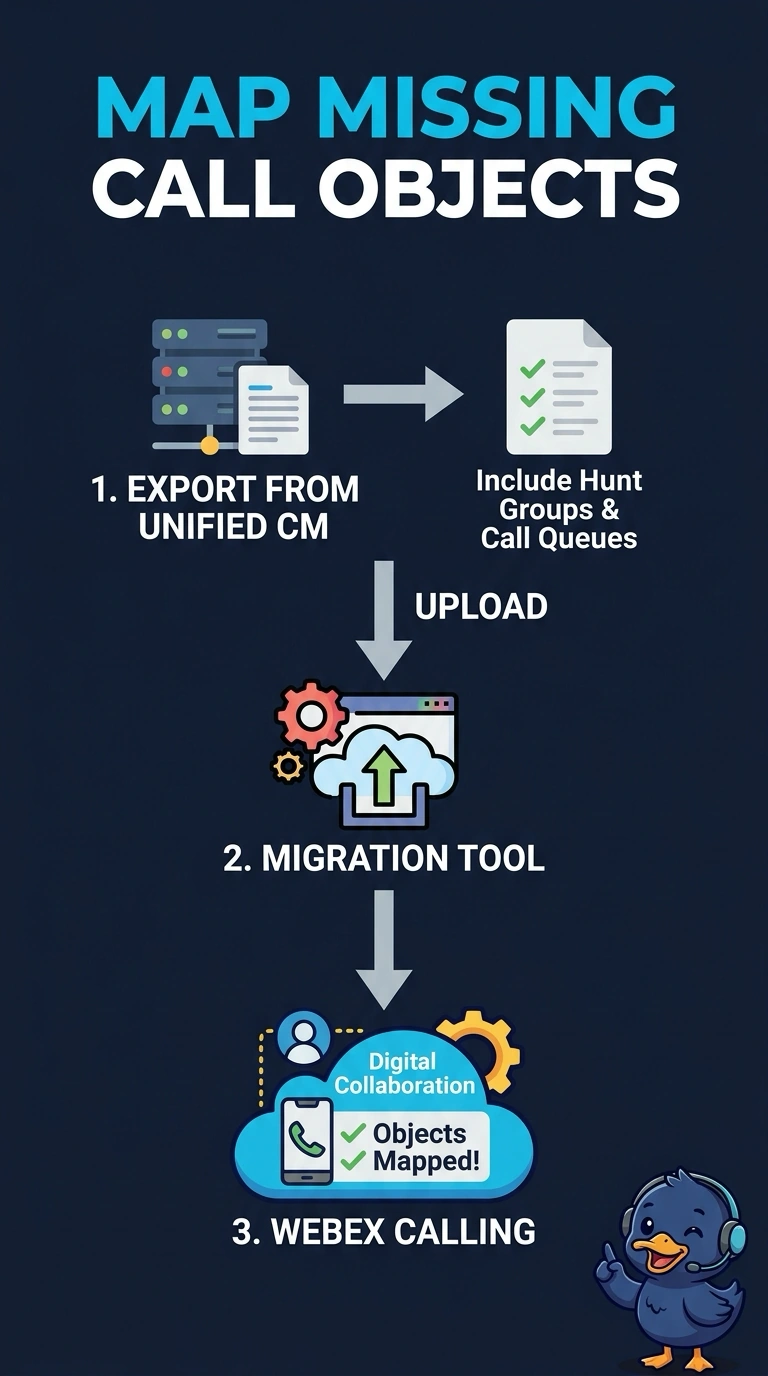
If the movers' list skips the sofas, the new house will not grow sofas on its own. You include hunt groups and call queues from the Unified CM export in the upload so the migration tool can map them. A Survivability Gateway will not recreate them later.
Full Explanation
Migrate Features from Unified CM maps hunt groups and call queues when those objects are included from the Unified CM export. They are present in the export and were omitted from the upload, which is why they are missing. The team should include the hunt groups and call queues from that export in the upload so the tool can map them. Deleting the calling location and retyping each agent by hand abandons the tool. The migration tool can map hunt groups and call queues from an export. It is not limited to objects someone retypes. Turning on Cloud-Connected UC analytics adds cloud-connected operations and reporting. Its dashboards do not recreate hunt groups and call queues inside Webex Calling. Deploying a Survivability Gateway prepares basic backup calling during an outage. Backup calling does not recreate hunt groups and call queues that were left out of the upload. Exam caveat: the same tool also does not natively move Unity Connection voicemail messages, so a missing queue is an upload gap, not a voicemail migration. Operational check: rerun the upload with hunt groups and call queues included and confirm those objects exist in Webex Calling with the expected members.