
A bank in a Control Hub-managed Webex cloud deployment with Cisco AI Assistant enabled in default-on mode blocks every cloud service from reading meeting content, then finds that meeting summaries no longer appear for project reviews. The block is the content-access control that denies Webex cloud services access to meeting content, reflected in the effective AI settings and saving/sharing controls. Which change restores the summaries?
Select an answer to reveal the explanation.
Short Explanation
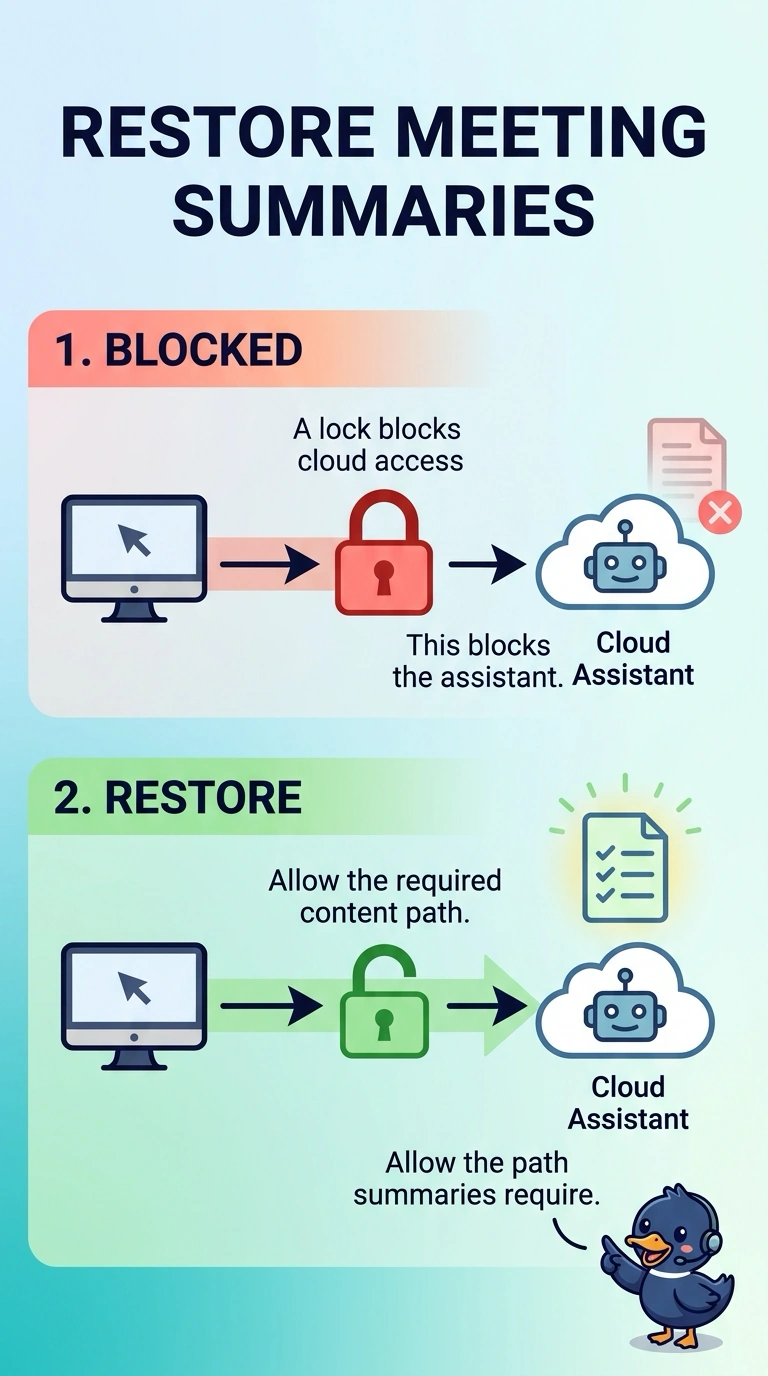
You cannot get a book report from a library that a rule of yours has locked. In your cloud deployment with AI Assistant default-on, you block summaries when you deny Webex cloud services access to meeting content. Allow that content path again and you will see your project-review summaries return under the effective saving and sharing settings.
Full Explanation
The assistant needs meeting content in order to summarize it. In a Control Hub-managed cloud deployment with Cisco AI Assistant default-on, the effective AI settings reflect the content-access control that denies Webex cloud services access to meeting content, including saving and sharing controls. A lock that denies content access blocks that feature even though meetings still exist. Allow the content path the summary feature requires, because a lock that denies content access to cloud services also blocks that assistant. Adding a PSTN route misunderstands delivery, because the assistant does not place a call to read the meeting back and a new route does not create a summary. Shortening retention confuses governance with generation, because a summary is not a compliance hold and shortening a hold does not produce assistant output. Moving keys to a desk-device macro misplaces processing, because the summary is not produced on the endpoint and a macro does not hold meeting keys or write the summary. The same block also stops other content-dependent features. Operational check: Allow the content path, hold a short test meeting, and confirm the summary appears.