
Plant managers in one Webex organization see meeting summaries after production reviews, while a partner organization that joins the same meetings does not. What should be checked to share summaries with eligible partner participants?
Select an answer to reveal the explanation.
Short Explanation
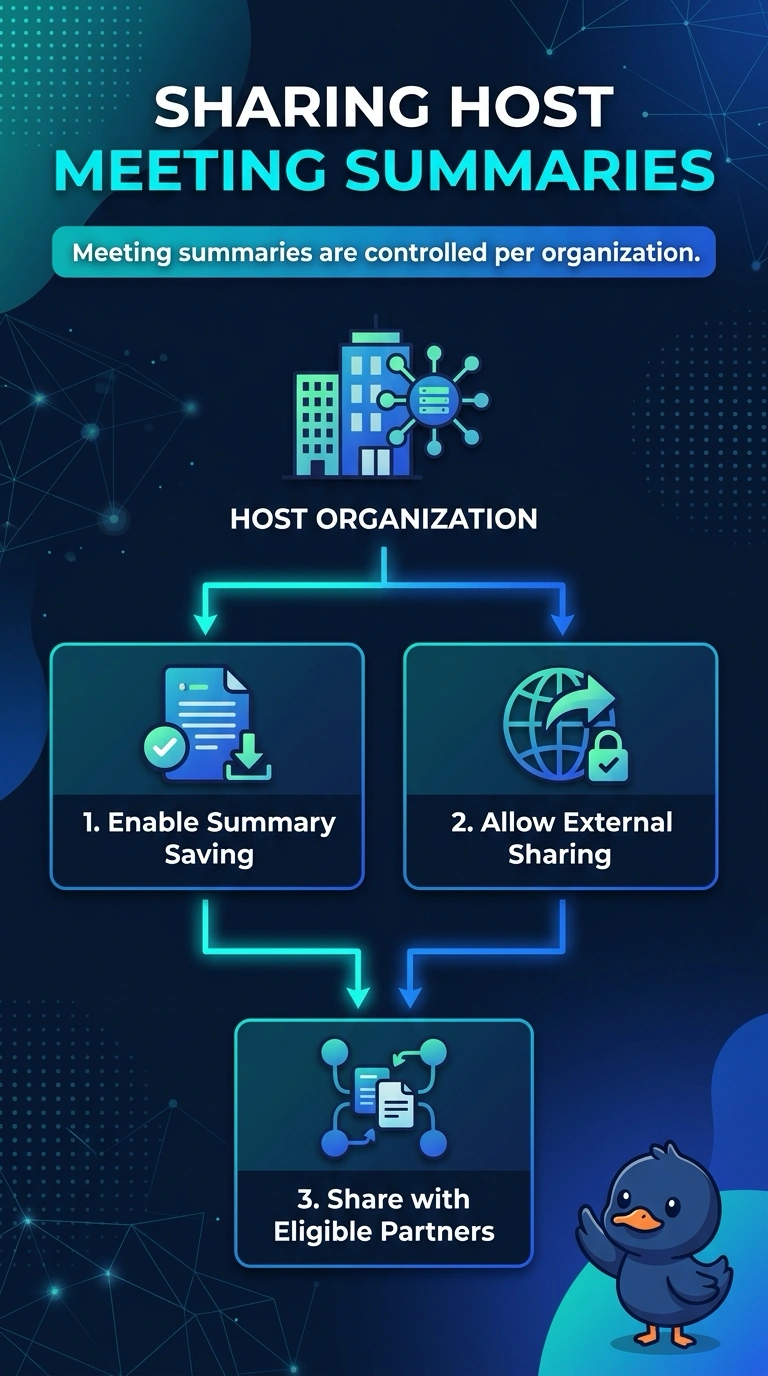
You can make the saved summary available to eligible partner guests by checking the host’s sharing settings. Have the host confirm post-meeting saving and external sharing are enabled, then share the summary; you don’t need to enable a separate assistant in the partner organization.
Full Explanation
A meeting summary helps people review production discussions after the meeting ends, and the host controls sharing of saved summaries. Have the host organization check that post-meeting summary saving is enabled and that its external sharing policy allows sharing, then share the saved summary with eligible partner participants. An organization’s in-meeting AI settings are separate and do not determine whether a saved host summary can be shared externally. Sharing the plant dial plan with the partner organization fails because a dial plan routes calls; it does not save or share an AI-generated summary. Copying partner users into the plant organization as full administrators fails because an administrator role grants management rights, not external sharing permission for a saved meeting artifact. Turning on hybrid calendar for a hot-desk workspace fails because calendar service places meetings on devices; it does not write, save, or share the written summary. Exam caveat: A summary does not route PSTN calls, hold encryption keys, or replace a retention policy. Practical check: Confirm host-side saving is on, external sharing is allowed, and a newly saved summary reaches an eligible partner participant.