
The lab’s meeting hosts are blocked by the effective AI Assistant Meetings settings in Control Hub. What should change so the hosts can save meeting summaries?
Select an answer to reveal the explanation.
Short Explanation
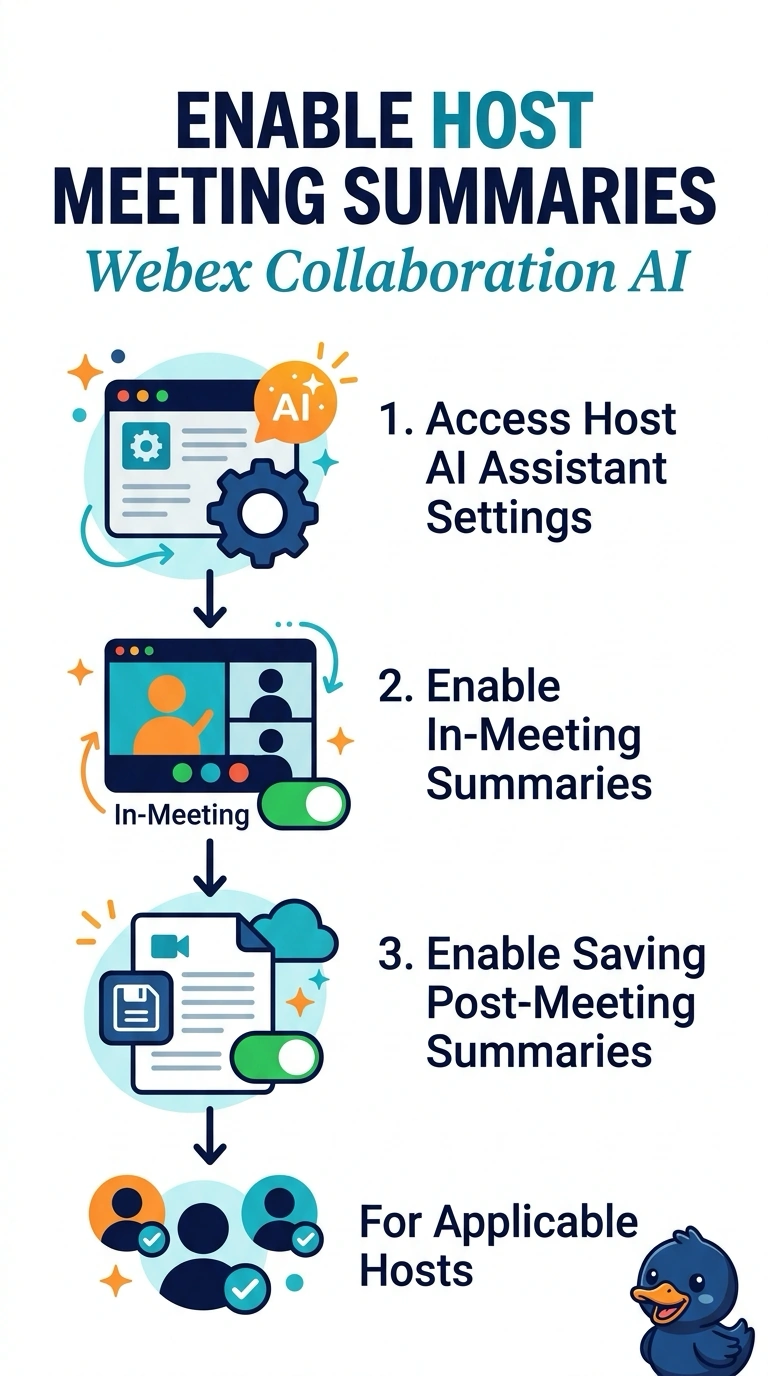
Think of it like unblocking a paused recorder — you just need to allow it again. You enable in-meeting summaries and saving post-meeting summaries for those hosts in their AI Assistant settings. Don't get sidetracked rotating keys or fixing trunks when Control Hub is simply blocking the save.
Full Explanation
The effective AI Assistant Meetings settings in Control Hub control what hosts are allowed to use. When those effective settings block summaries, hosts cannot create or keep them even when the meeting itself works. The fix is to enable in-meeting summaries and saving post-meeting summaries for the applicable hosts in their AI Assistant settings, which removes the block so those hosts can save meeting summaries. Rotating the key-management master key changes a customer master key used with a Cisco-operated key service. That rotation handles encryption keys and does not change effective AI Assistant permissions, so it cannot unblock summaries for blocked hosts. A local gateway route group is an ordered set of trunks for calling. The trunk handles call routing and does not produce the written meeting summary, so adding organizers to a route group changes calling behavior, not AI Assistant access. Hot desking lets a user sign in to a shared Board or Desk device with a Webex identity. That sign-in personalizes the shared device and does not grant AI Assistant rights, so it does not let blocked hosts save summaries. Exam caveat: enabling summaries does not replace a retention policy or hold encryption keys. Operational check: update the AI Assistant settings for the lab hosts, hold a short test meeting, and confirm a summary can be saved.