
Bots keep posting in a school space after a full administrator authorized an integration for the entire organization, and a site administrator cannot find that authorization. Where is that authorization reviewed?
Select an answer to reveal the explanation.
Short Explanation
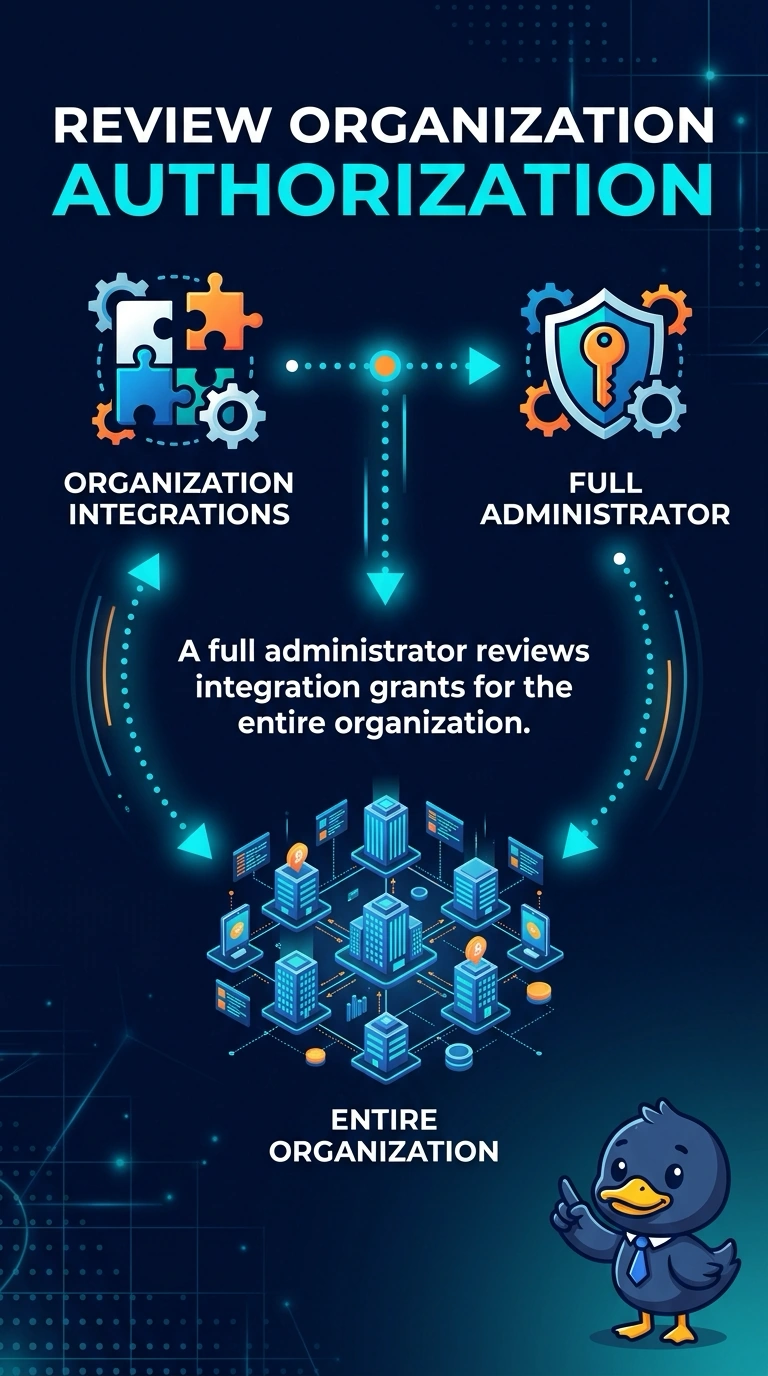
A master key cut for the whole building can let bots in while the floor manager never sees the work order. You review organization integrations, because a full administrator authorized that integration for the entire school. A meetings-site feature list will not show an organization grant.
Full Explanation
Integrations authorized for the organization are reviewed with organization integrations, not on a single site. Organization integrations, where a full administrator grant for the whole organization is reviewed, is where the school site administrator finds the grant that lets bots post. The meetings-site feature list, which shows settings for one school site and does not list an integration authorized for the entire organization, covers that site features and common settings and does not hold the organization grant. The school dial plan, which chooses call routes and does not authorize a bot integration to post in a space, routes calls and does not authorize messaging integrations. The room-device macro list, which shows JavaScript on a device and does not show the organization integration grant, lists on-device xAPI macros, and a macro is not the organization integration a full administrator authorized. Exam caveat: organization integrations apply to the whole organization. An authorized organization administrator reviews the organization integration and its permissions in Control Hub. A meetings-site administrator role alone does not grant that access. Operational check: review organization integrations, identify the integration the full administrator authorized, and confirm it is the one posting into the school space.