
A factory group is launching a subsidiary brand that needs its own Webex meetings address and its own feature set. The parent brand already has a meetings site. What should the admin create for the subsidiary?
Select an answer to reveal the explanation.
Short Explanation
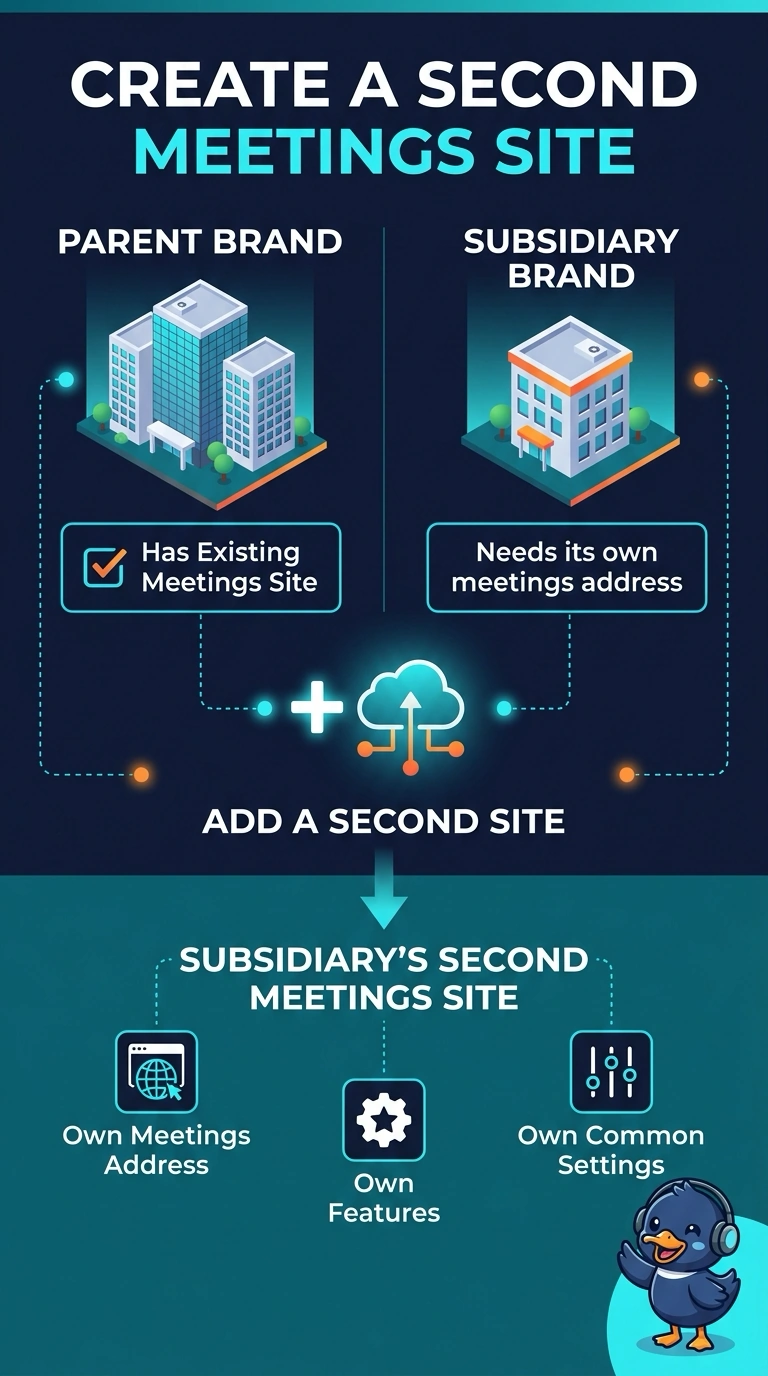
A second storefront needs its own sign, not a new nickname on the original shop. You add a meetings site for the subsidiary brand with its own features and settings. Renaming the parent site, adding a calling location, or flipping a recording toggle does not create that brand site.
Full Explanation
Add a second meetings site for the subsidiary brand with its own features and its own common settings. A meetings site carries its own features and common settings, so a second site is how a subsidiary brand gets its own meetings address. Rename the parent meetings site, keep that same feature set, and describe the renamed site as the new subsidiary brand. Renaming the parent site keeps one feature set in place, which reuses the original brand site instead of creating another. Create a calling location named for the subsidiary and treat that calling location as the new meetings brand site. A calling location owns numbers and the local calling identity, and it does not create a meetings site or a meetings URL. Turn recording on at the parent meetings site and announce that recording change as the launch of the subsidiary brand. A recording toggle changes one feature on the existing site, and it does not establish a separate brand site. Exam caveat: Adding a meetings site does not move calling locations, and a calling location is a different object from a meetings site. Operational check: Confirm the subsidiary has its own meetings site and feature settings, separate from the parent brand site.