
A university created a Webex Calling location for a new campus and then looked for a new meetings URL produced by that location. No meetings address appeared. What actually provides a meetings URL?
Select an answer to reveal the explanation.
Short Explanation
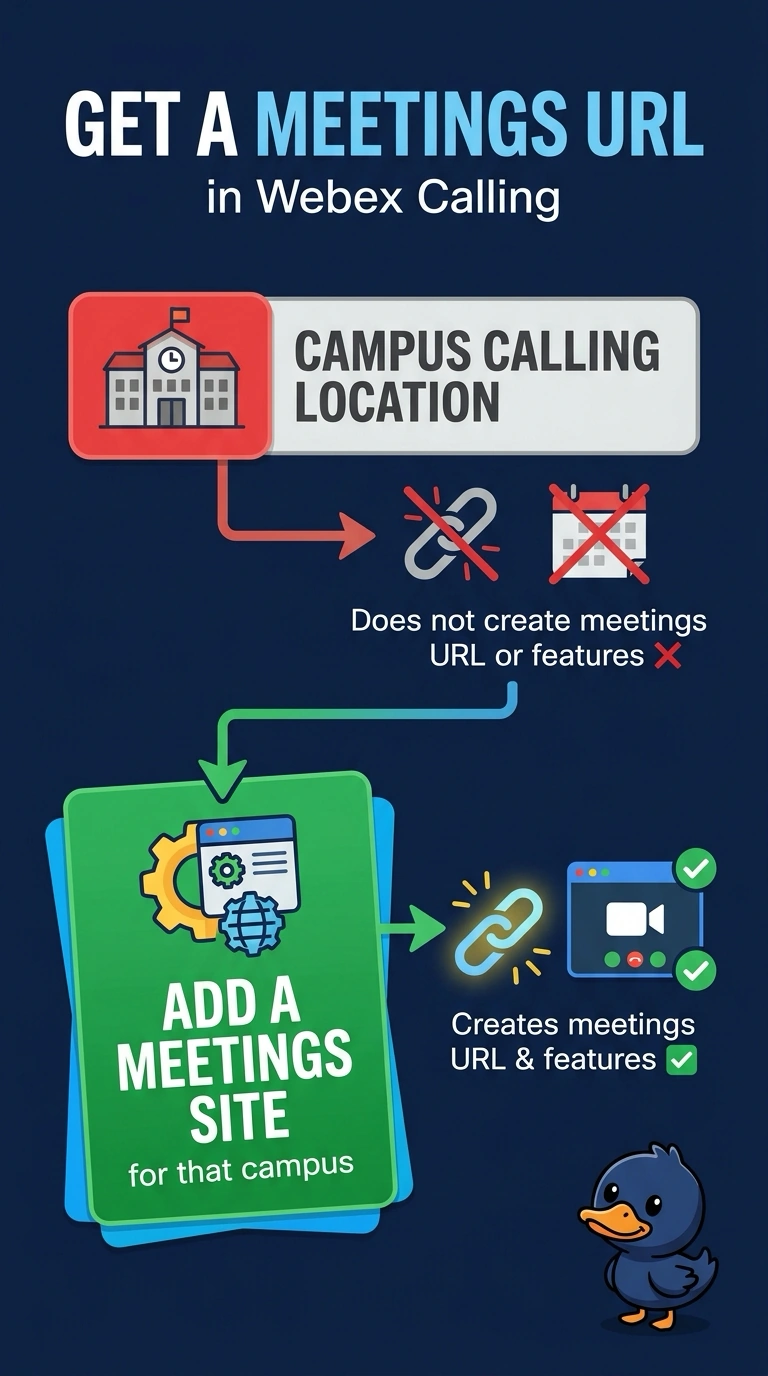
When your campus needs a meetings URL, add a meetings site; a Webex Calling location does not create one or provide meetings features. Directory synchronization will not publish a URL from that location, a dial plan will not generate its meetings address, and hot desking on a Board will not create it when a user signs in.
Full Explanation
Add a meetings site for the campus when it needs a meetings URL or meetings features. A meetings site has its own features and address; creating a Webex Calling location does not create that site or provide a meetings URL. Directory synchronization maintains users, but it does not publish a meetings URL from a calling location or turn that location into a meetings site. A dial plan selects call patterns and routes; pointing it at the location does not generate a meetings address. Hot desking lets a user sign in to a shared Board, but that sign-in does not create a meetings site or a URL for the calling location. Exam caveat: A calling location and a meetings site are different objects, and adding a second meetings site does not move calling locations either. Practical check: If the campus needs a meetings URL, confirm that a meetings site exists for it; do not expect the calling location alone to create one.