
A university CSV update of calling settings used the wrong email column and changed calling service on a different person than the one in the request. How is that mistaken edit corrected?
Select an answer to reveal the explanation.
Short Explanation
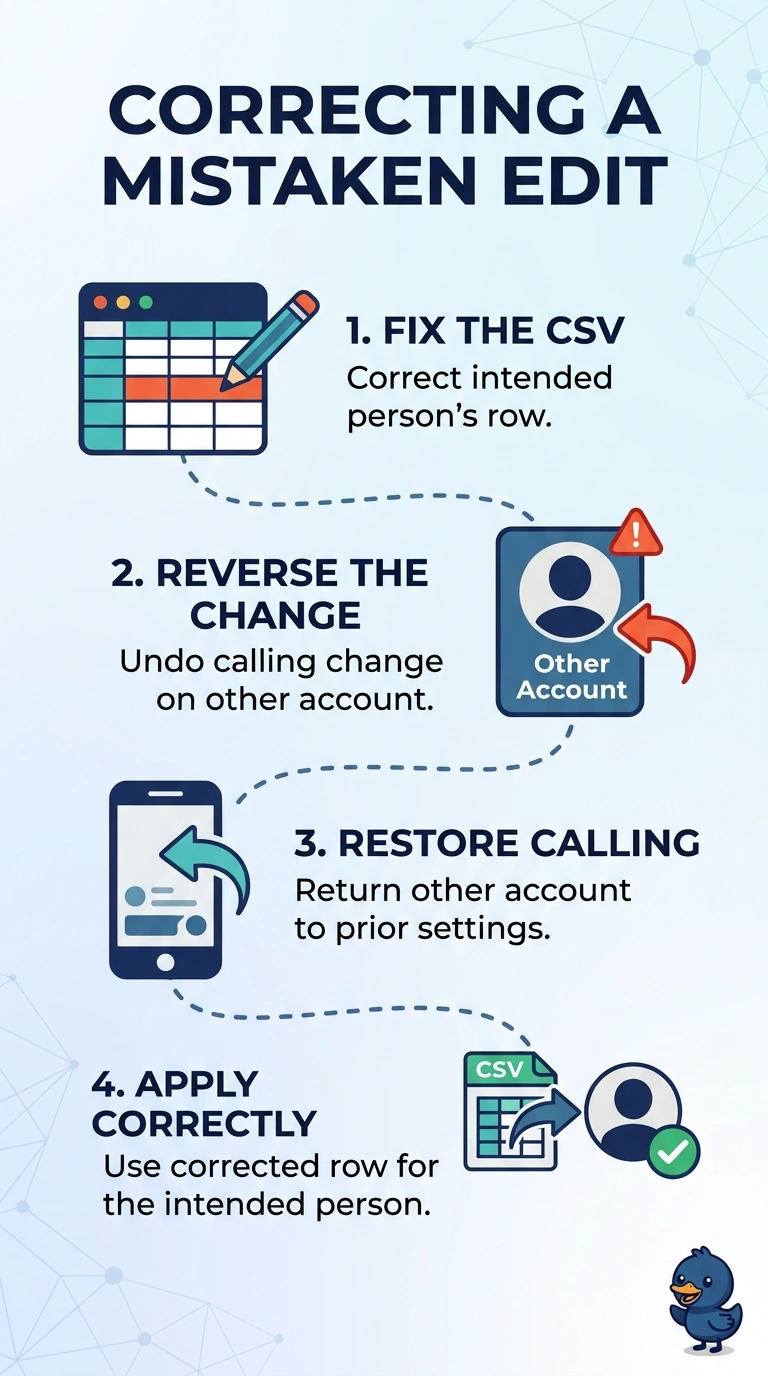
Think of a class list where the edit landed on the person in the next row. You correct the CSV row for the intended person and reverse the calling change that hit the other account. The trap is rebooting a phone, running a search, or claiming a consumer account, none of which undoes a user edit that already saved.
Full Explanation
A CSV update of calling settings writes the row onto the user identified by the email column. The wrong column changed a different person, so the correction is to correct the CSV row for the intended person and reverse the calling change that landed on the other account. Rebooting the desk device of the person whose calling settings changed, so the device reload undoes the CSV edit, restarts hardware and leaves the saved user settings in place. Running an eDiscovery search on the university space and expecting that search to roll the calling change back uses a compliance search, and a search does not edit calling service. Claiming a consumer Webex account for the affected email, because a claim rewrites calling settings from the file, brings a consumer account into an organization when that is the task, and a claim does not undo this CSV row. Exam caveat: a device reboot can recover a phone that failed to load a config, and it does not roll back a user record that was edited in the file. Operational check: identify both email addresses, restore the calling settings on the person who was changed by mistake, and apply the intended row only to the person in the request.