
Students at a university can still place Webex calls, but a lab manual shared in a space is missing and the content service is reporting an error. What should be repaired?
Select an answer to reveal the explanation.
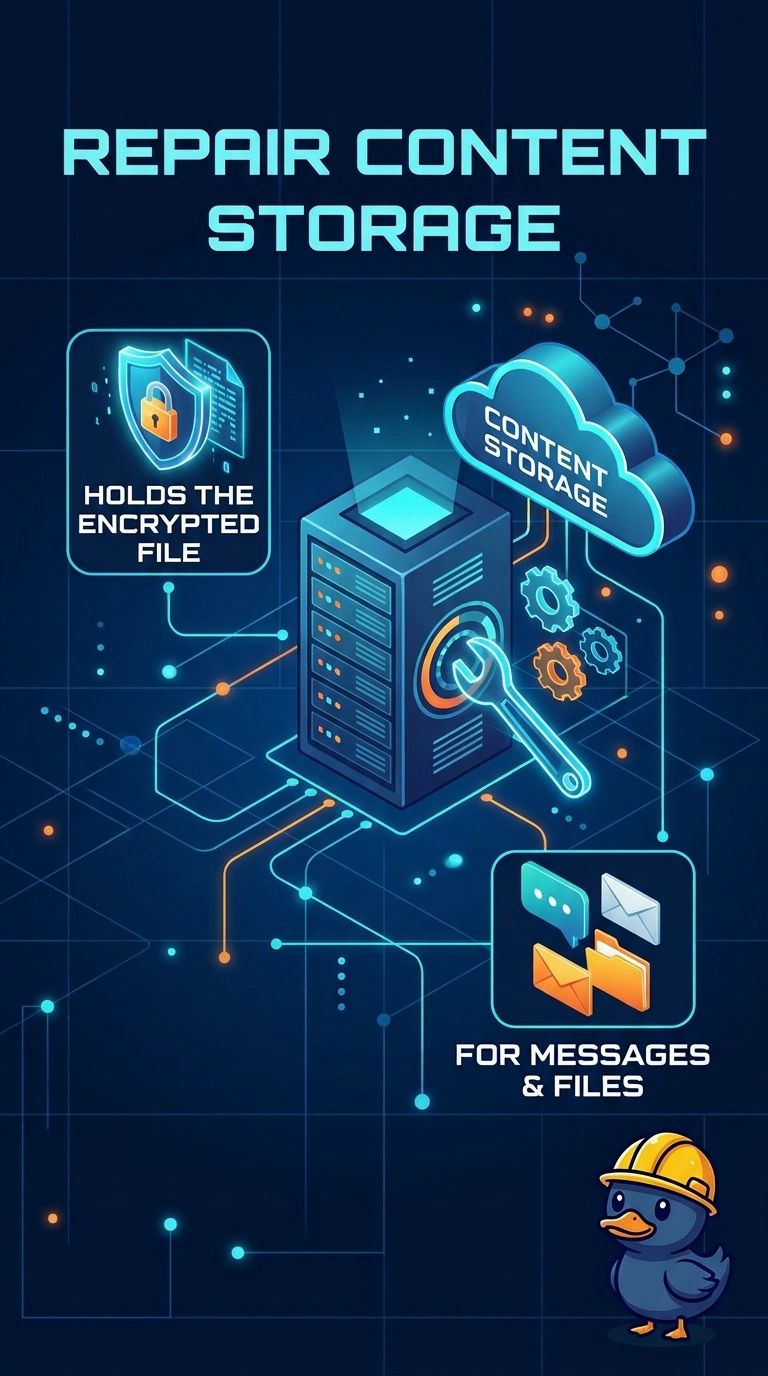
Short Explanation
If the filing cabinet jams, you do not kick the telephone switch and hope the folder reappears. Calls still work, and the missing manual sits with the content service that is reporting an error, so you repair content storage. A trunk restart will not put the file back.
Full Explanation
Calls still succeed, so routing is not the fault. Encrypted messages and files are stored by the content service, and that service is in error for the missing lab manual. Content storage for messages and files, because that service holds the encrypted file and a calling trunk has nothing to do with the missing manual. The campus PSTN trunk, because restarting that trunk rebuilds space files from call detail that was stored on the gateway and then replayed into the space. Restarting a PSTN trunk affects calling and does not rebuild a file held by the content service. The Hybrid Data Security nodes, because moving indexing on-premises reconstructs the missing file from the search index while calls stay up. Moving indexing on-premises does not replace content storage. The indexing service creates encrypted search indexes. Recover the missing file through the content storage service. Single sign-on for the students, because an identity redirect removes a space file while leaving ordinary calls working. Single sign-on authenticates the user and does not delete a space file or repair content storage. Exam caveat: Hybrid Data Security does not move encrypted content storage on-premises, so deploying those nodes is not how this manual comes back. Operational check: After the content service is healthy, open the space from a student who can still place calls and confirm the lab manual is available without restarting the campus trunk.