
A clinic allows participants to start cloud recordings, but its policy permits only hosts to record. Which setting should change?
Select an answer to reveal the explanation.
Short Explanation
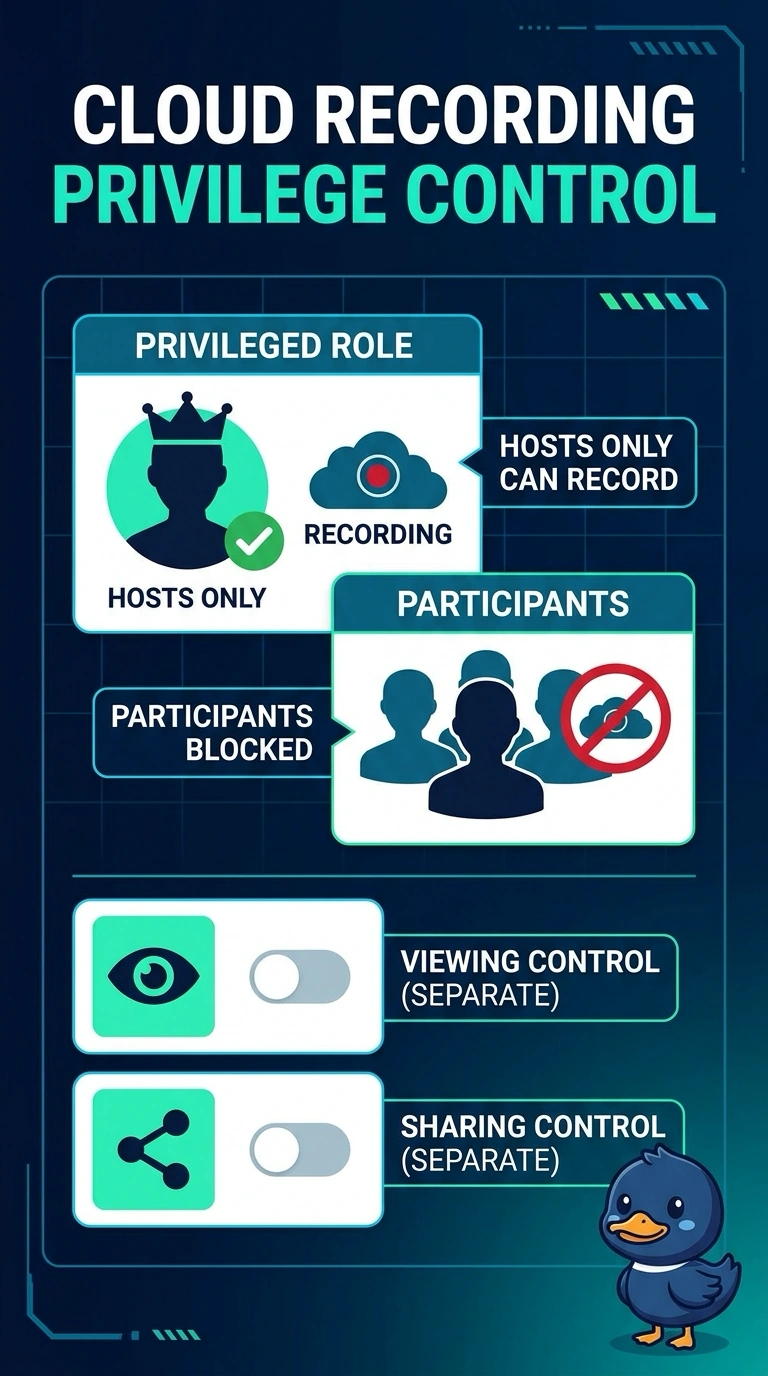
You fix this where recording permission lives — you set cloud recording privileges to hosts only. You stop participants from starting a cloud recording, and viewing and sharing stay as separate controls.
Full Explanation
Cloud recording privilege controls who is allowed to initiate a cloud recording, separate from who can later view or share that recording. Setting cloud recording privileges to hosts only enforces the clinic policy that only hosts may record, preventing participants from starting cloud recordings while leaving playback and sharing permissions to be managed elsewhere. The clinic dial plan, which chooses a route for voice calls and does not decide which internal users can open a meeting recording, handles call routing logic and has no authority over recording initiation rights. A local-gateway trunk registration, which connects the clinic to the PSTN and does not store or share meeting recordings, establishes telephone connectivity and does not grant or deny recording privileges. An endpoint PIN on one room device, which locks that device and does not set who can open recordings across the site, secures physical access to that hardware and does not define site-wide recording policy. Exam caveat: starting a recording is a privilege setting, while viewing and sharing recordings are separate controls. Operational check: restrict cloud recording privileges to hosts, then join as a participant and confirm the record option is unavailable.