
A bank Unified CM export included call park, but the edited migration CSV dropped those park rows before import. Webex Calling has no park data from that file. What must be put back before the import is run again?
Select an answer to reveal the explanation.
Short Explanation
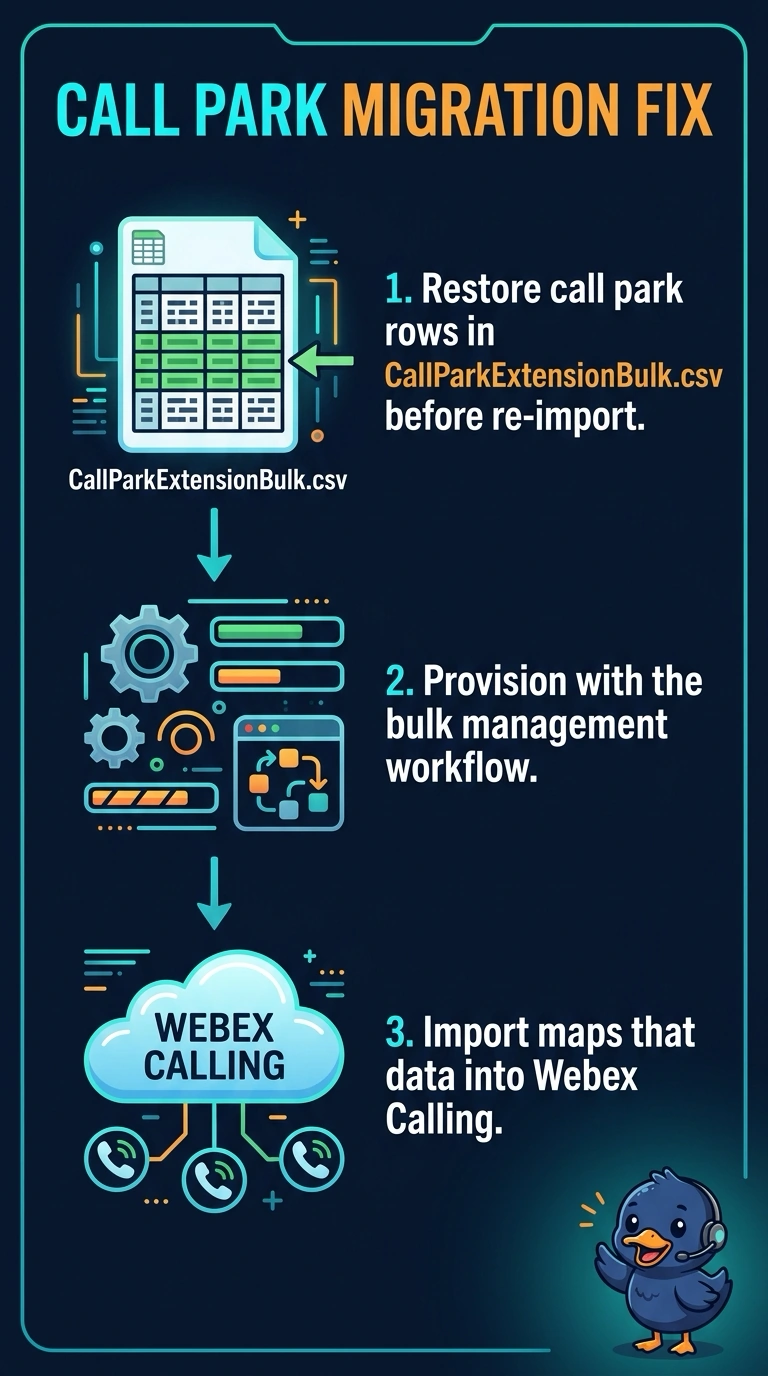
You caught a packing-list gap, so you can fix it before you reload. Restore the call park extension rows in CallParkExtensionBulk.csv and provision them with the call park feature’s bulk management workflow. A new dial plan, hybrid calendar, or health view will not bring back rows you left out.
Full Explanation
Restore the call park extension rows in CallParkExtensionBulk.csv and provision them with the call park feature’s bulk management workflow. The migration maps call park from the export file, so when those rows were dropped the target had no source data to create park extensions. Putting the rows back into CallParkExtensionBulk.csv gives the import the required records, and the call park feature’s bulk management workflow provisions them correctly in Webex Calling. Writing a new dial plan after the import and expecting call park to reappear from the old cluster even though those rows are gone fails because routing logic does not recreate missing extension records. A dial plan controls digit analysis and route selection, it does not invent park numbers that were removed from the file. Turning on hybrid calendar so parked calls appear as meetings on the bank room devices after the import finishes fails because calendar integration surfaces mailbox meetings. Using the Cloud-Connected UC health view as the import and skipping putting the dropped rows back into the file fails because health telemetry is observability only. Viewing cluster health does not execute a feature migration or restore file content. Exam caveat: Call park is file-driven, so deleted rows stay deleted until restored.