
A factory team changes settings on a Webex meetings site and records the work as a Unified CM device migration into Webex Calling. Why is that record wrong?
Select an answer to reveal the explanation.
Short Explanation
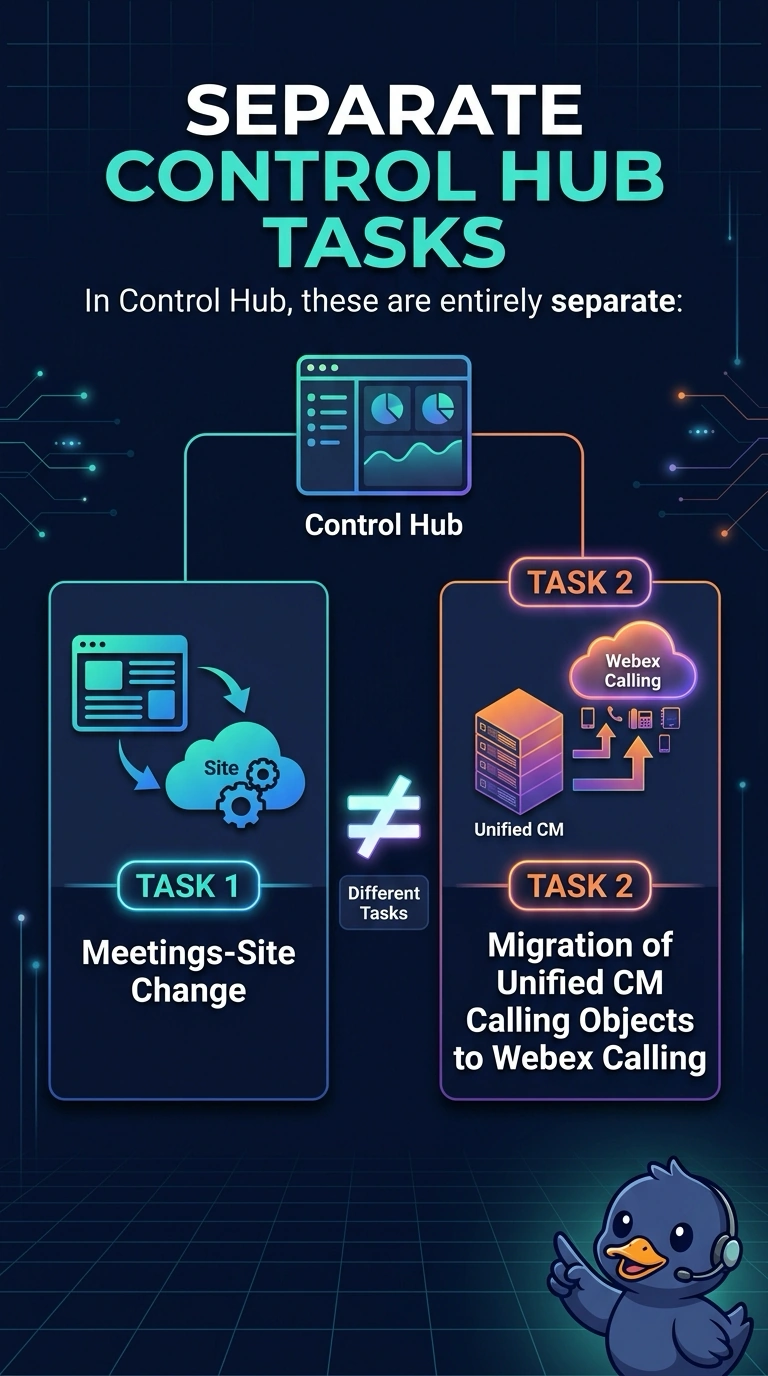
You’re right to keep a meetings-site edit separate from moving the phone system. A meetings-site change and a migration of Unified CM calling objects are different Control Hub tasks, so the site edit is not a device migration.
Full Explanation
A meetings site has its own features and common settings, while migrating Unified CM calling objects is a separate Control Hub task. The factory record is wrong because changing a meetings-site setting does not migrate calling objects. A meetings site and a calling location are not the same object, so editing the site does not move factory trunks or numbers. Cloud-Connected UC analytics does not convert every factory phone to a Webex Calling registration when a meetings-site setting changes; analytics cannot substitute for migration. A meetings-site edit also does not run Unified CM migration or map devices, lines, auto attendants, hunt groups, and call park into Webex Calling. That mapping belongs to the migration process, which uses a Unified CM BAT export and, when mapping auto attendants, the applicable Unity Connection call-handler export. Exam caveat: do not confuse a meetings site with a calling location or treat a site edit as a calling migration. Practical check: verify the factory change was saved on the meetings site, then open Unified CM migration separately to confirm whether devices and lines still need mapping.