
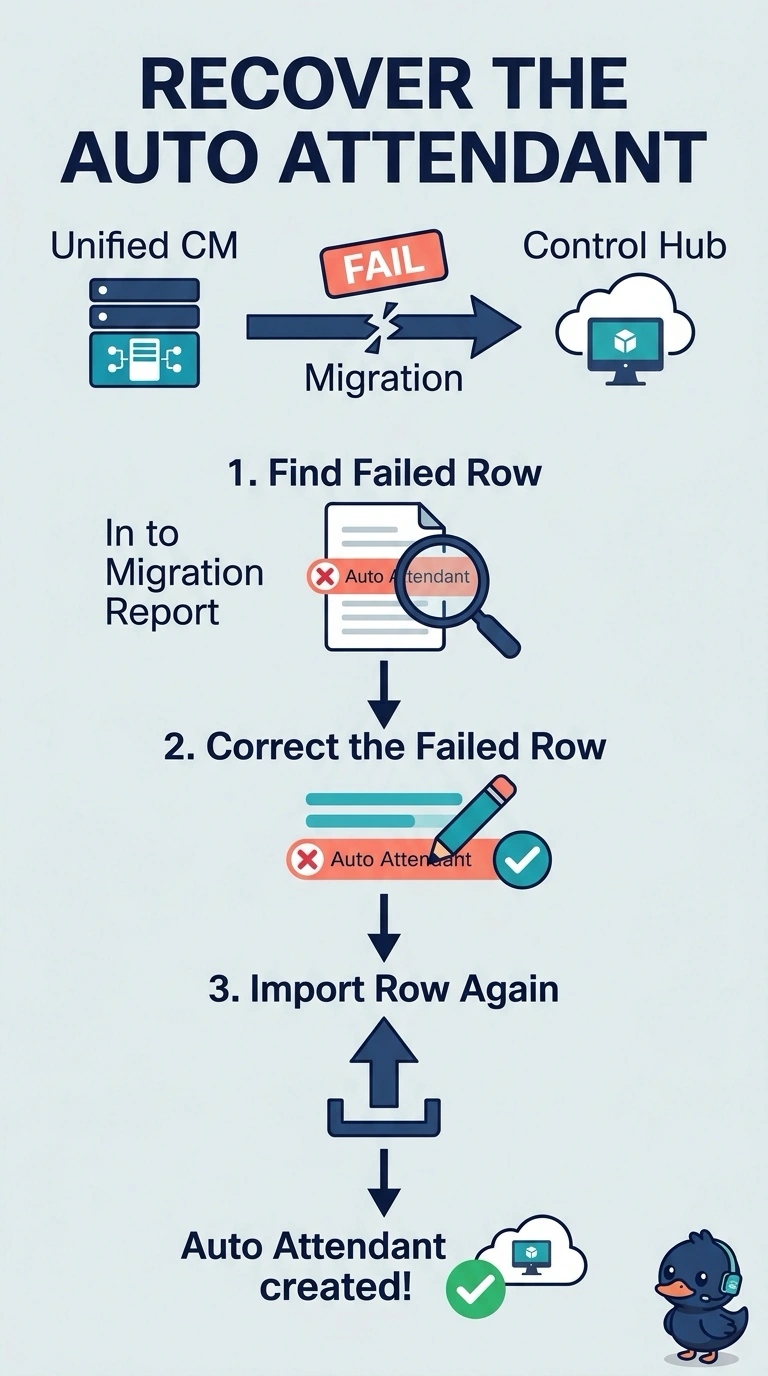
A factory finished a Control Hub migration from Unified CM, but one auto attendant never appeared and its row is marked failed in the migration report. What should the administrator do?
Select an answer to reveal the explanation.
Short Explanation
A failed line on a packing list means that one box never left the dock. You fix that line and send the box, rather than restarting a truck that carries a different load. The trap is rebooting survivability gear or retyping the attendant by hand and calling that the migration.
Full Explanation
The Control Hub migration brings on-premises calling objects toward Webex Calling, and the import maps auto attendants from the Unified CM export. A row marked failed was not created, so you correct the failed auto attendant row in the migration report and import that row again. Rebooting the site Survivability Gateway does not read the migration report. Survivability data is for backup calling during a cloud outage, and it does not rebuild an attendant that the import skipped. Deleting the Unified CM cluster and typing the auto attendant by hand is not the migration tool. That hand entry throws away the mapping the report is there to finish. Directory Connector synchronizes directory users from Active Directory. It does not push an auto attendant into Control Hub as a synced directory user, because an attendant is a calling feature, not a user account. Exam caveat: this migration maps attendants, devices, and related calling data, but it does not natively move Unity Connection voicemail messages. Operational check: open the failed row, fix the field the report flags, import only that row, and confirm the auto attendant appears in Webex Calling.