
Cloud-Connected UC directory service is enabled for a factory, but Unified CM places each user on the wrong user id because the field mapping is wrong. Which change puts each user on the correct user id?
Select an answer to reveal the explanation.
Short Explanation
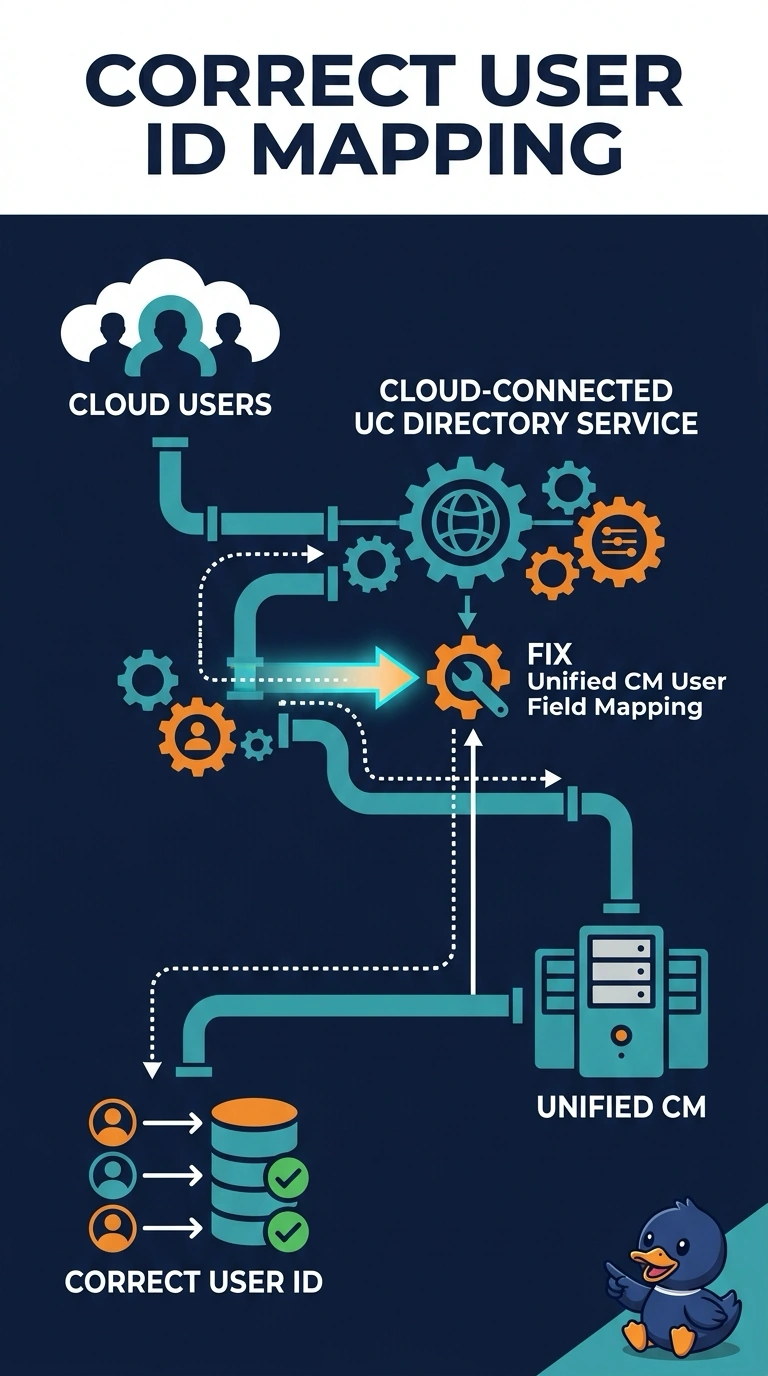
You can get each factory user onto the intended user id by fixing the Unified CM user field mapping in the Cloud-Connected UC directory service. A new PSTN trunk changes a telephone path, not the directory mapping, so it won’t fix the mismatch.
Full Explanation
Cloud-Connected UC directory service can push cloud-directory users into Unified CM, and its field mapping determines which user id each person receives. Fix the Unified CM user field mapping in the Cloud-Connected UC directory service so each cloud user lands on the correct user id; this corrects the factory mismatch while keeping the directory service in use. Building a new PSTN trunk adds a telephone path but does not map directory fields, so it cannot correct the Unified CM user id. Turning off the directory service and retyping every factory user by hand stops the service that pushes users and recreates them outside the intended mapping, rather than fixing the mapping. Changing call permissions on the factory location may allow the wrong user id to place international calls, but it leaves that user id incorrect and changes call authorization instead of directory data. Exam caveat: Cloud-Connected UC directory service is separate from Control Hub user sync; deleting users and retyping them is not the fix for a field-mapping error. Practical check: correct the Unified CM user field mapping, run the directory service sync, and confirm that a factory user lands on the intended user id.