
A hotel connected Unified CM to Cloud-Connected UC and now expects guest phones that still register to Unified CM to hot-desk in Webex. What does that cloud connection change for those phones?
Select an answer to reveal the explanation.
Short Explanation
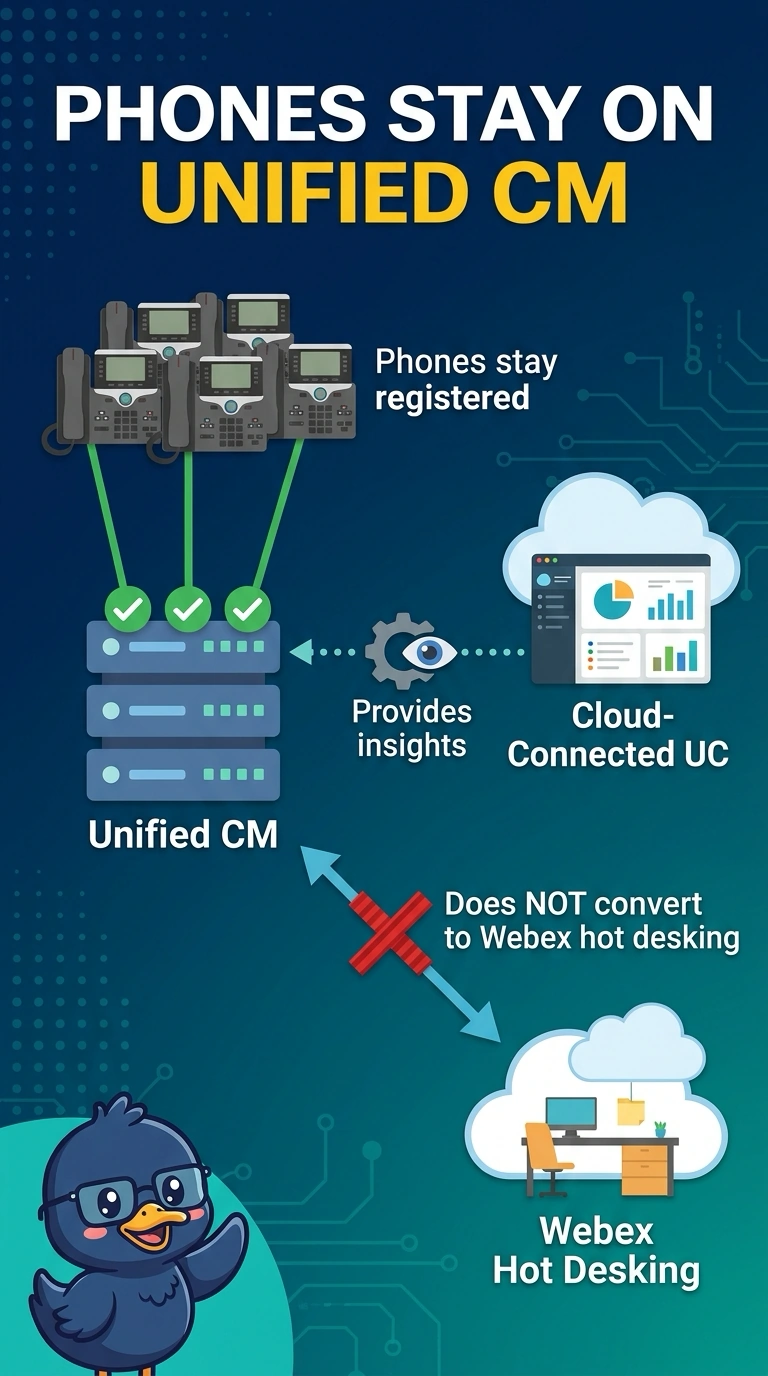
Think of a security camera on the lobby that shows who is in the building without handing every guest a new room key. You still have phones registered to Unified CM, because the insights connection does not turn them into Webex hot-desk devices. The trap is expecting Cloud-Connected UC to move call registration on its own.
Full Explanation
Cloud-Connected UC connects on-premises Unified CM to Control Hub for cloud-connected operations, including insights, and it does not by itself convert every phone to a Webex Calling registration. Guest phones that still register to Unified CM stay there, and those insights do not convert that registration into Webex hot desking. Hot desking is a user signing in to a shared Board or Desk device with a Webex identity, not a new mode for a phone that remains under Unified CM. Converting each registration because the insights connection moves call control overstates what the connection does. Deleting the Unified CM users so phones can be retyped is not what the insights view is doing, and retyping is not the migration tool. A Directory Connector pass synchronizes Active Directory users into Control Hub and does not register hotel phones to Webex. Exam caveat: Cloud-Connected UC can inform a later migration, but the operations view is not the cutover of devices. Operational check: confirm a guest phone still shows registered to Unified CM after the cloud connection is up, and confirm no Webex hot-desk session was created for it.