
A bank wants Cloud-Connected UC insights from two clusters, but only the cluster that was selected shows up. Which change includes the second cluster?
Select an answer to reveal the explanation.
Short Explanation
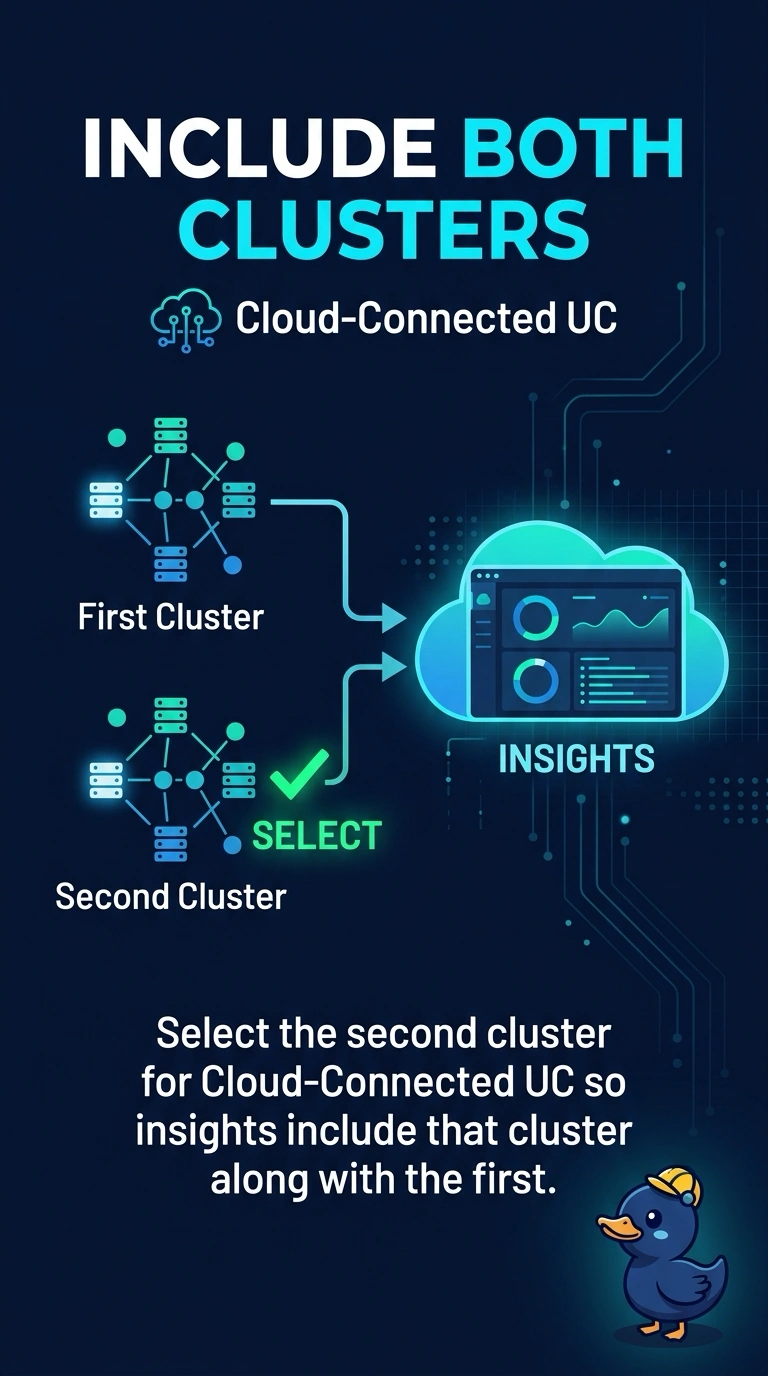
A telescope aimed at one roof cannot tell you what is happening on the building you never turned it toward. You select the second cluster for Cloud-Connected UC so insights include that cluster too. A connector view of the first cluster does not invent the other one.
Full Explanation
Cloud-Connected UC reports on the on-premises clusters you select, and a view of one cluster does not invent another. Select the second cluster for Cloud-Connected UC so insights include that cluster along with the first, which is how the bank brings the missing cluster into the same operations view. Add a translation pattern named for the second cluster, which rewrites called digits and does not select that cluster for insights, and you edit the dial plan instead of the cluster selection. Build a PSTN trunk on the first cluster and expect that trunk to invent the missing cluster in the connector view and you add a telephone path on the cluster that is already visible. Turn on hybrid calendar for the bank so meeting joins also subscribe the cluster that was never selected and you connect mailboxes to meetings, which does not choose a Unified CM cluster for Cloud-Connected UC. Exam caveat: Cloud-Connected UC connects the clusters you include, and it does not by itself convert every phone to a Webex Calling registration. Operational check: confirm both bank clusters are selected and that insights show the second cluster rather than only the one that was connected first.