
A bank Cloud-Connected UC connector is down, and Control Hub shows the Unified CM cluster as stale. A colleague suggests registering a local gateway to refresh that view. Which action restores the cluster data?
Select an answer to reveal the explanation.
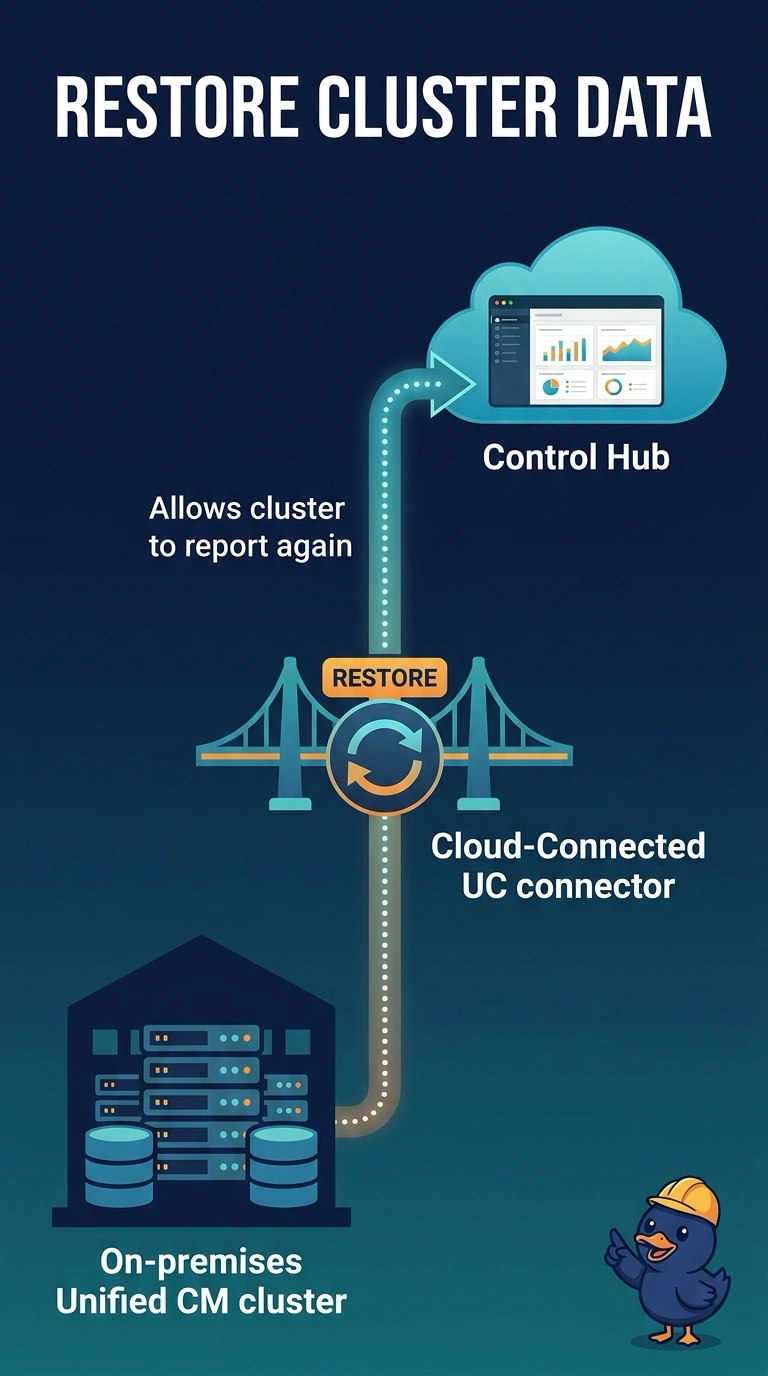
Short Explanation
A dark board in the lobby usually means the reporting line is unplugged, not that the building vanished. You restore the Cloud-Connected UC connector so the Unified CM cluster can report into Control Hub again. The trap is registering a local gateway and treating that trunk as the cluster health feed.
Full Explanation
Cloud-Connected UC is the link that lets an on-premises Unified CM cluster report into Control Hub. When that connector is down, the cluster view goes stale, and the repair is to restore the Cloud-Connected UC connector so the on-premises Unified CM cluster can report into Control Hub again. Registering a local gateway trunk and treating that registration as the data feed for Unified CM cluster status watches a calling trunk, and a local gateway registration does not feed Unified CM analytics. Deleting the Unified CM cluster from the records and retyping every bank user by hand into Control Hub as the migration path throws away the cluster and retypes users, which is not the migration tool and does not restore the connector. Turning on hybrid calendar for the bank mailboxes so meeting join status stands in for the stale cluster view connects mailboxes for meetings and does not report Unified CM health. On the exam, a stale Cloud-Connected UC cluster is repaired by restoring that connector. In operations, bring the connector back and confirm the cluster is no longer stale, without using a local gateway registration as the proof.