
A hospital Unified CM cluster was never activated for Cloud-Connected UC, and Control Hub shows no deployment insights for that cluster. Which action makes those insights available?
Select an answer to reveal the explanation.
Short Explanation
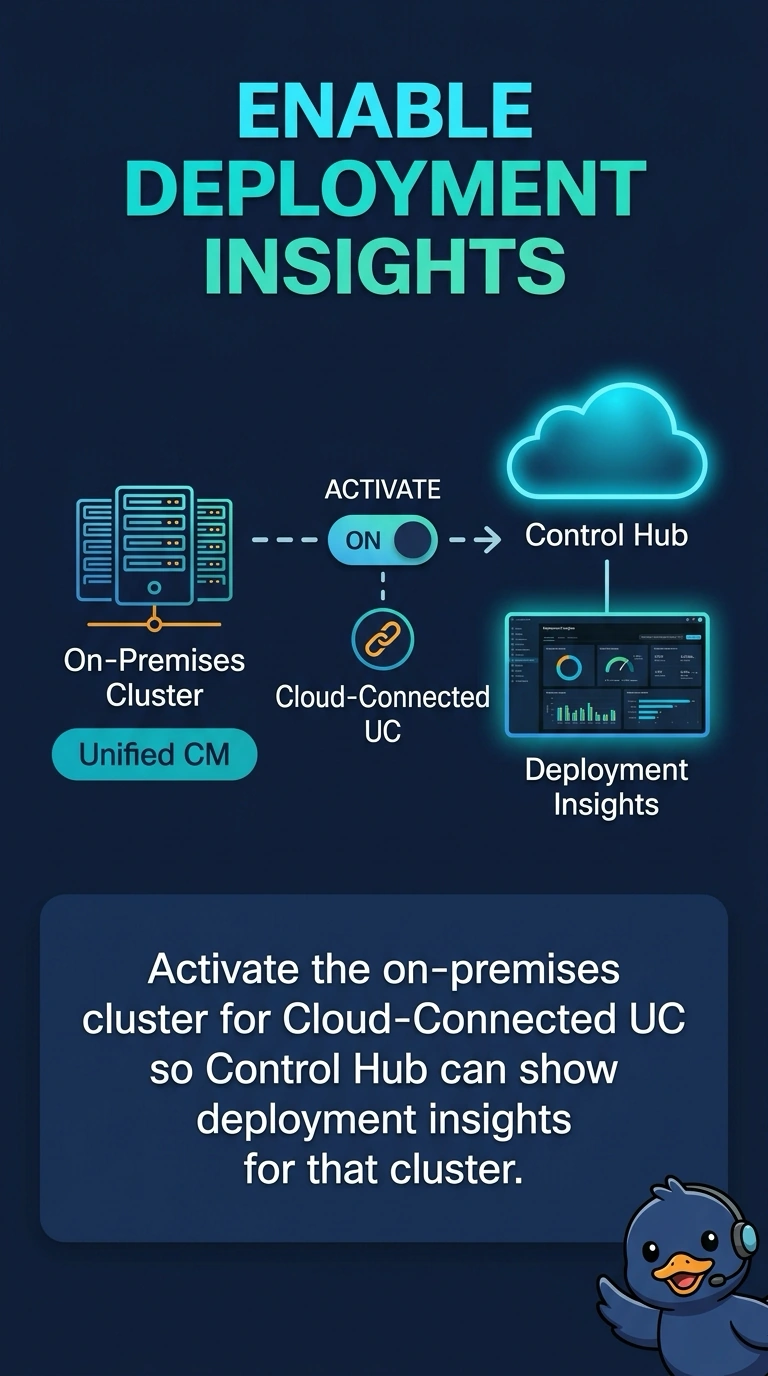
Think of a hospital wing that was built and never plugged into the monitoring desk, so the desk shows an empty floor. You activate the on-premises cluster for Cloud-Connected UC so Control Hub can show deployment insights for that cluster. The trap is buying a meetings site, loading a device macro, or rotating a provisioning token and expecting those to wake the cluster.
Full Explanation
Cloud-Connected UC is the connection that lets Control Hub see an on-premises Unified CM cluster for cloud-connected operations, including deployment insights. A cluster that was never activated has nothing to report, so the action is to activate the on-premises cluster for Cloud-Connected UC so Control Hub can show deployment insights for that cluster. Purchasing another meetings site, because a meetings site is what collects Unified CM deployment insights, adds a meetings site, and a meetings site does not connect the cluster or collect those insights. Installing a RoomOS macro on a hospital device and having that macro upload cluster deployment insights runs JavaScript on a room device, and a device macro is not the cluster connection. Rotating the directory provisioning token, because a token refresh activates Cloud-Connected UC for a cluster, refreshes a directory credential, and a token refresh does not activate the cluster. Exam caveat: Cloud-Connected UC does not by itself convert every phone to a Webex Calling registration, and it does have to be activated before insights appear. Operational check: activate the hospital cluster, wait for it to show as connected, and confirm deployment insights appear for that cluster rather than for a meetings site.