
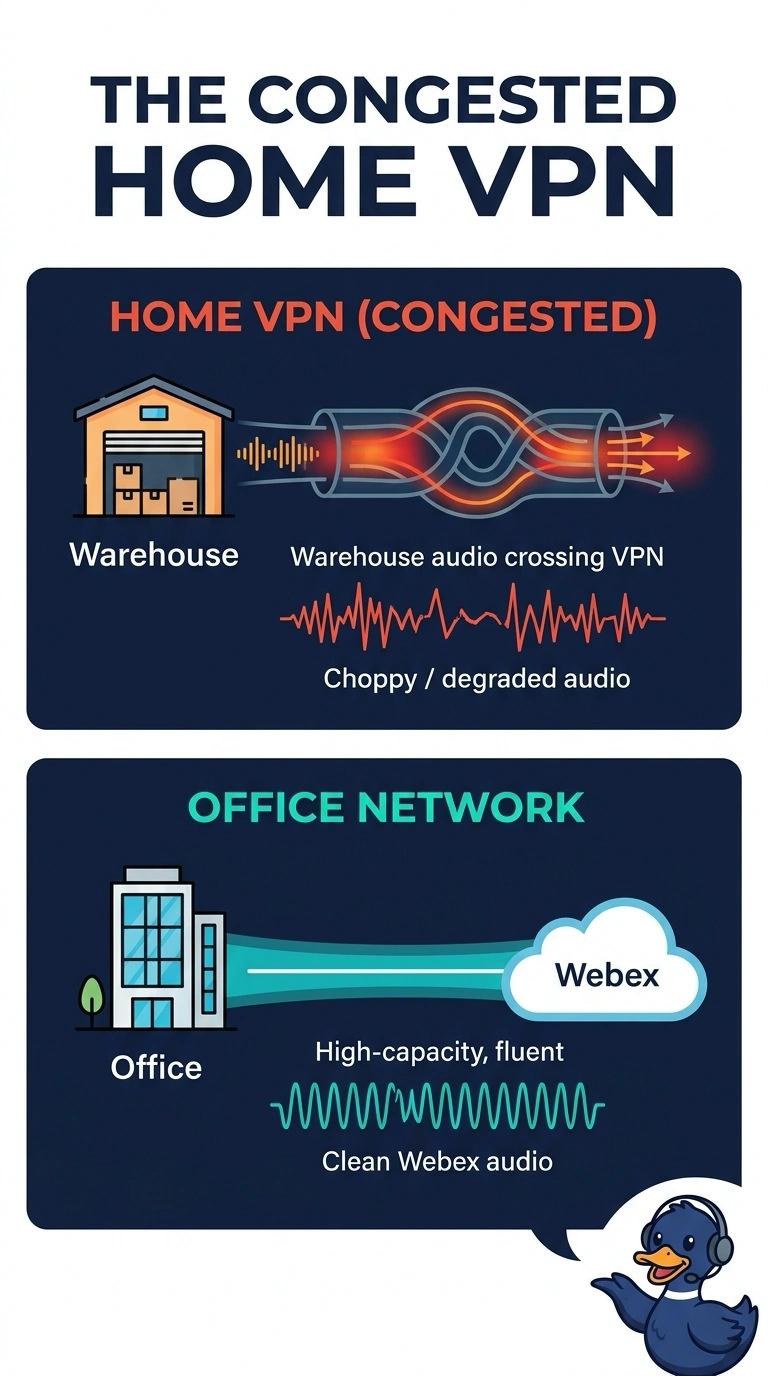
Warehouse staff on a congested home VPN report poor Webex audio, while the same people sound clear on the office network. Opening the office firewall toward the Survivability Gateway has been suggested. What is the constraint?
Select an answer to reveal the explanation.
Short Explanation
When you get clear audio on the office network but poor audio over the home VPN, focus on the congested home path. Opening the office firewall toward the Survivability Gateway won’t relieve that congestion. A directory resync or an international-calling permission won’t change the audio path either.
Full Explanation
The same people have clear audio on the office network and poor audio on a congested home VPN, so the variable is the home path, not the warehouse calling service. The congested home VPN carrying the audio is the constraint. Opening the office firewall toward the Survivability Gateway so home audio hairpins through that registrar does not widen the home VPN. Survivability provides a local fallback registrar during a site outage; home-VPN calls do not fail over to that gateway, and a firewall change cannot add capacity to the congested home link. Forcing a directory resync to give home users a different media setup invents a directory cause: synchronization does not assign media paths based on whether someone works from home, and the clear office calls show the users themselves are fine. Granting international-calling permission only away from the office treats a call permission as though it shaped audio. Permissions allow or block a call type; they do not relieve VPN congestion, and the complaint is audio quality, not a blocked destination. Exam caveat: prefer voice and video over bulk transfers on the congested path. Practical check: place the same test call on the office network and the home VPN, then confirm that poor audio follows the home path only.