
Webex calls at a school downshift in quality whenever a large file share starts, and the phones stay registered the entire time. What kind of problem is this?
Select an answer to reveal the explanation.
Short Explanation
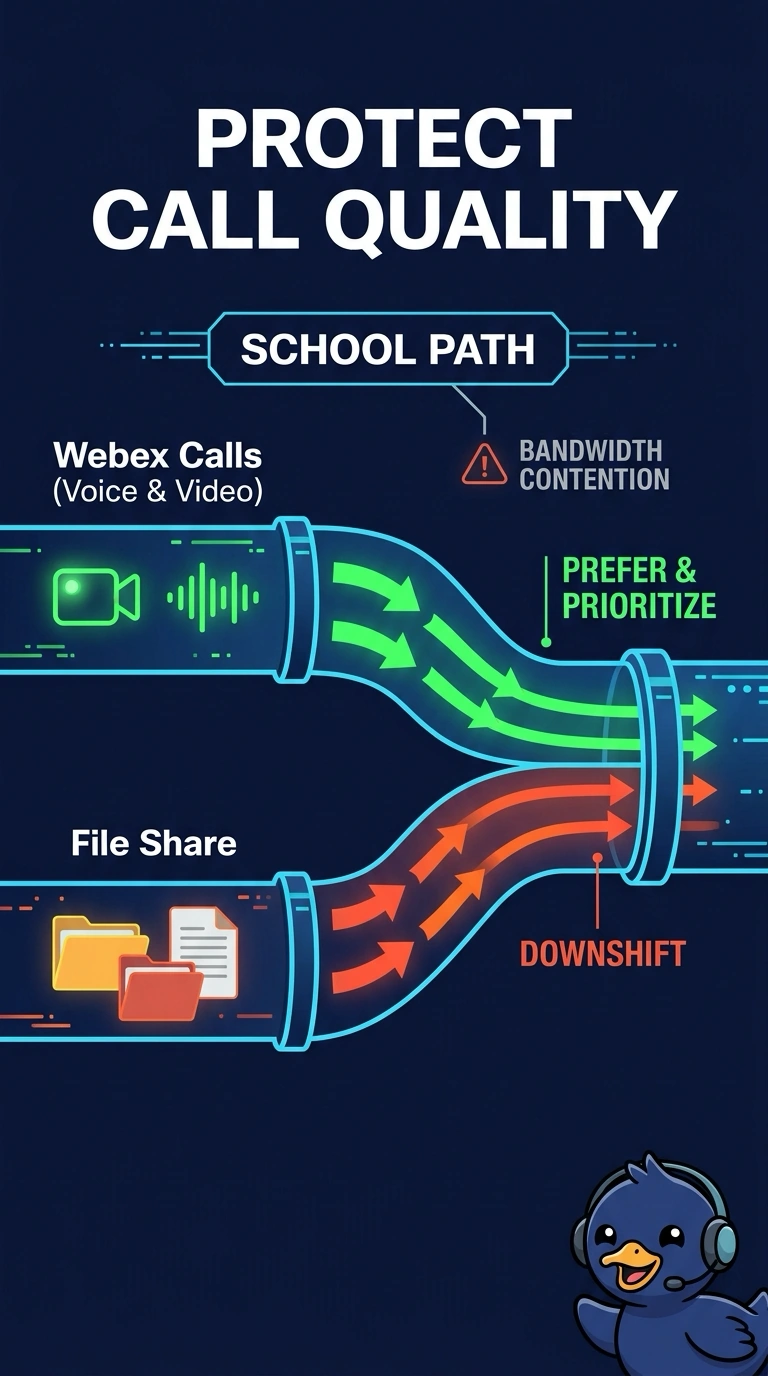
Quality that drops only when the file share starts is like traffic slowing for a truck convoy while every car is still on the road. You treat it as bandwidth contention and prefer voice and video. The trap is factory-resetting phones that never lost registration.
Full Explanation
The phones stay registered, so this is not a registration failure. The downshift lines up with a large file share, which means the path is congested and voice and video are not preferred over that bulk transfer. You treat the downshift as bandwidth contention on the school path the file share is filling. Factory-resetting the phones assumes each phone has lost its registration to the cloud. They have not, and a reset does not give voice and video priority over the file share. Resyncing Directory Connector repairs directory ownership problems, such as a stopped connector or a hand-added user. Call quality does not drop because directory records and the file share disagree, and a resync does not change the WAN. Resetting single sign-on restarts authentication. A heavy file share does not make the identity provider throttle the media, and single sign-on is not the priority mechanism for voice and video. Exam caveat: a path that never carries the media will not show this loss, so make sure the file share and the calls actually share the link you are inspecting. Operational check: place a call while the file share is running and confirm the downshift eases when voice and video are preferred over that transfer, with the phones still registered.