
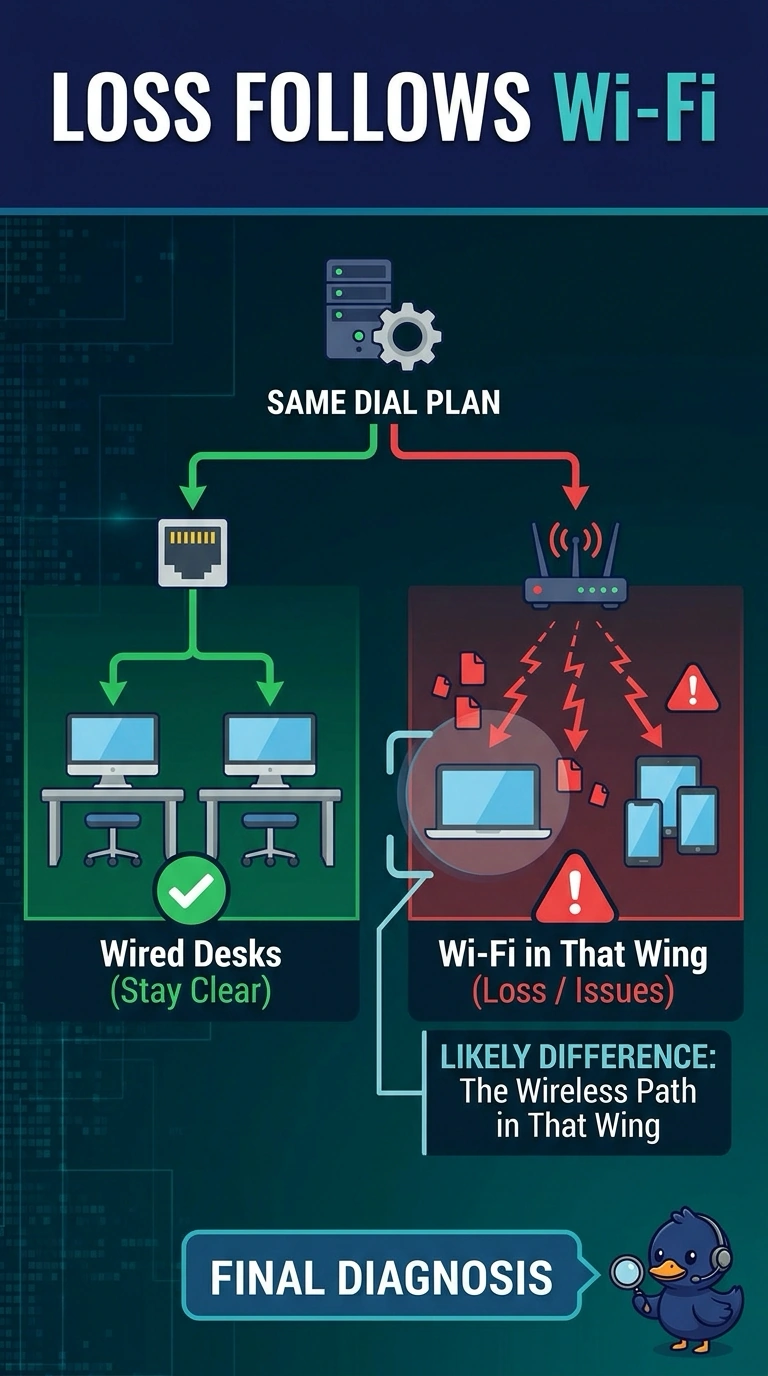
Video calls from a clinic wing on Wi-Fi show loss, while wired desks in the same clinic and on the same dial plan stay clear. What explains the difference?
Select an answer to reveal the explanation.
Short Explanation
When only the clinic wing’s Wi-Fi calls lose video, you can focus on the wireless path rather than the shared dial plan. Since wired desks on that same plan stay clear, the difference is the Wi-Fi path; resyncing the directory would not fix it.
Full Explanation
The wireless path in the clinic wing is the likely cause because the loss follows Wi-Fi, while wired desks at the same clinic on the same dial plan stay clear. Real-time video needs a path that can carry it, and the wireless path is the relevant difference here. The shared dial plan is not a good explanation: it is shared with wired desks that stay clear, so it cannot account for loss limited to the Wi-Fi wing. A directory mismatch is also not the cause. User sync marking wireless handsets as unregistered does not itself create packet loss; an unregistered device would fail to connect rather than show loss on an established call. Single sign-on is an authentication function, and an identity redirect does not explain video dropping on Wi-Fi while wired desks remain clear. Exam caveat: Treat this as a path problem, not a single sign-on failure or directory fault, and do not invent a marking value for a medium used only in one wing. Practical check: Place the same video call from a Wi-Fi room and a wired desk, confirm that loss stays on the wireless path, and leave the shared dial plan unchanged.