
Park rangers use managed laptops on campground networks the agency does not operate. Other campers can reach a laptop that answers unsolicited probes. Which design stops those probes on the laptop?
Select an answer to reveal the explanation.
Short Explanation
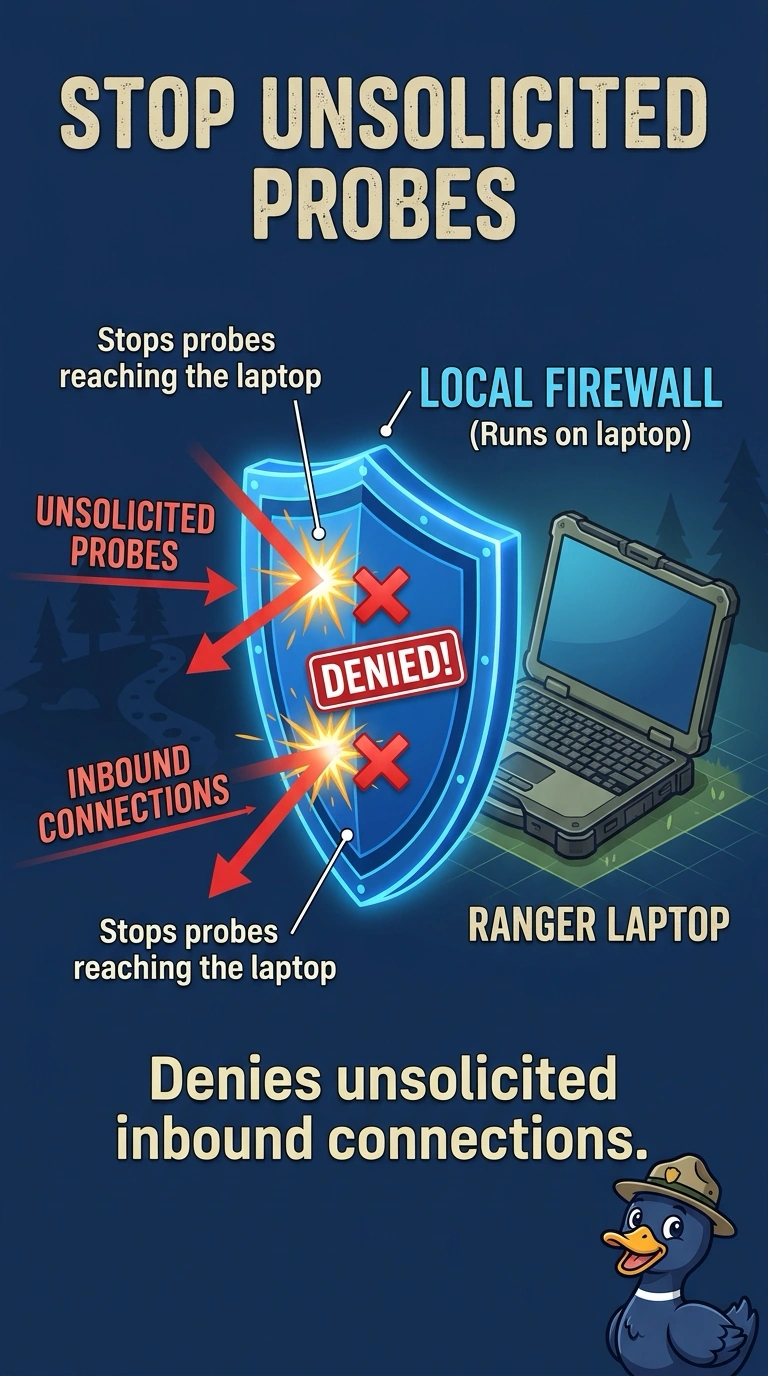
Your ranger is on someone else's porch, so the lock has to be on the laptop itself. You deny unsolicited inbound connections with a local firewall. A data-center rule, disk encryption, or a mail sandbox never stands on that porch.
Full Explanation
The laptop is off the agency's network, so the only firewall in the path of a camper's probe is the one on the laptop. A local inbound deny stops unsolicited connections while the ranger still reaches the services the laptop initiates. The data-center firewall is not in front of the campground, encryption does not filter live packets, and mail controls do not see LAN probes. A local firewall on the ranger laptop that denies unsolicited inbound connections is the design that meets this requirement. A rule on the agency data-center firewall for traffic that stays on the campground is the wrong fit because campground traffic stays on the campground network, so a data-center rule never evaluates the probe. Disk encryption that protects files at rest and does not stop a live inbound probe is the wrong fit because disk encryption protects data at rest and does not accept or refuse a packet aimed at a listening port. A mail sandbox with no view of probes aimed at the laptop on the campground LAN is the wrong fit because a mail sandbox detonates messages and has no view of a probe from another device on the campground LAN. Exam caveat: A local deny must still allow the management agent to check in, or the laptop becomes a device you can no longer patch while it is in the field. Operational check: On a lab laptop using a hostile shared segment, confirm an unsolicited inbound probe is dropped and an outbound connection the ranger starts still succeeds.