
A courier will store customer signatures and delivery photos on handhelds that work in basements with no network. Which endpoint control belongs on those handhelds before they leave the depot?
Select an answer to reveal the explanation.
Short Explanation
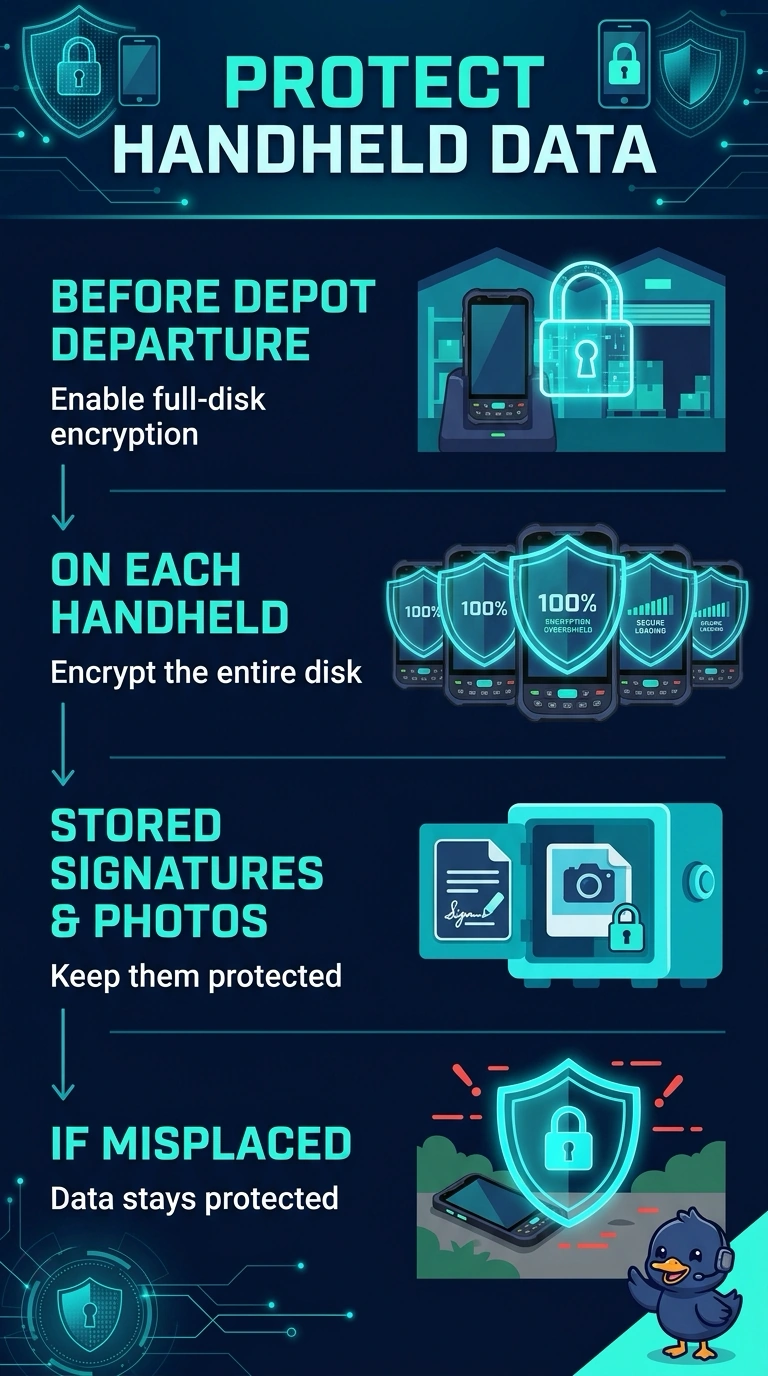
If the pocket computer cannot phone home, the lock has to be on the disk. You encrypt the handheld before it leaves with customer signatures. A virtual desktop, a queued erase for a device that is not lost, or network isolation does not protect that offline disk.
Full Explanation
The signatures live on the handheld itself, often with no network at all. Full-disk encryption means a misplaced device does not hand those files to whoever holds it, which is the control that has to be in place before the handheld leaves the depot. A virtual desktop cannot be reached in a basement. Erase and network isolation are responses for a device you are managing after something goes wrong, not the at-rest control for every unit going out. Full-disk encryption so a misplaced handheld does not yield the signatures and photos is the design that meets this requirement. A virtual desktop the handheld cannot reach while it is offline in a basement is the wrong fit because a virtual desktop needs a network path, and these handhelds must show the signature file while they are offline. A remote cryptographic erase queued for handhelds that have not been reported lost is the wrong fit because cryptographic erase is the response after a device is lost, not the control that protects every handheld leaving the depot. Endpoint network isolation for a handheld that is not beaconing and is not on a network is the wrong fit because network isolation acts on a host the company can still reach, and it does not protect files on an offline handheld. Exam caveat: Encryption protects the files only when the key is not stored in the clear on the device, and a handheld left unlocked in a cab is a different problem from a powered-off disk. Operational check: Image a lab handheld that holds a signature file, power it off, remove the drive, and confirm the file is not readable without the disk encryption key.