
Months after an aquarium vendor left, that vendor's permanent account changed life-support controllers. The password was reset on the same permanent account. Which redesign follows from the incident?
Select an answer to reveal the explanation.
Short Explanation
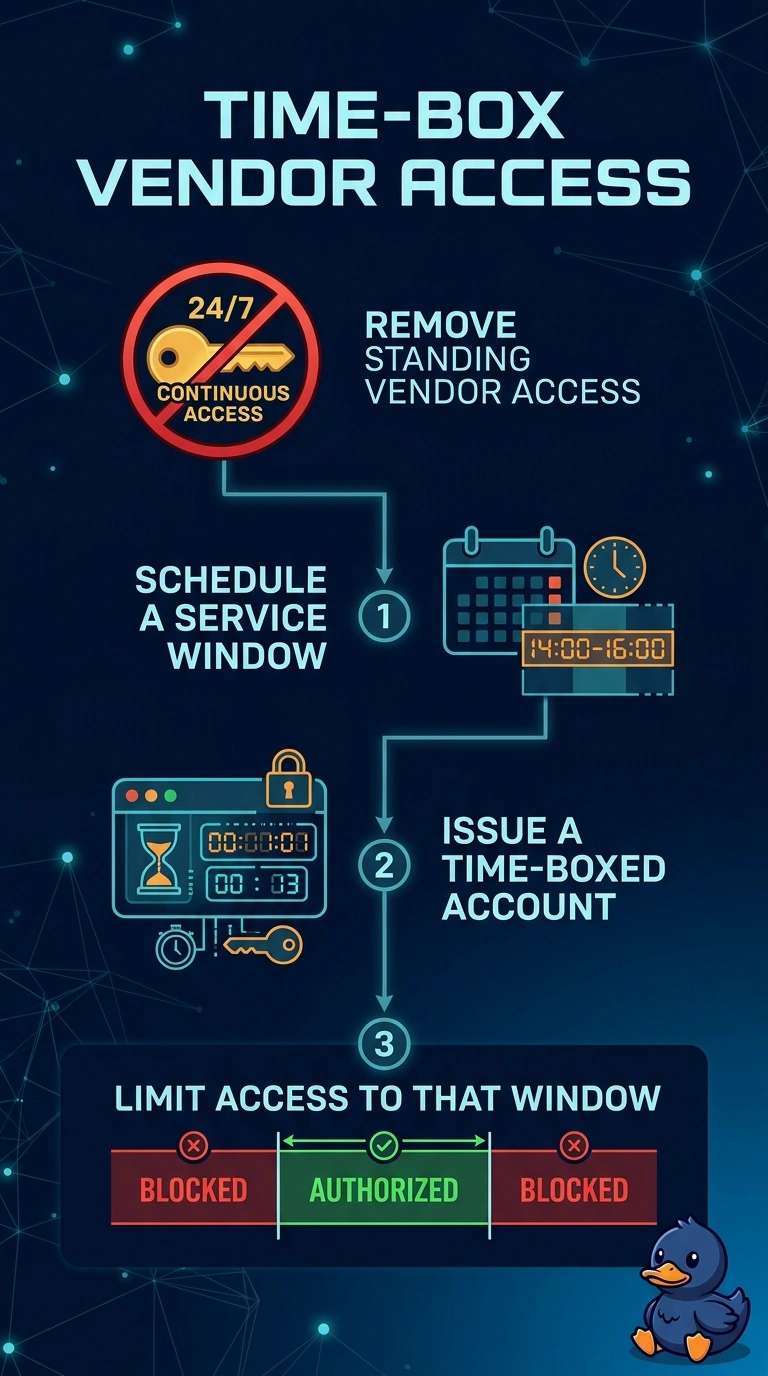
You close the lasting access path by removing standing vendor access and issuing a time-boxed account only for a scheduled service window. Restoring the controller configuration, choosing a longer password, or adding separate lobby wireless would leave the permanent vendor account enabled. That account was the risk, not the lobby network.
Full Explanation
The incident succeeded because the vendor account outlived the vendor; resetting the password on a permanent account still leaves a standing path that could be reused. Remove standing vendor access and issue a time-boxed account only for a scheduled service window, then remove the account when the window ends. Restoring last month's controller configuration while keeping the same permanent vendor account does not remove that standing access, so the controllers remain reachable through the account used after the vendor departed. Setting a longer password on the permanent account may make guessing harder, but the account remains enabled between visits and does not address the persistent access path. Adding visitor wireless in the lobby, separate from the life-support network, does not change the vendor account or address the path that reached and changed the controllers. The time-boxed account is the redesign that matches the incident: access exists only for the authorized service window. Exam caveat: A scheduled window is useful only if the account expires afterward; a time-boxed label without actual expiration would preserve standing access. Operational check: After a test window ends, confirm the vendor account is gone and its login fails, then verify that a current window's account succeeds only while that window is open.