
A university lab PC was reimaged after a cryptominer, and the miner returned the same week because student accounts still have local administrator rights. Which redesign removes the condition that let the miner return?
Select an answer to reveal the explanation.
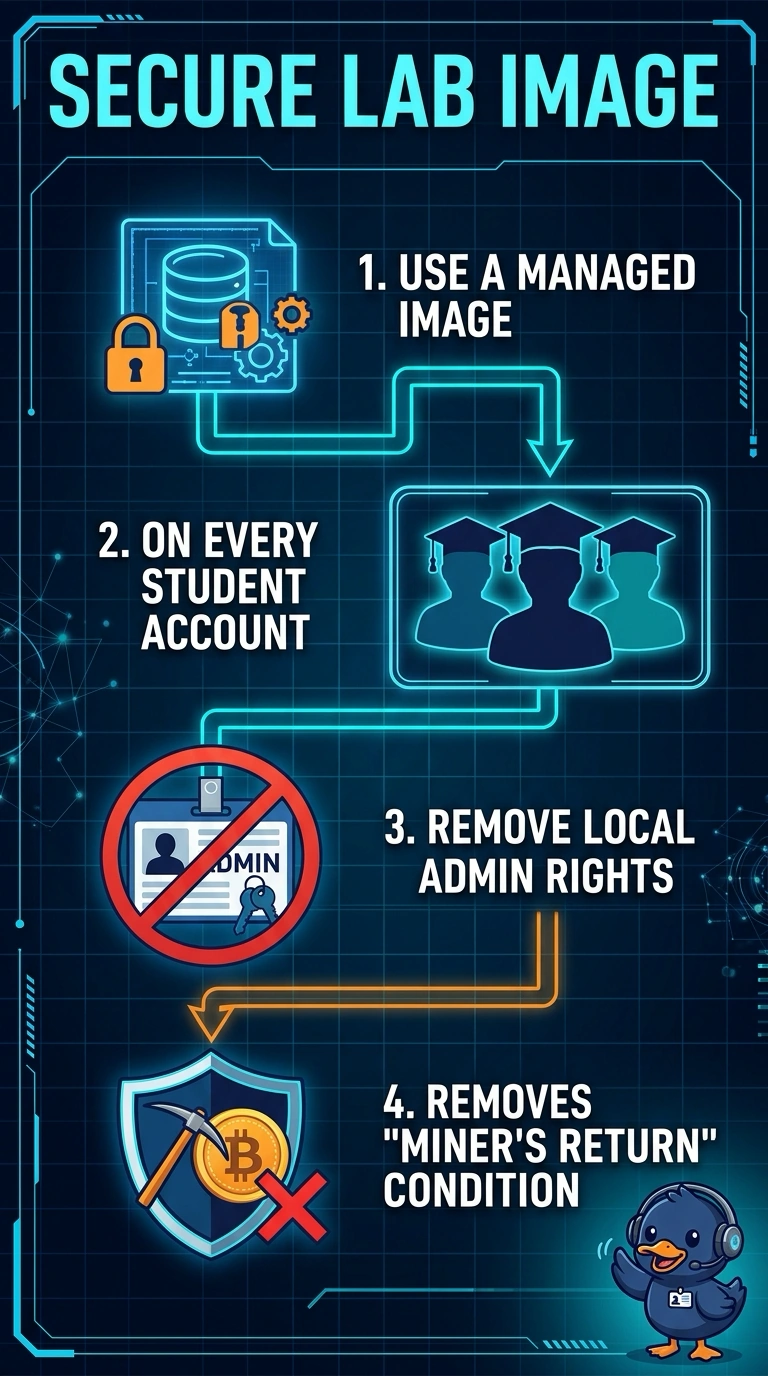
Short Explanation
You can keep the miner from returning by using a managed image that removes local administrator rights from every student account. Reinstalling with those rights, adding disk space, or making the image publicly available leaves the condition that enabled the miner in place.
Full Explanation
The miner returned because student accounts retained local administrator rights after the lab PC was reimaged, allowing students—and any malware running under their accounts—to install software. A managed image that removes local administrator rights from every student account closes that privileged installation path and removes the condition that let the miner return. The change addresses permissions, not merely the machine’s software state, so verify that standard student accounts cannot install or run the miner through another execution path. Reinstalling the lab image from clean media while preserving student accounts with local administrator privileges restores the same risky design; a clean image does not help if students can again install software with elevated rights. A larger disk allocation gives class files and cached tools more room but changes storage capacity, not installation permissions. A public download page lets students fetch and reinstall the lab image, but it does not remove local administrator rights from the accounts they use on the machines. Exam caveat: If a class needs one elevated tool for a single meeting, use time-limited managed elevation rather than a standing local administrator account built into the image. Practical check: Image a lab PC from the new build, sign in as a student, confirm that a local software installation is denied, and confirm that an instructor elevation request still succeeds.