
A film studio's editors copy customer lists to USB drives from laptops that are often off the studio network. The network proxy never sees those copies. Which control matches the flow?
Select an answer to reveal the explanation.
Short Explanation
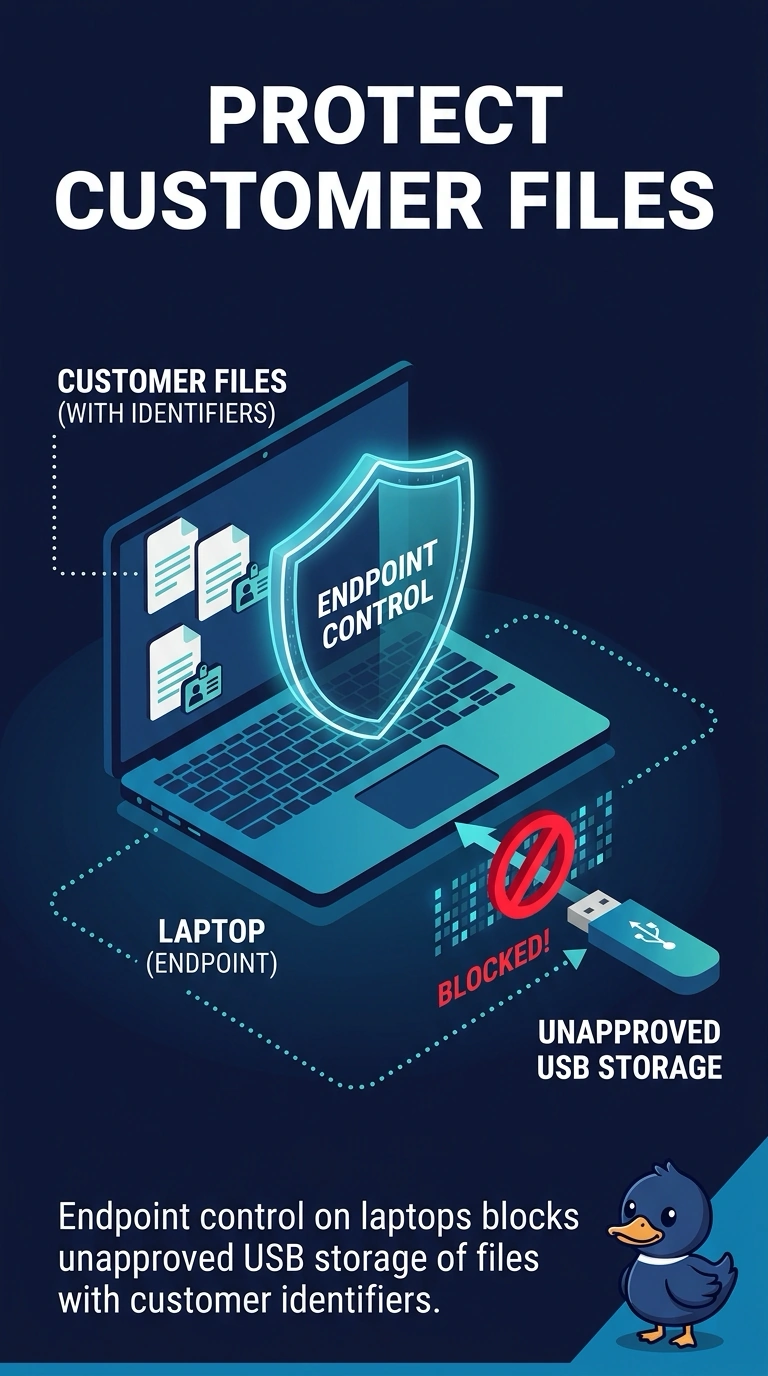
You need a control that can protect the copy right on the laptop, even when it’s off the studio network. An endpoint control can block unapproved USB storage; mail scanning, website TLS offload, and a storage-array firewall rule don’t see that USB copy.
Full Explanation
The loss happens on the laptop, often with no network path at all. An endpoint control can see the file and USB device together and block the copy when the file contains customer identifiers, so it matches the flow. A mail filter that scans attachments sent through the studio gateway sees gateway mail, not a USB copy made while the laptop is offline. TLS offload on the studio’s public website handles website traffic; it does not monitor a laptop’s USB ports or block files copied to removable storage. A firewall rule that allows the editing application to its storage array governs that network path, not removable media, and therefore does not prevent the USB copy. These controls may be useful for their respective flows, but none substitutes for endpoint enforcement here. Exam caveat: Editors may have a legitimate need for approved encrypted media, so make an exception for the approved device identity rather than allowing every USB disk. Practical check: On a lab laptop, copy a file containing a test customer identifier to a USB disk and confirm the endpoint blocks the copy and logs the device.