
A packaging plant's pipeline scanned a container, reported no known flaw and no secret, and the cluster admits only signed images. This image is unsigned. What is the next pipeline step?
Select an answer to reveal the explanation.
Short Explanation
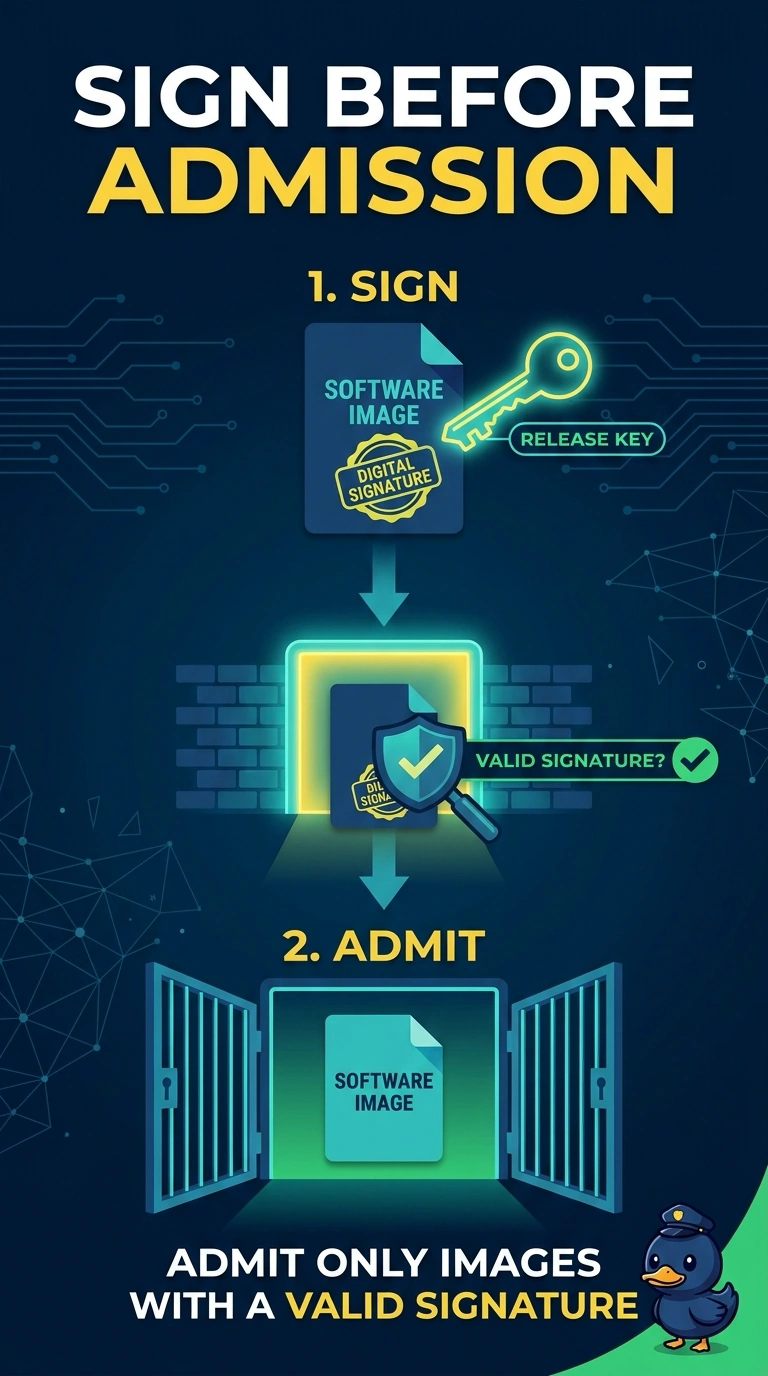
The door will open only for a package that carries the seal. You sign the image with the release key and you admit only a valid signature. A password rotation, a cloud-template gate, or a firewall approver does not seal this image.
Full Explanation
Admission is failing closed because the signature is missing, and the scanner already reported a clean image with no secret, so a secret rotation does not answer the reject. Signing with the release key and checking that signature at admission is the step in front of this pipeline. A cloud-template gate and a firewall approval belong to other changes. Sign the image with the release key and admit only images that present a valid signature is the design that meets this requirement. Rotate a database password that the scan did not find in the image or the pipeline logs is the wrong fit because no secret was exposed, so rotating a password does not satisfy an admission rule that demands a signature. Add a policy gate on a cloud template this container pipeline is not applying is the wrong fit because the failure is an unsigned image, and a template gate does not sign it or change admission. Hold for a second approver on a firewall change that is not part of this pipeline is the wrong fit because a firewall approval sits on a different pipeline and does not put a trusted signature on this image. Exam caveat: The cluster has to trust the same key the pipeline uses, so a signature from an unrelated key stays rejected and an unsigned image is not waived through by hand. Operational check: Submit the unsigned image and confirm admission rejects it, then sign it with the release key and confirm a matching image is admitted and recorded.