
A warehouse already has the correct Cisco Secure Access rule for a branch application, but that branch is not steered into Secure Access. Why does the rule fail to match?
Select an answer to reveal the explanation.
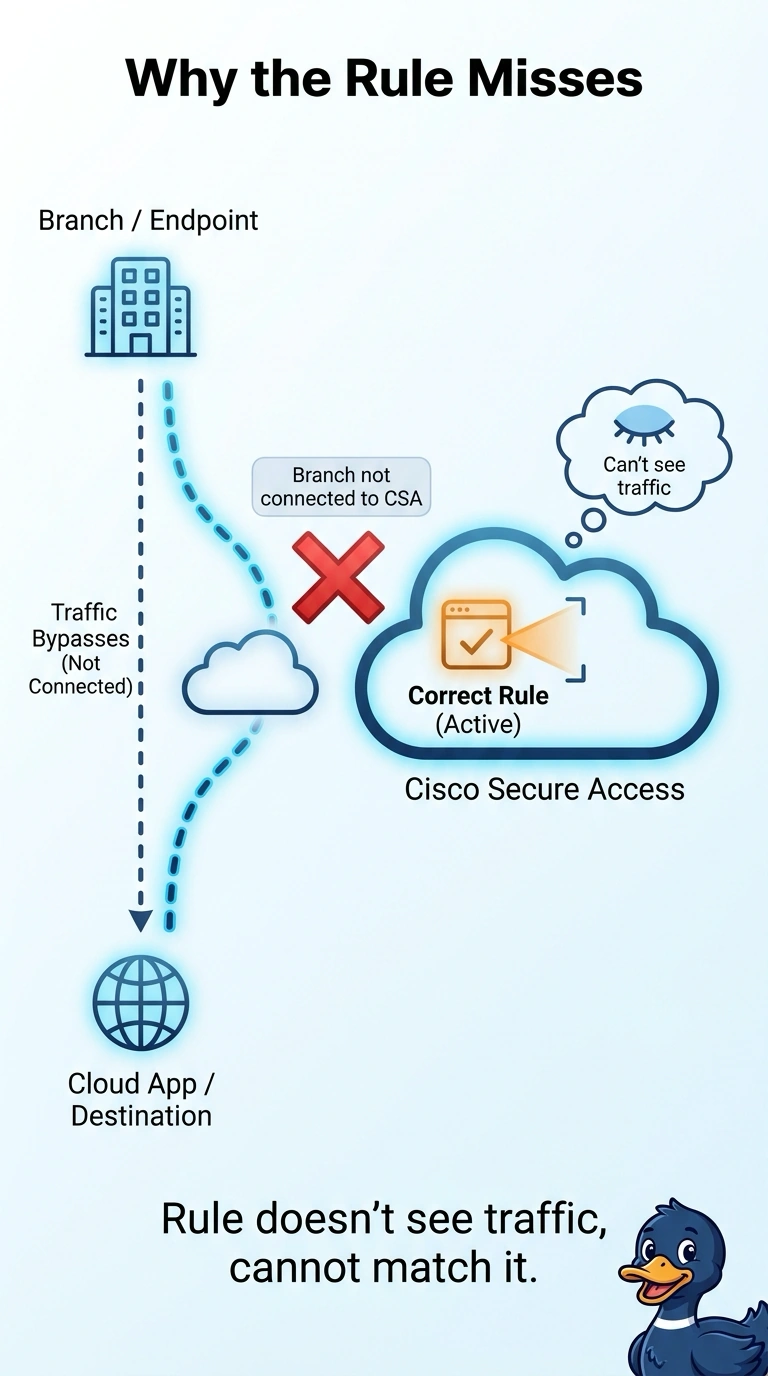
Short Explanation
A perfect sign on a highway you do not enter will not change the drive. You connect the branch into Secure Access first, or the correct rule cannot match traffic it does not see. The trap is editing a web category or adding a local escape while the branch is still unsteered.
Full Explanation
A correct Secure Access rule matches traffic only after that traffic is steered to the edge. The branch is not connected into Secure Access, so this correct rule does not see the traffic and cannot match it. Connect that branch path before you edit the rule. The web category on the rule is blocking the flow, even though the branch traffic does not arrive at the edge, blames a category the packets never reach. A local allow-all breakout already equals the cloud rule, so steering this branch into the edge is optional, treats an escape that skips the edge as if it were the same decision as the cloud policy. An east-west data-center firewall is the match point for this branch flow that stays off the Secure Access path only if the flow were an internal server-to-server hop, which is not the branch application the rule was written for. Exam caveat: an unsteered branch makes every cloud rule look idle. Fix steering before you tighten a rule that is not in the path. Operational check: confirm the branch tunnel or steering is up, then generate a test flow and find it matching the existing rule.