
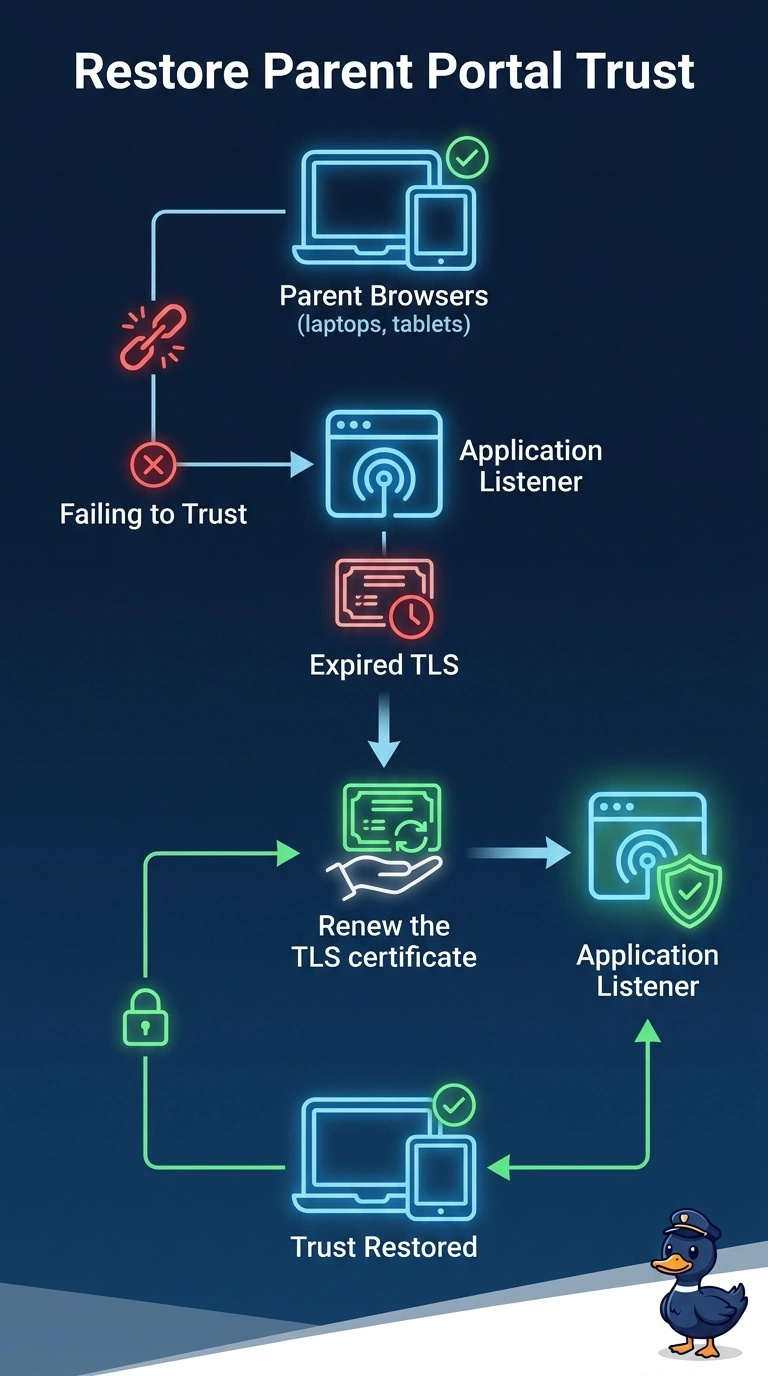
Parents cannot open a school enrollment portal because the TLS certificate on the application listener has expired and clients fail the trust check. Which fix restores that listener?
Select an answer to reveal the explanation.
Short Explanation
Think of an expired badge on the front door, which a truck tunnel in the back lot will not renew. You renew the TLS certificate on the application listener the browsers are failing to trust. The trap is bringing up an IPsec tunnel, or encrypting the database, and expecting the browser warning to disappear.
Full Explanation
Clients fail trust when the certificate on the application listener is expired, and the fix is to renew that certificate so the validity window is current again. Renewing the TLS certificate on the application listener that the parent browsers are failing to trust restores the listener. Bringing the site-to-site IPsec tunnel up does not renew the expired certificate on the application listener, because a tunnel being up does not replace a listener certificate. Enabling encryption at rest on the enrollment database protects stored bytes, and it does not make browsers stop checking the listener certificate. Pointing parents at a public resolver changes where names are looked up, and it does not cause the expired listener certificate to be no longer evaluated. Exam caveat: an IPsec tunnel and a TLS listener certificate protect different things, and only the listener certificate answers this browser failure. Operational check: after renewal, open the portal from a parent browser and confirm the trust warning is gone and the new certificate is inside its validity window.