
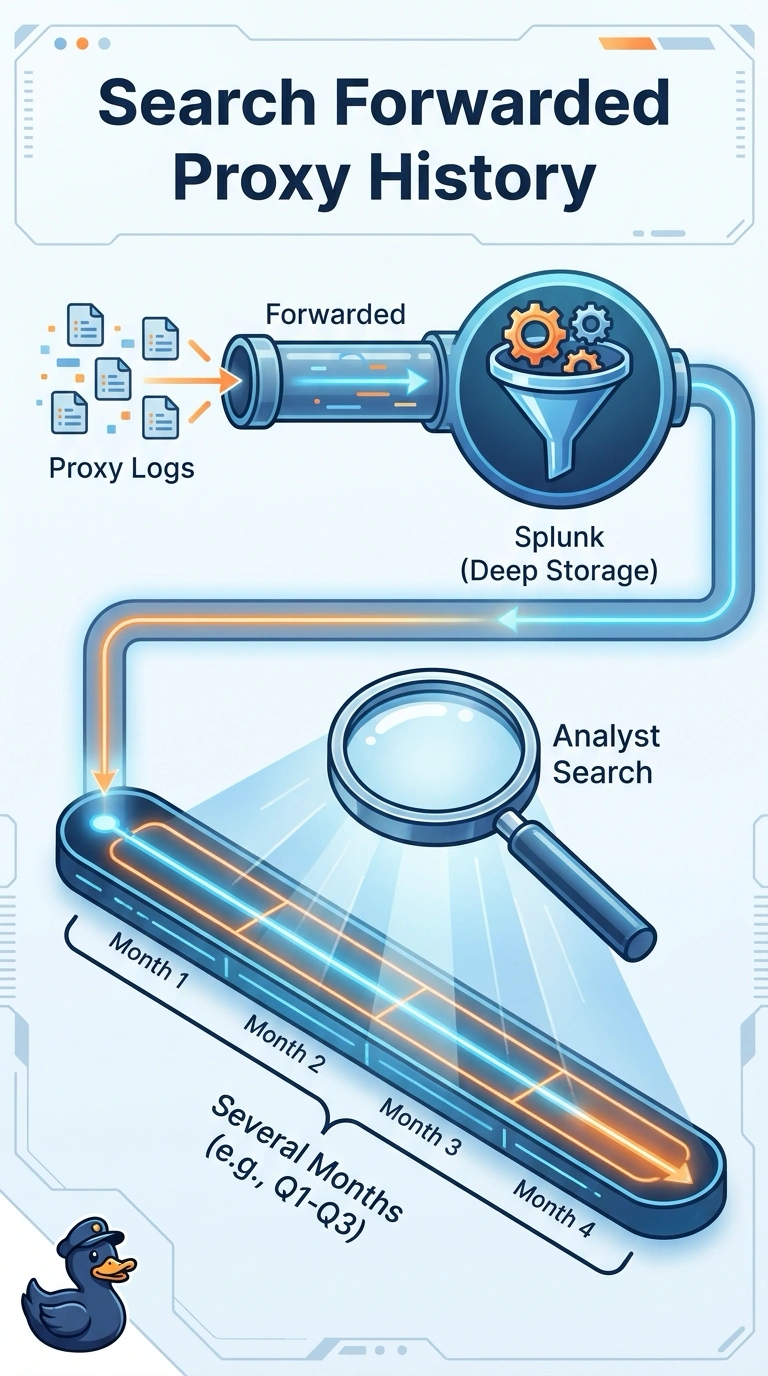
An airline has forwarded Secure Access proxy events so analysts can investigate them over a long period. The forwarded proxy events are indexed and retained for the requested period in Splunk. One analyst must run a custom search across several months of that proxy history, and a colleague points to the default recent tile on the Secure Access dashboard. Where should this search run?
Select an answer to reveal the explanation.
Short Explanation
The short board by the entrance is not the archive in the back room. You run a months-long custom search in the store built for that investigation, which is Splunk. The trap is treating a recent dashboard tile as the full history.
Full Explanation
Splunk is where an analyst searches forwarded Secure Access events across a longer custom investigation. The proxy history was forwarded for that purpose, so the months-long search belongs in Splunk rather than on a summary view. The default recent tile in the Secure Access dashboard shows a short operational picture. It is not built for that long custom search, and it does not replace a query over the retained history. The Cisco XDR live incident list is where correlated incidents are worked. It does not replace any search of the forwarded proxy history when the task is a custom look across months of proxy events. The identity provider sign-in report records authentications. It does not store a copy of each proxy request, so it cannot explain the web activity the proxy saw. Exam caveat: a Secure Access dashboard answers operational questions about recent blocks and connections, while the long custom search of forwarded events is a Splunk job. Operational check: confirm the proxy events are arriving in the Splunk index the analyst will query, then run the custom search there and compare its time range with the shorter window on the dashboard tile.