
Analysts at a commercial bank cannot pivot from a Cisco Secure Access block to the person who caused it, because the pipeline into Splunk is dropping the user field. What restores that pivot?
Select an answer to reveal the explanation.
Short Explanation
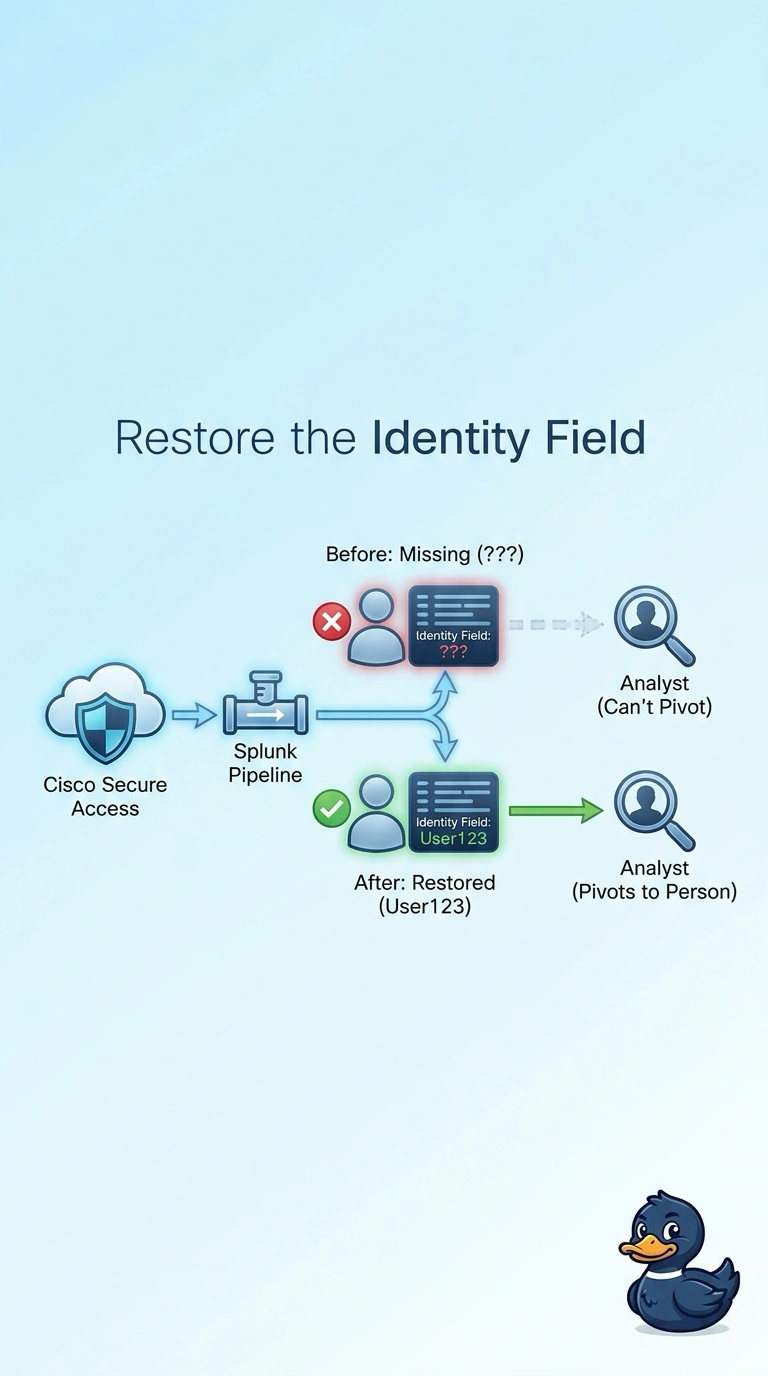
A package with the name label peeled off cannot be walked back to the sender. The pipeline is dropping the user field from the forwarded logs, so you restore that identity field and the pivot works again. Editing an allow policy does not put a field back into events that were already stripped.
Full Explanation
Analysts pivot from a block to a person only when the forwarded event still contains the user. The pipeline into Splunk is dropping that field, so the fix is to restore the user identity field in the Splunk pipeline so analysts can pivot from the forwarded Secure Access block to the person who caused it. Editing the Secure Access allow policy changes who is allowed on the web. An allow rule does not write the user field back into events the pipeline already dropped. Counting the console block and the Splunk row as two incidents treats a missing field as a second attack. The row is the same forwarded block with a stripped attribute. Turning off forwarding to Splunk stops new events from arriving. It does not put the user field back, and it removes the place where the longer investigation was supposed to happen. Exam caveat: an integration that sends nothing is a different failure from a pipeline that sends events and strips one field. Operational check: forward a new test block and confirm the Splunk event includes the same user identity shown for that block in Secure Access.