
In Secure Access Security Insights, the Top blocked users section highlights one contractor. Where should the analyst start?
Select an answer to reveal the explanation.
Short Explanation
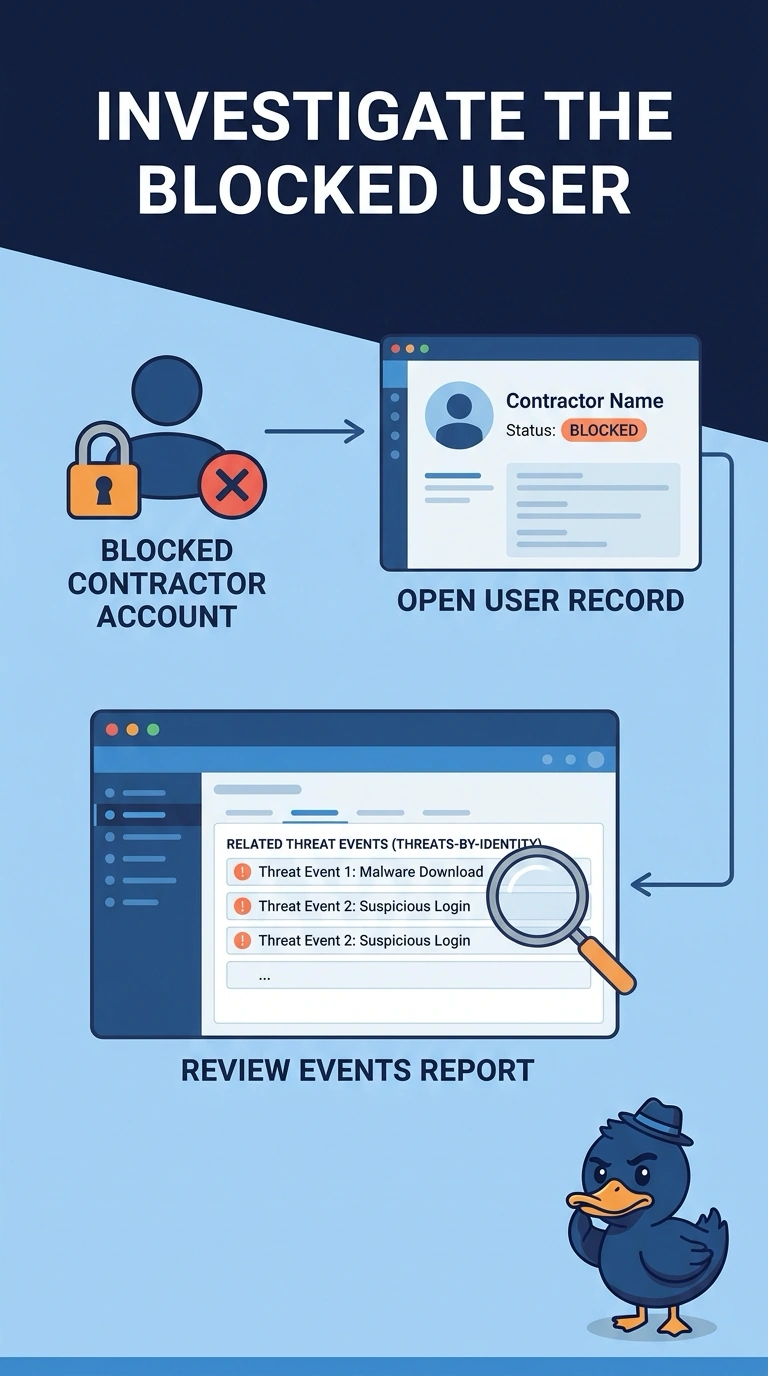
When the board highlights one player, you watch that player's tape before you reboot a board in another stadium. You open the contractor's user record and review the related threat events in the Events Report. The trap is rebooting an unrelated firewall, rebuilding every tunnel, or raising a threshold until the row disappears.
Full Explanation
Security Insights highlights one contractor in the Top blocked users section. Identity, block reason, and connection type tell an analyst whether the next step is a data-loss rule, a missing tunnel, a connector problem, or a client that never reported. The analyst should open the contractor's user record and review the related threat events in the Events Report before changing any network device. Rebooting a firewall that does not terminate the contractor's sessions changes gear the highlight did not name. If the highlight clears, it was luck or a reboot side effect, not an investigation of that identity. Rebuilding every branch tunnel assumes an identity highlight means the tunnels are down. The view did not say the tunnels failed. Raising the deny threshold until the contractor's row drops off hides the row, and a threshold that conceals a highlighted identity conceals the incident the dashboard was built to show. Exam caveat: silence from a site that should be sending events is a collection gap, not a reason to ignore an identity that is actually highlighted. Operational check: filter the Events Report to that contractor, read the event types and block reasons, and only then decide whether a device change is supported.