
A school district can already offer Duo Mobile Push with Bluetooth proximity, yet the security team wants executives to keep ordinary Duo Push because the prompt feels familiar. Which method is the phishing-resistant proximity choice for those executives?
Select an answer to reveal the explanation.
Short Explanation
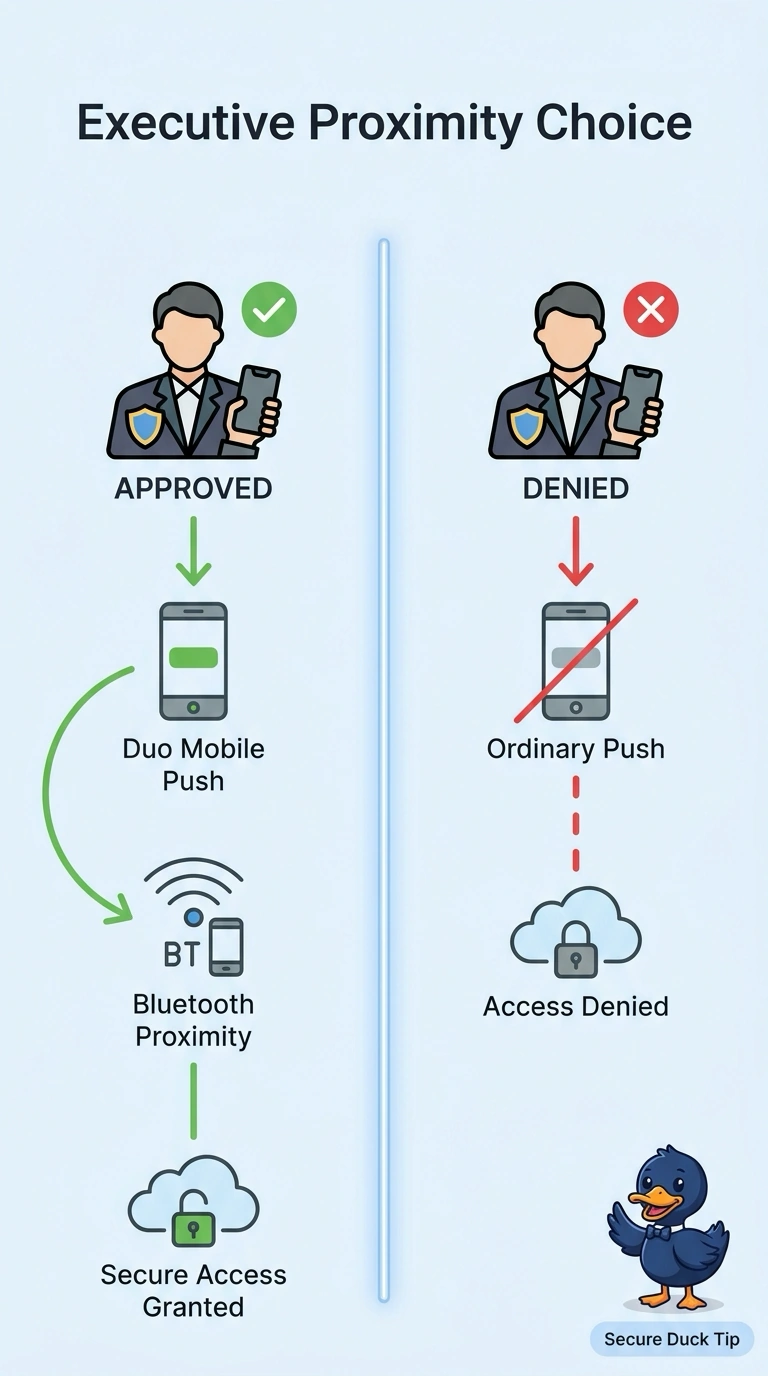
Approving a delivery from a photo is not the same as checking that the person is standing on your porch. You need Duo Mobile Push with Bluetooth proximity, because ordinary push can be relayed and does not provide that proximity check. Keep the familiar ordinary prompt, SMS codes, and an administrator-assigned security key distinct from this method.
Full Explanation
Duo’s authentication guidance treats ordinary Duo Push as relayable by a real-time phishing proxy because the approval is not cryptographically bound to the genuine site. Duo Mobile Push with Bluetooth proximity is the phishing-resistant proximity method: it checks that the phone is near the sign-in. Keeping ordinary Duo Push for executives preserves the familiar prompt but leaves the real-time relay path open, so familiarity does not make it the required proximity control. Issuing SMS codes fails because SMS is not phishing-resistant and a text message does not check Bluetooth proximity. Having an administrator assign a security key in the admin panel registers that key as a second factor only; it does not enroll a passwordless authenticator or provide the proximity push required here. The exam caveat is that the question asks specifically for a proximity push, not merely any method that may be phishing-resistant. As a practical check, confirm that Bluetooth proximity push is required in the executive group’s allowed methods and that ordinary push is not the only approval left enabled for those accounts.