
A university wants professors to sign in to the research portal with a roaming FIDO2 key that has no PIN and no biometric. What must happen before Duo can treat that key as a passwordless roaming authenticator?
Select an answer to reveal the explanation.
Short Explanation
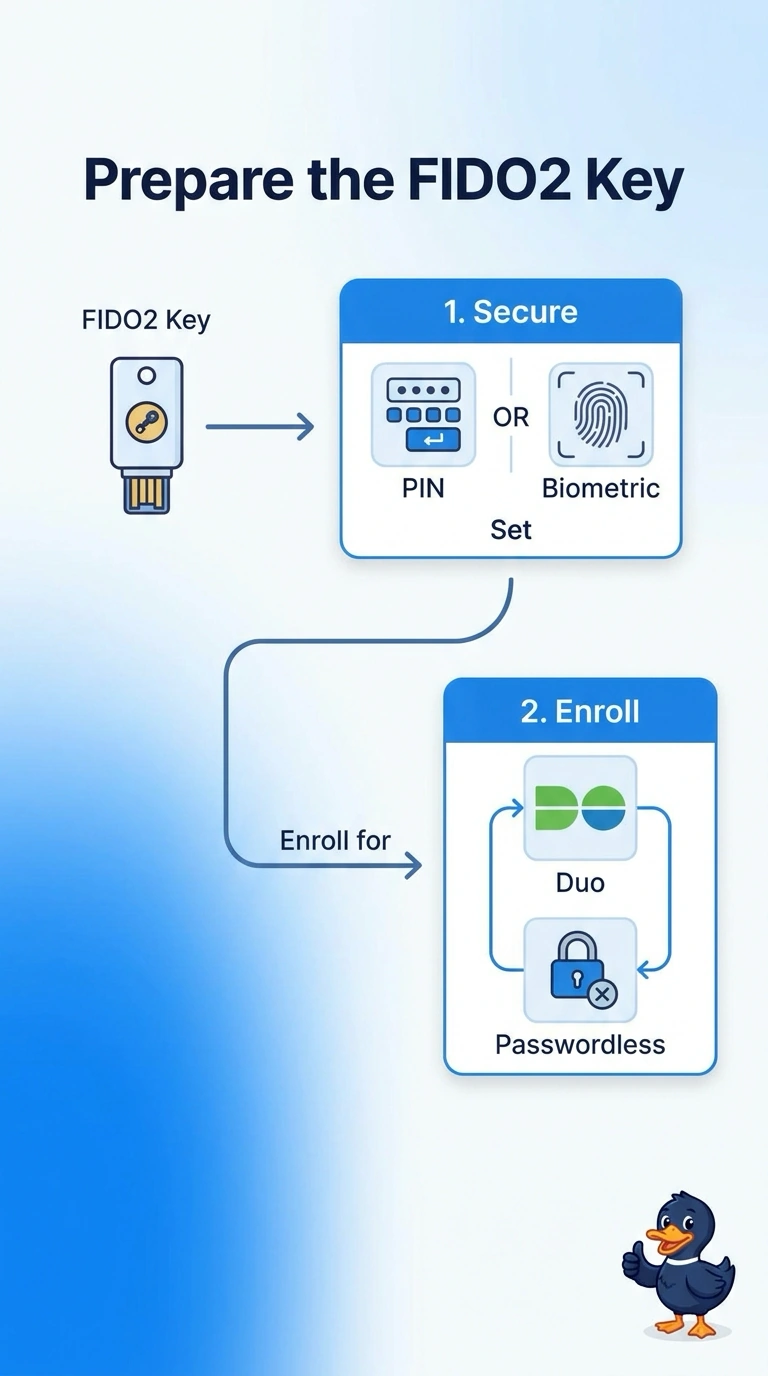
A house key still needs you to know the alarm code before the door really opens for you. You let the professor enroll that roaming FIDO2 key for passwordless only after a PIN or biometric is set on the key. The trap is trusting bare possession, a help-desk platform authenticator, or SMS.
Full Explanation
Passwordless use of a roaming FIDO2 key in Duo is a user enrollment, and the key must perform user verification with a PIN or a biometric. A key offered with neither check does not meet that bar. Letting the user enroll the roaming FIDO2 key for passwordless only after setting a PIN or biometric on that key is the step that satisfies it. Accepting the key for passwordless sign-in with no PIN treats possession alone as user verification, which this enrollment does not allow. Enrolling a platform authenticator on a help-desk computer creates an authenticator that exists on the device where it was registered. It does not roam with the professor, and it is not the roaming key in the request. Turning on SMS codes fails because SMS is not a phishing-resistant or passwordless roaming-key method. Exam caveat: user verification on the roaming key is required for the passwordless path even when the same hardware could be used as a second factor. Operational check: have a professor enroll the key from the research portal and confirm the key prompts for a PIN or biometric before the passwordless registration completes.