
A hotel manager's laptop was lost, and the guest-system application still accepts the device certificate from that laptop. What retires the lost certificate?
Select an answer to reveal the explanation.
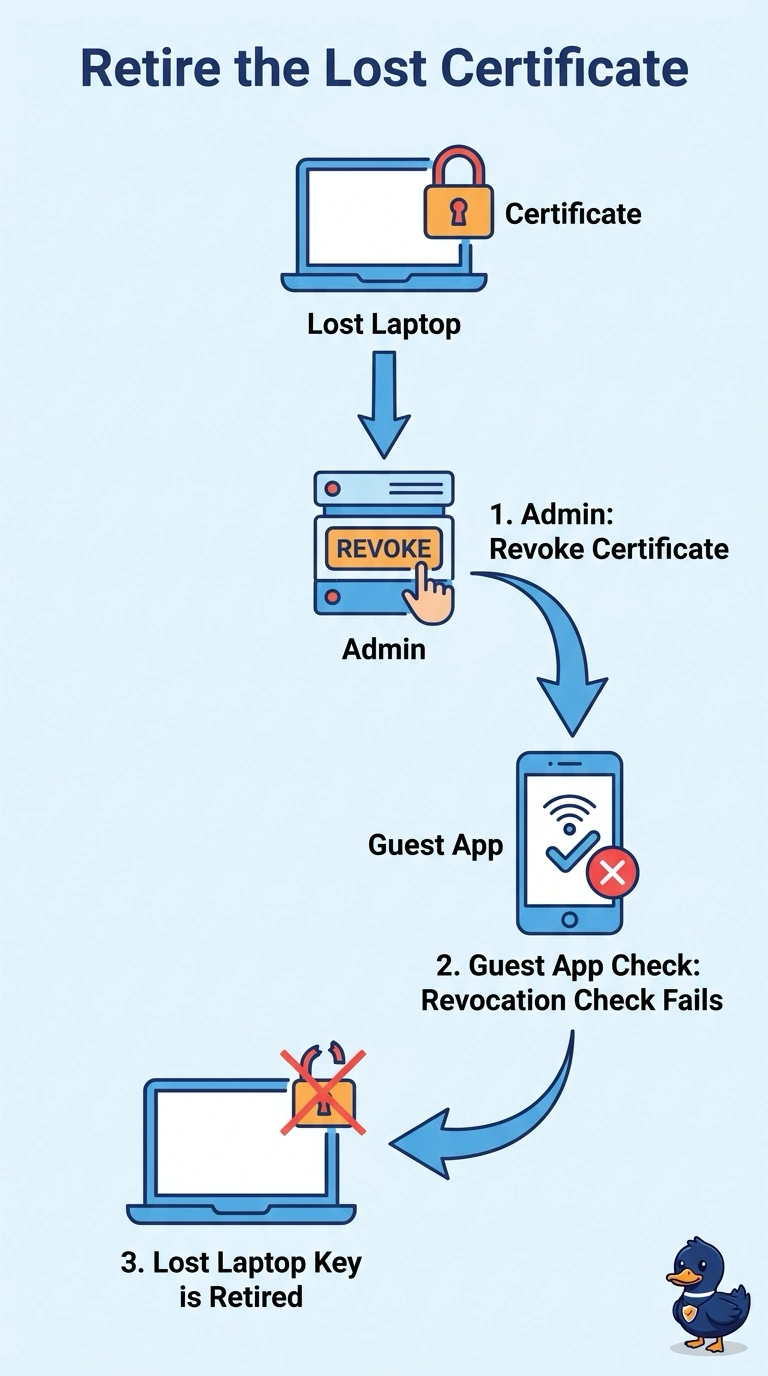
Short Explanation
You can retire the lost laptop’s certificate by revoking it, so the guest application’s revocation check fails. Lengthening its validity would keep the lost key useful for longer, while changing the manager password or reissuing the name on a different extended-key-use template would not retire the certificate already on the laptop.
Full Explanation
Revocation is what retires the lost certificate. Revoke it so the guest application’s revocation check fails and the key on the lost laptop is retired. Lengthening the certificate validity period leaves the lost key acceptable and useful for a longer window, the opposite of retiring it. Changing only the manager password updates the account secret but does not retire the certificate on the laptop; a password is not the certificate. Reissuing the name on a different extended-key-use template without revoking the existing certificate also leaves that original certificate in place. A certificate with an unsuitable extended-key-use template may be rejected when presented, but issuing a different template does not revoke the certificate already on the lost laptop. Exam caveat: even if an exportable key was copied, revocation—not relying on deletion of the file—is how you retire its certificate. Practical check: revoke the lost certificate, then present it to the guest-system application and confirm that the revocation check fails.