
A clinic joined its new resource connector to the connector group bound to a different application network, so users of the lab system never reach that system. What corrects the placement?
Select an answer to reveal the explanation.
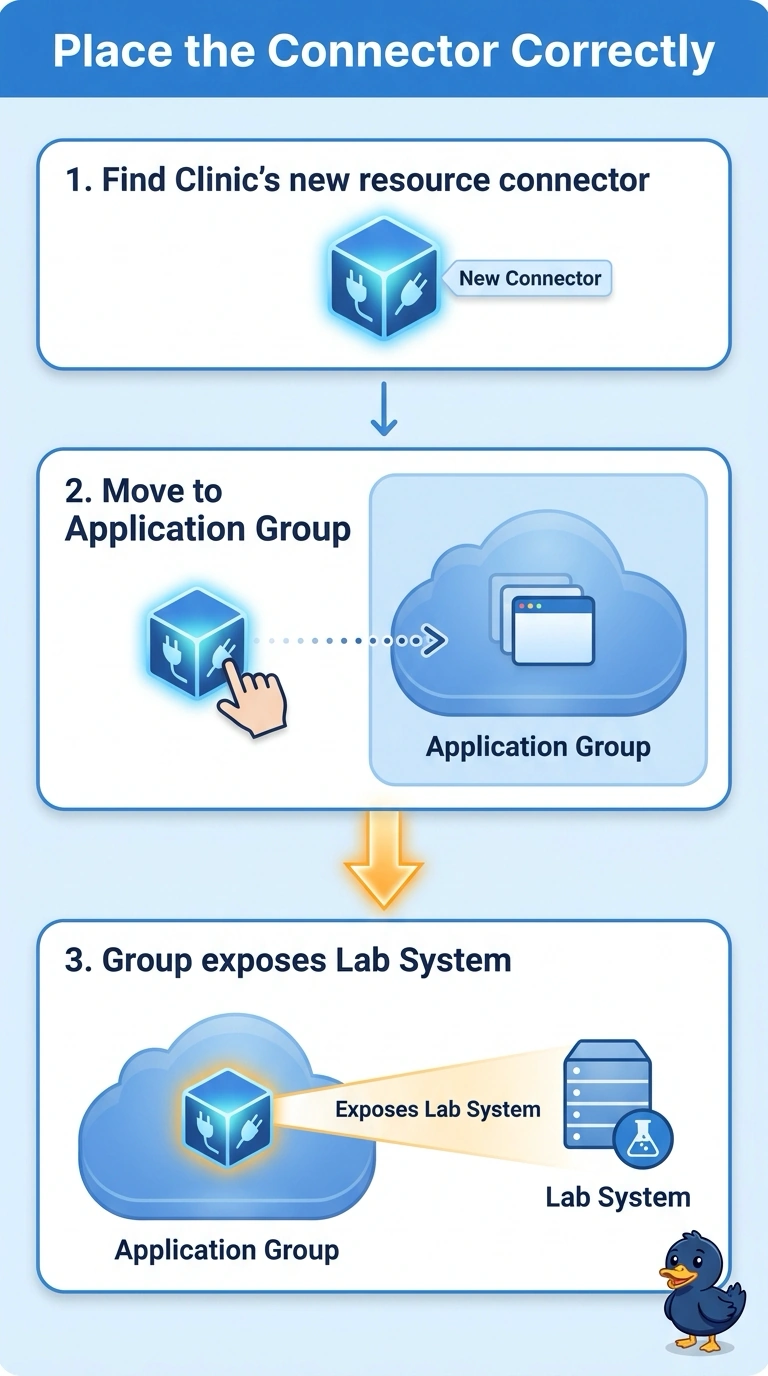
Short Explanation
Plugging a cable into the wrong switch stack means the phones on that floor stay silent. You move the connector into the group associated with this application so it exposes the lab system. Opening IPsec ports or adding a carrier-grade range does not put it in the right group.
Full Explanation
A resource connector exposes the private resources associated with the connector group it belongs to. This connector was placed in the group bound to a different application network, so users of the lab system never reach it. Moving the connector into the group associated with this application makes it expose the lab system. Leaving the connector in the other group and publishing a public address abandons the private-access placement instead of correcting it. Opening UDP 500 and 4500 toward the connector treats the connector like an IPsec tunnel. Those ports are the optional allowance for the IPsec path, and connectors do not use that allowance. Adding the carrier-grade range 100.64.0.0/10 inside the clinic copies a static-routing item from the IPsec pre-onboarding checklist into a connector design, and connector designs do not need that range inside the customer network. Exam caveat: a connector that is up still serves only the group it belongs to, so a healthy process left in the other group keeps the lab system unpublished. Operational check: confirm the connector is listed in the group for the lab application, then have a user open that application and confirm the session lands on the lab system.