
A hotel's sanctioned productivity tenant has a third-party application installed with broad OAuth scopes. Where does an administrator see that grant?
Select an answer to reveal the explanation.
Short Explanation
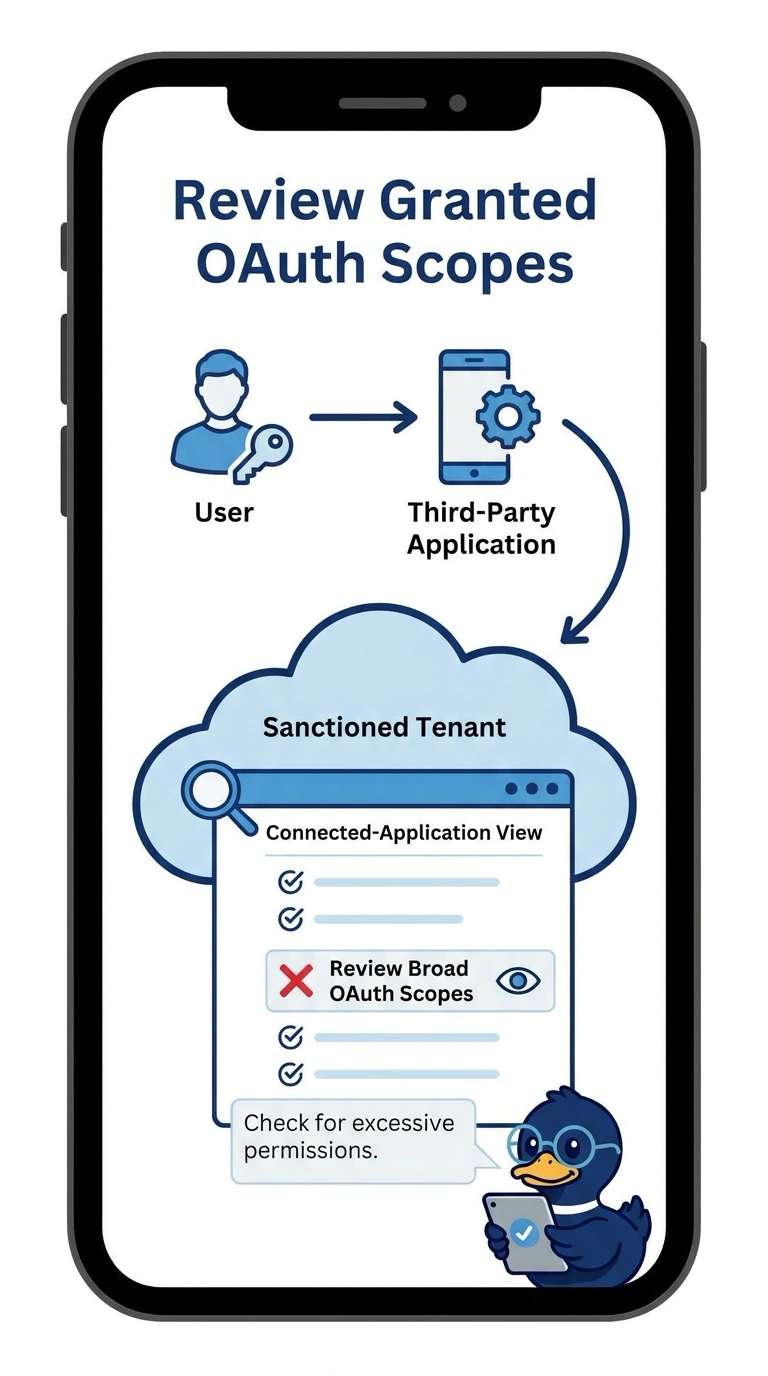
You can find the permission slip in the sanctioned tenant’s connected-application view, where you review the OAuth scopes the third-party application was granted. A hotel firewall permit allows network traffic, but it does not review that grant. Changing the guest Wi-Fi passphrase or checking the marketing PDF’s malware hash does not show or remove the application’s tenant scopes.
Full Explanation
OAuth grants live with the sanctioned tenant. Its connected-application view lists the third-party application and the scopes an administrator or user consented to, so opening that view and reviewing the broad OAuth scopes shows the hotel the grant. Allowing the vendor’s addresses on the hotel firewall permits network traffic; it does not list scopes or review the OAuth grant. Deleting the guest Wi-Fi passphrase changes who can join that network, but the application’s tokens and scopes remain on the tenant until the grant is removed there. Running a malware hash lookup on the vendor’s marketing PDF checks for a file verdict; the PDF hash does not describe which mail, files, or directory rights the application received. Exam caveat: finding the grant is not the same as deciding to allow it; broad scopes can still be revoked after they are visible. Practical check: open the tenant’s connected-application list, record every scope on the hotel’s third-party application, and remove any scope the integration does not need.