
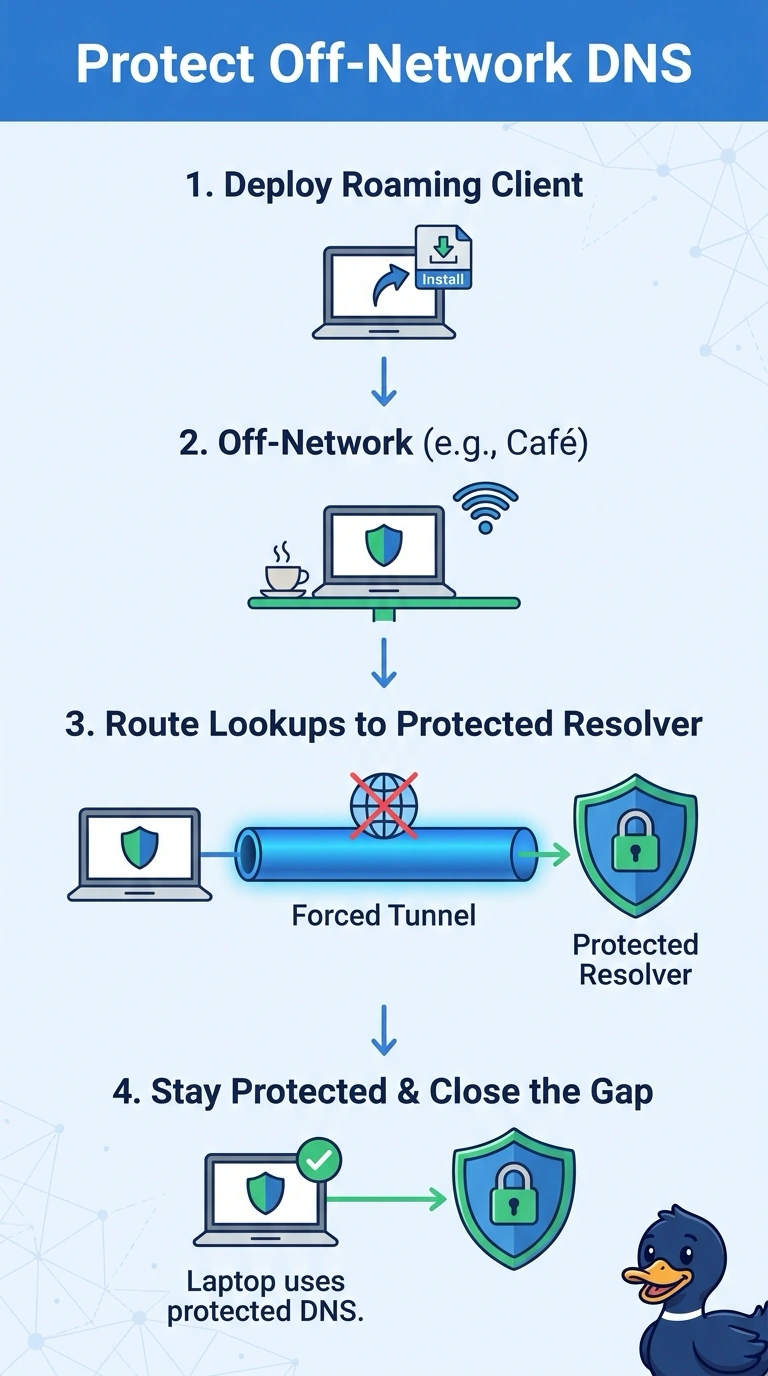
A clinic laptop at a cafe uses the cafe resolver and has no roaming client, so corporate DNS security does not see its lookups. What closes that gap?
Select an answer to reveal the explanation.
Short Explanation
Think of a traveler who asks the cafe for directions and never calls the clinic switchboard. You close the gap by deploying the roaming client, which forces this laptop onto the protected resolver while it is away. Swapping to another public resolver does not apply clinic DNS security, and office policy does not follow a laptop using cafe DNS.
Full Explanation
A laptop using a resolver other than the corporate resolver does not send its lookups through corporate DNS security. Off network and without the roaming client, this laptop uses the cafe’s DNS, so the clinic policy remains home-only until a client forces it onto the protected resolver. Deploying the roaming client that forces the laptop onto the protected resolver while it is off network closes the gap. Pointing the laptop at another public resolver does not apply the clinic DNS security policy: that resolver is still not the protected one. Leaving the laptop on cafe DNS does not let it inherit the office policy; policy is not inherited from a resolver the laptop is not using. Blocking the clinic private zone at the cafe may prevent internal names from resolving there, but it does not put malicious public lookups on the protected path. Exam caveat: the roaming client extends use of the protected resolver off network, though a hosts-file pin or hardcoded address can still bypass DNS after installation. Practical check: from the cafe, confirm the laptop uses the protected resolver and that it blocks a known-bad test name.