
A conference hotel runs the sponsor portal from two teams: reception creates, extends and prints guest passes all day, while the security desk only reviews and approves visitor records. Today everyone shares one identical set of portal rights. Which sponsor configuration should be applied so each team holds only its own guest permissions?
Select an answer to reveal the explanation.
Short Explanation
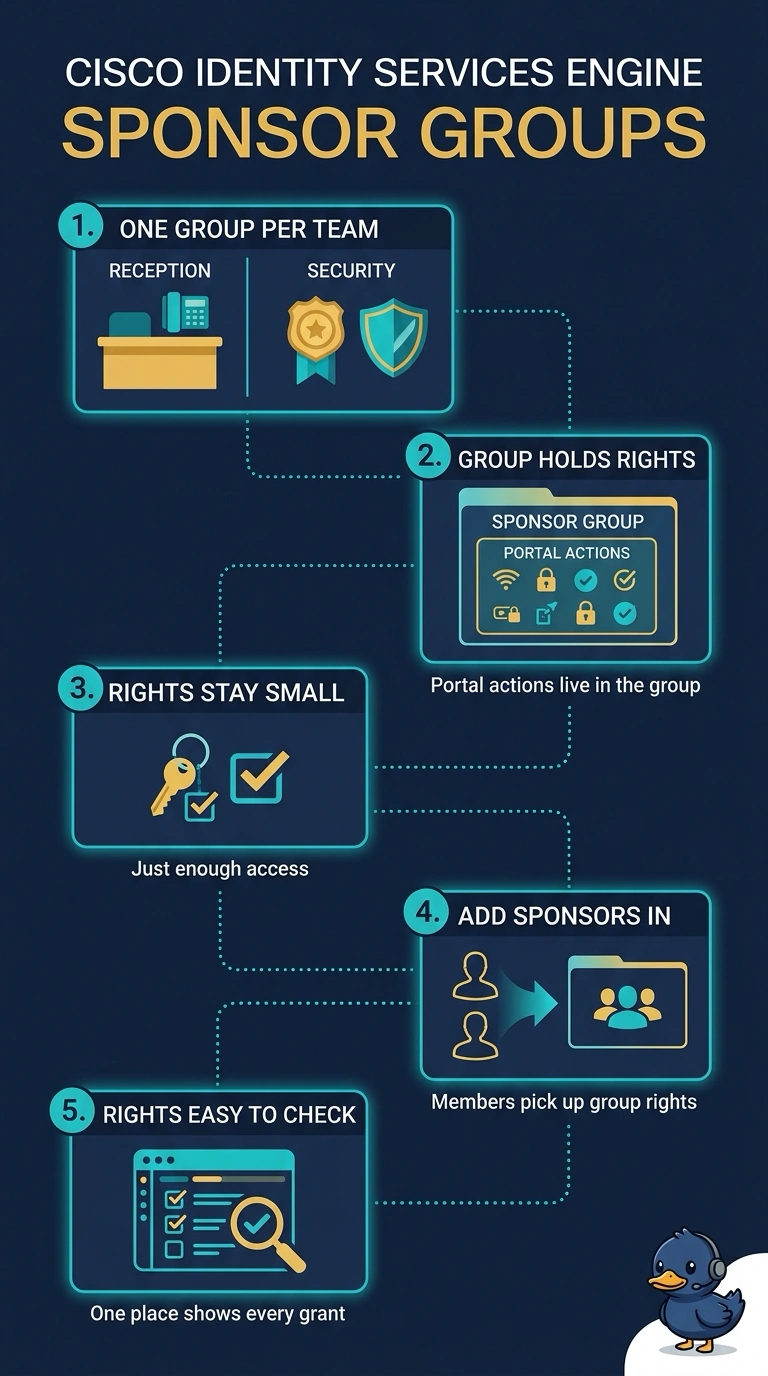
Sponsor groups are the container ISE reads for permissions, so each team's group decides which portal actions it may run. It's like giving reception the full keyring while the security desk gets a badge for the review drawer only. Group membership keeps least privilege in one place you can audit.
Full Explanation
ISE decides sponsor rights by matching the person against sponsor groups at login, and the permissions from every matching group combine into the rights that sponsor receives, so the group's permission set is what lets reception create, extend and print while the security desk may only review and approve. Putting each team in its own sponsor group makes that split explicit and auditable, which is the least-privilege result the hotel is after. Portal authentication rules only choose how a sponsor proves who they are and which portal loads, so everyone matched into a single group still gets an identical permission set. An identity group describes a user for network authorization, and the sponsor portal does not read it for portal rights; it reads the matched sponsor group. An authorization profile keyed on the sponsor's device decides where that person can reach on the network, which says nothing about what they may do with a guest record. Exam caveat: a sponsor matching several sponsor groups receives the combined permissions, so watch for overlap between teams. Practical check: sign in to the sponsor portal as each role and confirm only that team's actions appear.