
A power company auditor asks for evidence of every configuration command run on the core routers last quarter. ISE is the TACACS+ server, and its records show only which engineer logged in and when. Which TACACS+ setting should be enabled so command-level activity is captured for the audit?
Select an answer to reveal the explanation.
Short Explanation
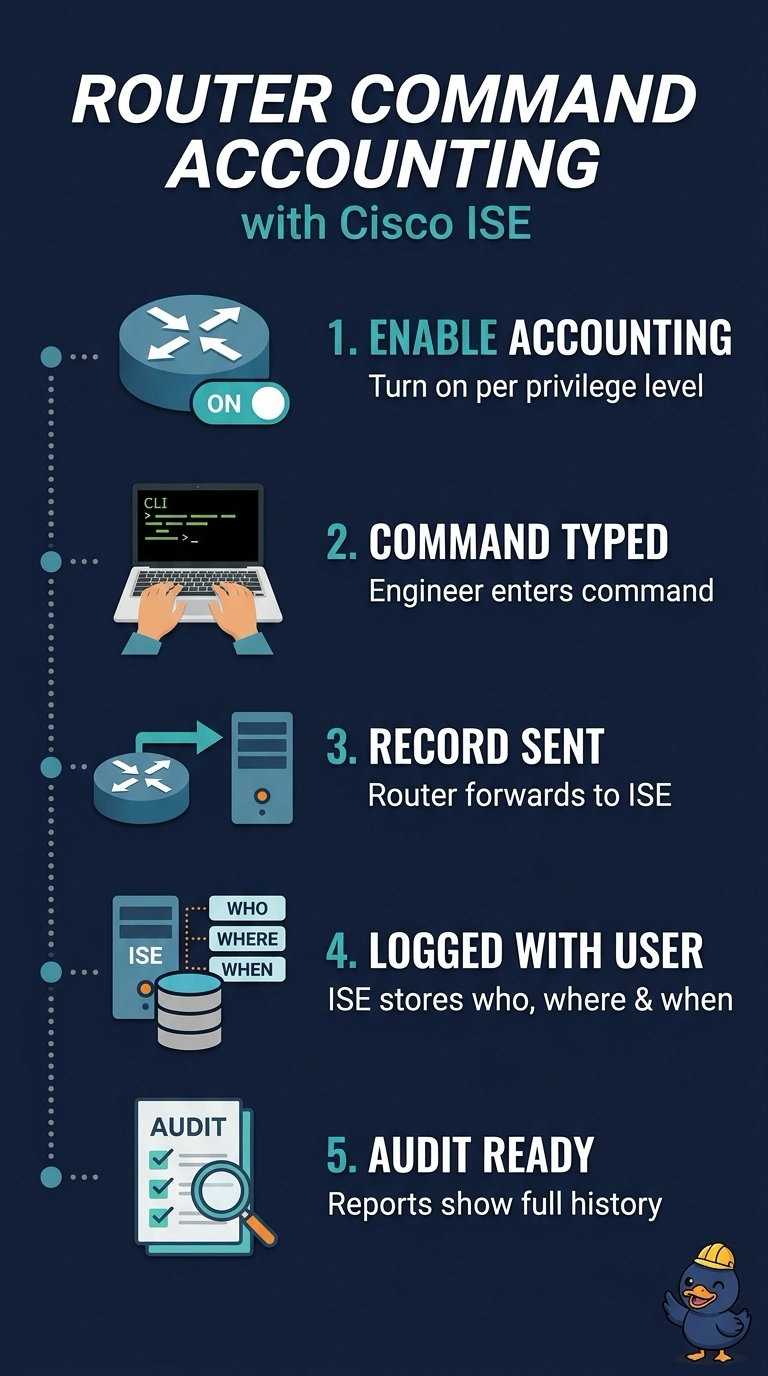
Your records already prove who logged in, so what you’re missing is what they typed afterward. Turn on command accounting and the router sends every executed command to ISE as its own record. Authorization and session entries only prove access or a visit, not the work done.
Full Explanation
TACACS+ accounting has distinct modes: exec accounting records the start and end of a shell session, system accounting records server-wide events, and command accounting records each command line against a privilege level. Enabling command accounting on each router makes it send every command to ISE, which stores it with the user, device and timestamp, giving the auditor a command-level trail that login records cannot provide. A mismatch in the TACACS+ shared secret for accounting packets would prevent those packets from being accepted; the login records show that authentication connectivity is working, but they do not establish that command accounting is configured. Shell authorization concerns whether a user may enter privileged mode; logging identity and start time does not capture the commands run afterward. Exec session accounting produces the start and stop records for each router login, so it adds session detail rather than command detail. Exam caveat: command accounting can generate a large volume of records, so check retention settings before enabling it broadly in production. Practical check: run a harmless command on a test router, then search the ISE TACACS+ live log for that exact command.