
A weekend technology expo expects several hundred visitors to register themselves at lobby kiosks using only an email address and an acceptable-use page, because no company sponsor will be on the floor after hours. Security still wants every visitor to hold a named, expiring account instead of anonymous access. Which guest access type fits this self-service flow?
Select an answer to reveal the explanation.
Short Explanation
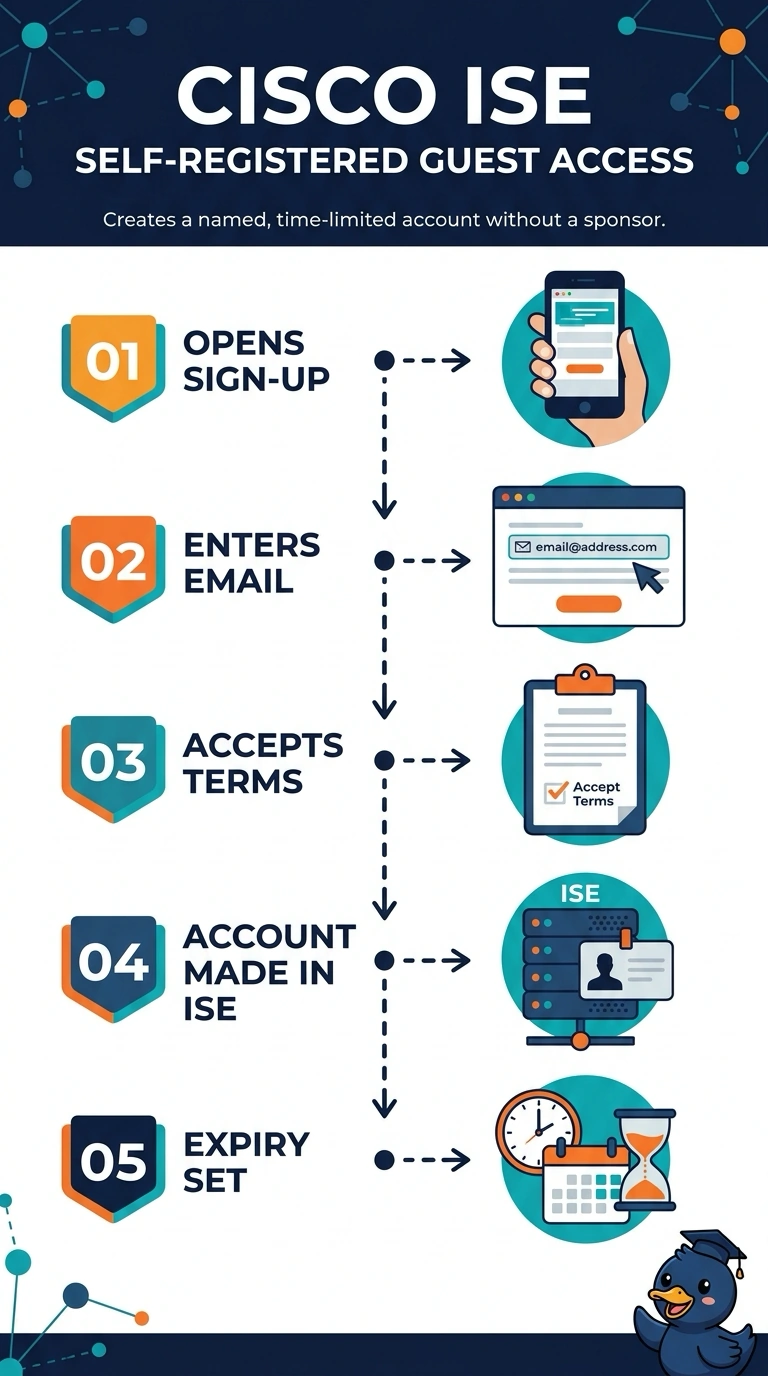
With self-registered guest access, you let each visitor create a named, time-limited account by entering an email and accepting the terms—like using a self-service checkout. Sponsored access won’t fit, since someone has to create each guest account.
Full Explanation
Self-registered guest access fits because the visitors can complete the registration themselves at the kiosks, using the permitted email address and acceptable-use page, without an employee sponsor. The configured form can create a named account with an expiry, meeting the security requirement for accountable, time-limited access rather than anonymous connectivity. Sponsored guest access is a common alternative for controlled visits: an employee invites or approves a visitor, and the resulting account can be named and time-limited. It fails here because no company sponsor will be available after hours, so the required sponsor-dependent workflow cannot support the stated self-service process. A captive portal that creates a named account from an email and acceptance of terms is also a plausible self-service design, but the version described leaves accounts active until manual revocation. That misses the explicit expiry requirement, even though its registration flow otherwise fits. Social-login guest access can likewise create a named, expiring account and collect acceptance of terms, but it requires the visitor to authenticate through an external identity provider. The scenario allows only an email address, not an additional identity-provider login. Exam caveat: guest-access product names and defaults vary, so distinguish the workflow and account lifecycle from the vendor’s label. Practical check: verify that the selected portal needs no sponsor or external login and that its registration settings actually assign each account an expiry.