
A convention center runs guest Wi-Fi through a sponsor-approved web portal. Walk-in visitors need accounts that switch off when the hall closes, while pre-approved contractors must stay online across the three-day event. Which guest account lifecycle design meets both the expiry and time-limit needs?
Select an answer to reveal the explanation.
Short Explanation
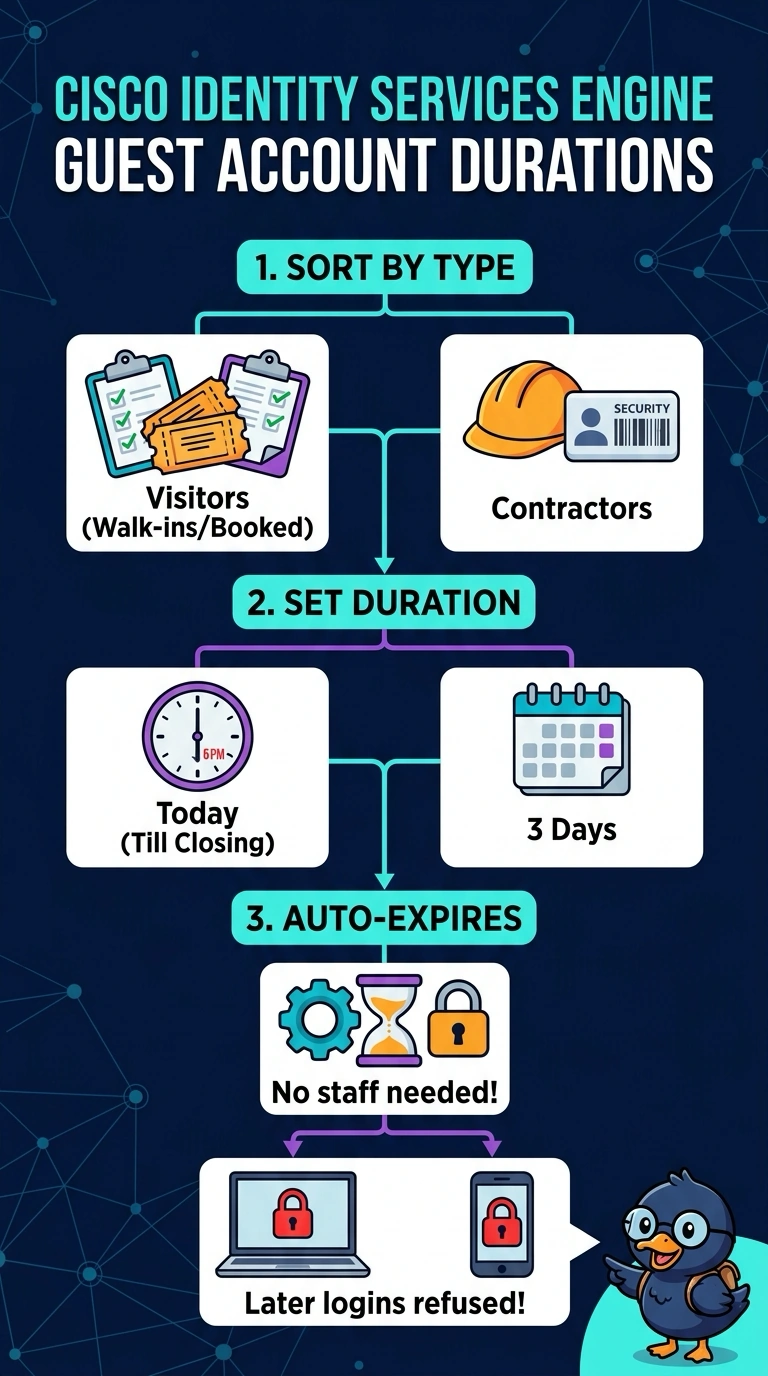
Your guest accounts need two separate clocks: one for the login session and one for the account’s lifetime. Set the account duration by guest type—like badges with different expiration dates—so walk-in visitors lose access at closing and contractors stay online for all three days.
Full Explanation
Separate account durations meet both lifecycle requirements: walk-in accounts can be automatically disabled when the hall closes, while contractor accounts remain valid for the full three-day event. This avoids relying on staff to revoke accounts and avoids applying one expiry rule to guests with different needs. An event-wide expiry at closing is a sensible automated policy, but it ends contractor account validity before their three-day work period is over. Giving both groups three-day account validity while restricting walk-in access by a daily schedule controls when visitors can connect, but does not make their accounts switch off at closing; the accounts remain valid beyond the required expiry point. Giving contractors three-day accounts with nightly forced reauthentication preserves account validity, but interrupts their online sessions each night, so they cannot stay online across the event as required. Exam caveat: distinguish account validity, which determines whether credentials remain usable, from session duration or an access schedule, which governs active connections or permitted connection times. Practical check: test each account type in the portal and WLAN policy, confirming that visitor credentials are rejected after closing and contractor connectivity persists for the event without a forced daily disconnect.