
A 400-bed hospital is enabling BYOD with ISE and EAP-TLS. Laptops enroll through SCEP against the hospital's internal Microsoft CA and receive a user certificate, yet ISE rejects every session because it cannot build a trusted chain to the issuing CA. The team must keep the existing CA hierarchy and let devices enroll unattended. Which change makes ISE trust the endpoint certificates issued during BYOD enrollment?
Select an answer to reveal the explanation.
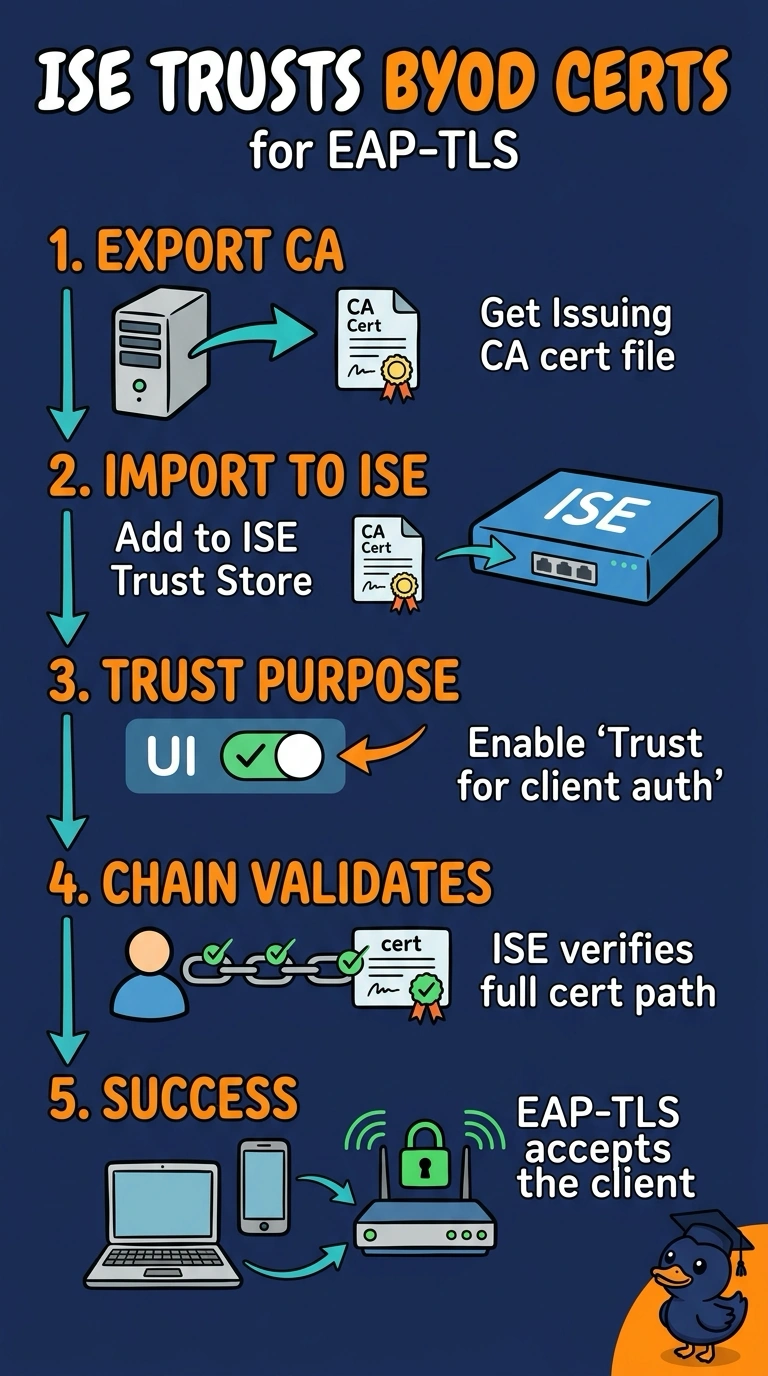
Short Explanation
ISE can only sign off on a client certificate if the CA that issued it already sits on ISE's trusted list, so that anchor comes first. Once you import the issuing CA, the chain builds and the EAP-TLS session completes. It's like giving the guard a copy of the issuing office's seal so the badge checks out.
Full Explanation
When ISE processes an EAP-TLS session it must build a path from the client certificate up to a CA it already trusts, and it does that by looking for the issuing CA in its Trusted Certificates store. Without that import the chain cannot be completed, so a perfectly valid, correctly enrolled certificate is still rejected. With the issuing CA present, ISE verifies the signature path and the client certificate proves the device identity. Re-issuing ISE's own server certificate addresses the opposite direction of the handshake, where the supplicant checks the server, and that is not the failure described here. Supplying the subject name from the certificate template changes the identity content of the certificate rather than the trust decision. Enabling OCSP or CRL checking is sound hygiene that applies only after a chain has been established, so it cannot supply a missing anchor. Exam caveat: the imported certificate also has to be usable for EAP authentication, otherwise ISE still declines the exchange. Practical check: watch the live authentication log and confirm the failure reason changes from a chain error to a successful EAP-TLS result.