
A regional bank must show auditors both the start and end of every admin session on its campus switches and each privileged command with its arguments, stored centrally. Engineers already authenticate to ISE over TACACS+. Which TACACS+ accounting configuration satisfies the audit?
Select an answer to reveal the explanation.
Short Explanation
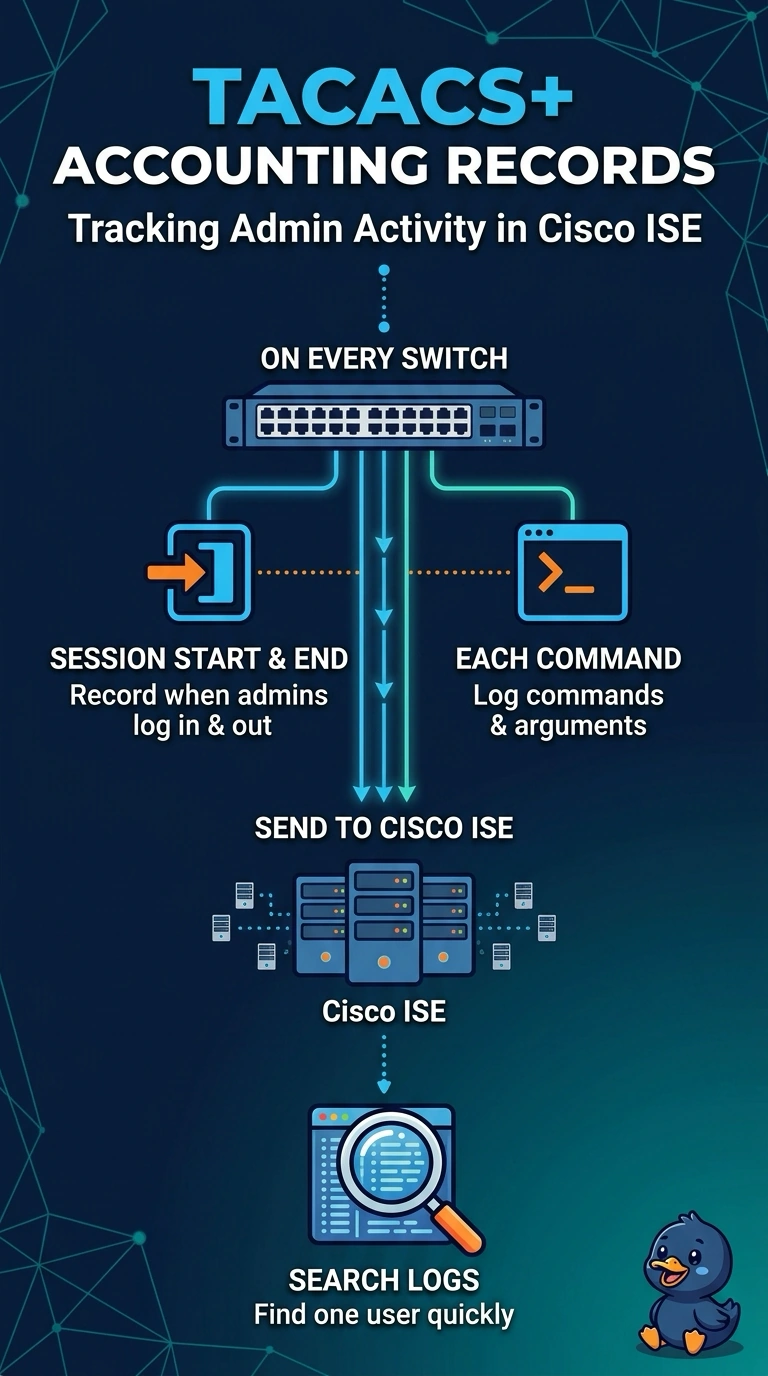
Accounting has two halves, and it's easy to fix only one: what the switch records and where you read it. Start-stop shell records give you the session window, command records capture each line with its arguments, and ISE keeps everything in one audit trail. Leave either record type out and the audit has a hole in it.
Full Explanation
Shell accounting with start-stop writes a record when the exec session begins and another when it ends, which gives an auditor a window with both timestamps; with the accounting server configured, both records are sent to ISE. Command accounting adds a record for each command at the accounted privilege level, including its arguments, so you can search who ran what and when. Sending commands only to the device's own logging buffer fails the central-storage requirement, because a switch buffer is small, rotates fast and disappears with the device. Shell-only accounting fails the command requirement, because sessions are visible while the commands inside them are not. Stop-only records fail the session-start requirement, because no start record is written. Caveat: the privilege level you account for decides which commands appear, so commands below it stay invisible. Practical check: run two or three commands, then search the ISE TACACS logs for your username and confirm the start record, the stop record and the command entries with arguments.