
A 120-person design firm wants staff to self-onboard personal laptops and phones to corporate Wi-Fi using certificate-based EAP-TLS, with certificates issued by ISE itself and almost no help-desk time. Which BYOD component set in ISE delivers that onboarding?
Select an answer to reveal the explanation.
Short Explanation
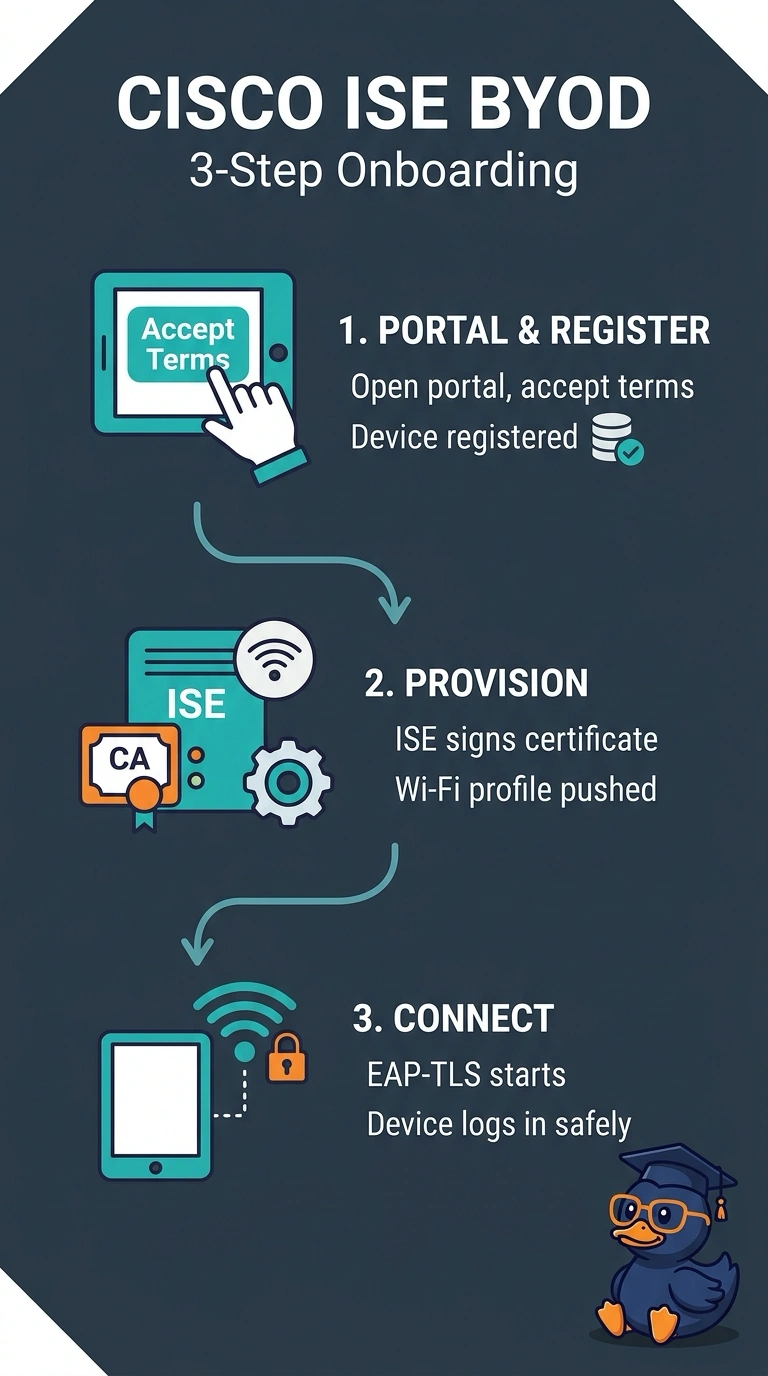
ISE can act as the certificate authority, so your own server signs the device instead of an outside vendor. The portal collects consent, then supplicant provisioning drops the Wi-Fi settings and the certificate onto the device. It's a pre-filled boarding pass that the machine accepts the moment it arrives.
Full Explanation
The employee portal is the self-service entry point for BYOD enrollment; supplicant provisioning configures the device for the corporate WLAN, and ISE can issue the certificate used for EAP-TLS along with the Wi-Fi profile. This brings onboarding, certificate issuance, and connection setup together, minimizing routine help-desk involvement while meeting the stated issuer and authentication-method requirements. Using an external CA is a well-established design, and the portal can still provision the device, but it changes who issues the certificate: the scenario specifically requires ISE itself to issue it. A workflow requiring help-desk approval for every enrollment can provide controlled, certificate-based provisioning, yet it undermines the goal of almost no help-desk time even if the technical configuration is otherwise appropriate. EAP-TTLS is also a recognized enterprise method, and a portal may provision it with a certificate and WLAN profile; however, it is not the explicitly required EAP-TLS method, so compatible credentials do not make that protocol substitution satisfy the scenario. Exam caveat: do not assume that a portal automatically means ISE-issued certificates; verify the configured CA and certificate template, and distinguish the EAP method from the certificate used. As a practical check, pilot enrollment on representative personal phone and laptop platforms, then inspect the installed profile and certificate issuer and confirm successful EAP-TLS authentication in ISE logs.