
An engineer needs to confirm three things about one FTD appliance after a busy change window: whether it is still registered to the Management Center, whether the saved policy edit has been pushed to it, and whether its health checks are reporting problems. Which set of GUI locations will verify all three?
Select an answer to reveal the explanation.
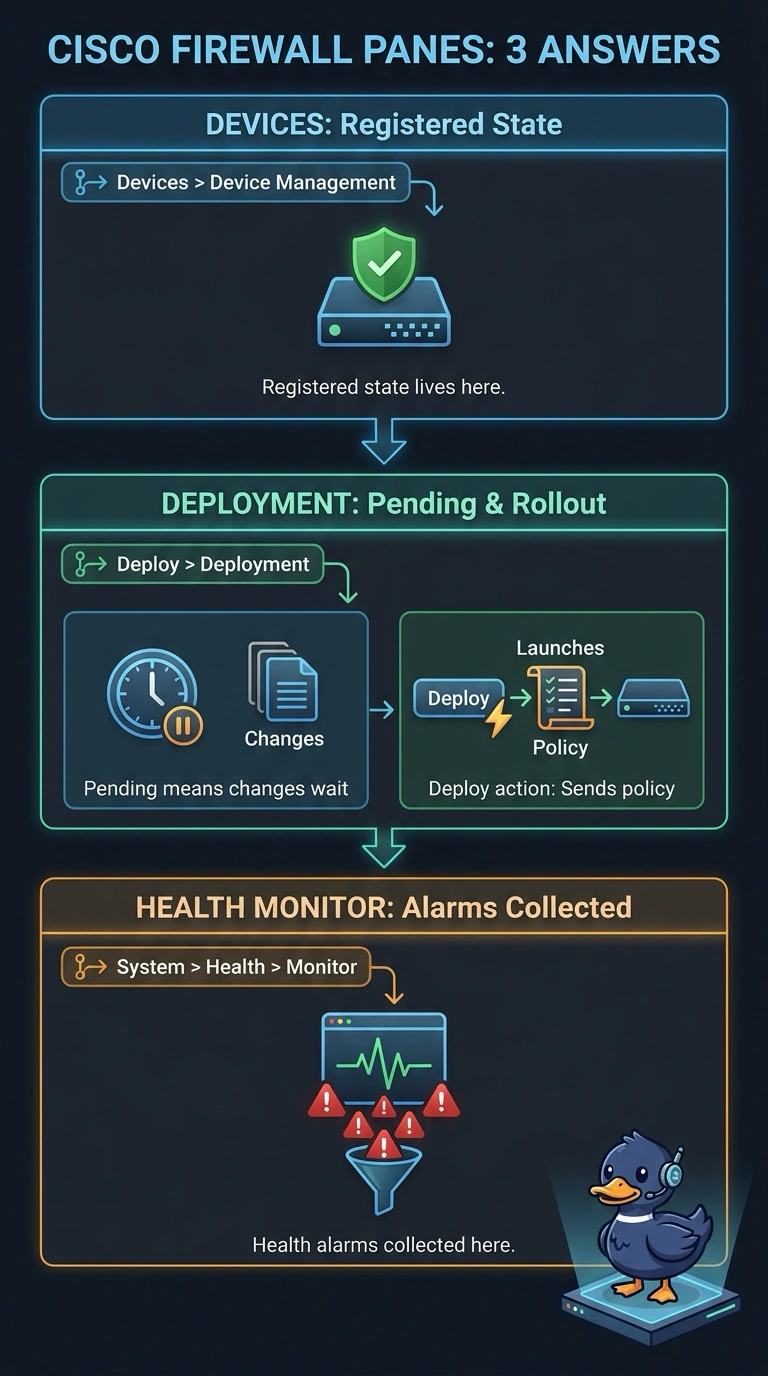
Short Explanation
Registration lives in the device inventory, rollout lives in the Pending status on the Deployment page, and health alarms live in the health monitor. Those three panes answer three different questions, so checking the wrong one burns your change window. It's like using the delivery tracker, the to-do list, and the thermometer in three different rooms.
Full Explanation
The Management Center splits these questions into three panes because each one answers something different. Devices > Device Management is the device inventory, and its Management section carries the connection status, so a registration problem surfaces there. The Deployment page under the Deploy menu shows a Pending status whenever saved changes have not been pushed, which tells a saved edit apart from a deployed one. System > Health > Monitor collects the current health status and the alarms coming from the checks your health policy runs on interfaces, hosts, and processes. Relying on the intrusion event viewer for rollout status fails the deployment requirement, because that store shows events reported by the device, not whether your edit went out. Reading the health monitor for registration fails the registration requirement, since that page reports health modules rather than enrollment state. Checking System > Health > Policy fails the health requirement, because that page defines which checks run instead of showing their results.