
An engineer working from a runbook written when the platform was still called Firepower must triage an FTD device that stopped receiving policy updates overnight. They need to confirm three things: whether the device is still registered, whether the last deployment job failed, and how the appliance is reporting. Which current FMC locations answer all three checks?
Select an answer to reveal the explanation.
Short Explanation
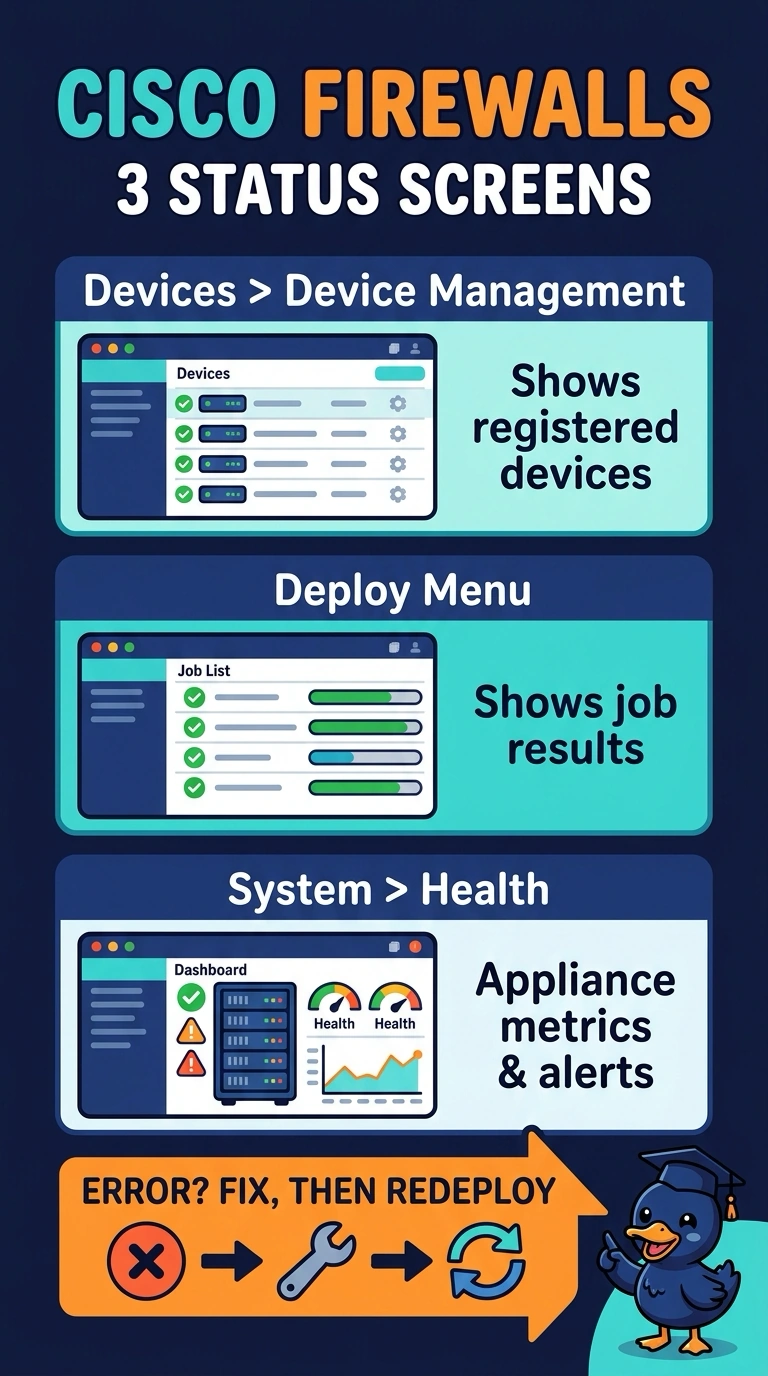
You can check each part of the problem in its own place: registration in Devices > Device Management, deployment results in the Deploy menu, and appliance health in System > Health. Think of them as separate gauges: connection events describe traffic, audit records describe activity, and the FTD CLI isn’t an FMC location, so none substitutes for the requested checks.
Full Explanation
Registration, deployment and health are tracked in separate FMC locations because they describe different aspects of the device. Devices > Device Management shows whether the appliance is registered with the manager, the Deploy menu shows deployment jobs and whether they succeeded or failed, and System > Health reports the appliance’s condition. Together, these locations let you check whether the device is still managed, whether a policy deployment failed, and how the appliance is reporting. Connection event analysis is not a health source: it describes traffic that crossed the device, not the appliance’s condition. The audit log records user and system activity, but it is not where you review deployment job results. The FTD CLI can provide device information, but it is not an FMC location and does not provide the requested FMC deployment results and health view. Exam caveat: menu names can move between releases, so a runbook written during the Firepower era may point to paths that have changed. Practical check: confirm the device is registered in Devices > Device Management, then open the latest job in the Deploy menu and read its result or error details.