
The SOC wants a near-real-time view of threat activity on the wall screen, while the compliance officer needs a PDF emailed on the first of each month covering a fixed window, and everything must come from the Management Center itself. Which dashboard and scheduled report design meets both needs?
Select an answer to reveal the explanation.
Short Explanation
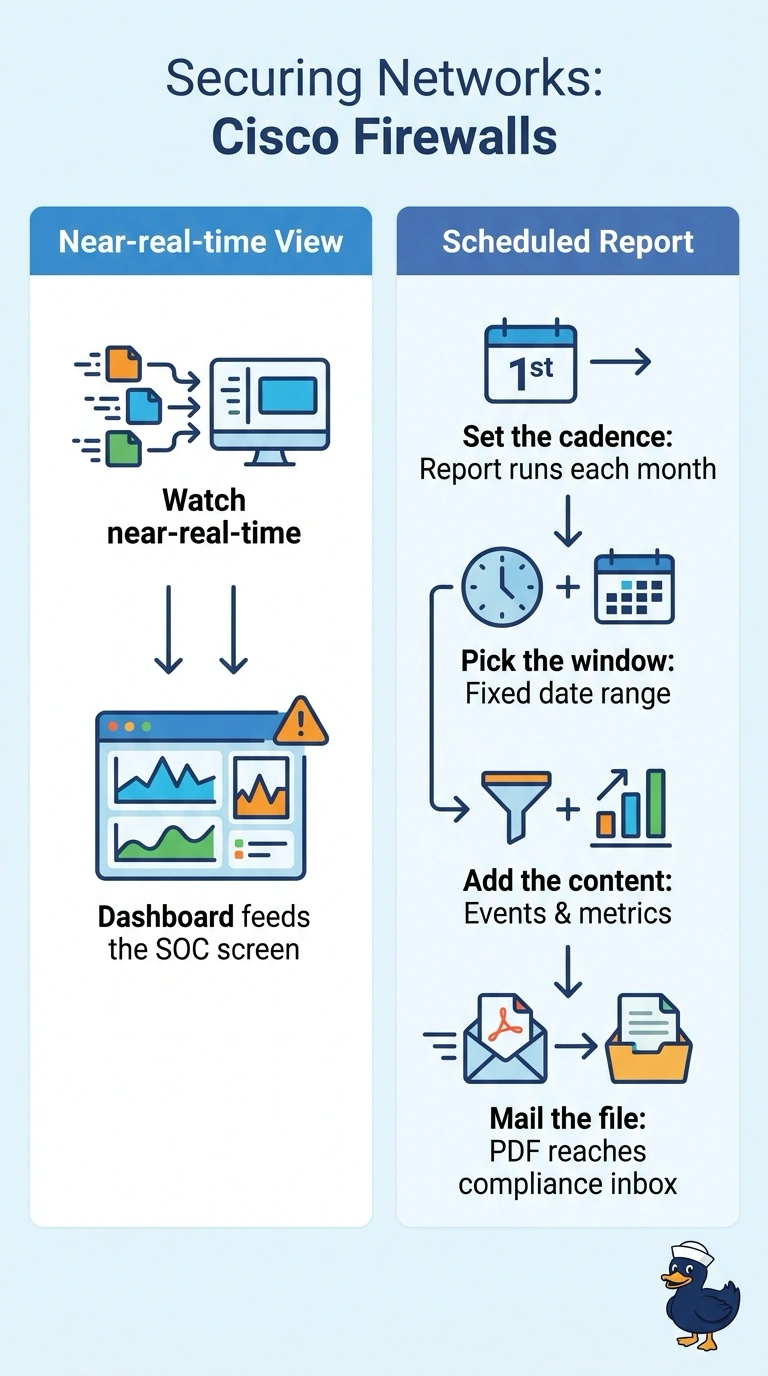
Live views and monthly evidence are two jobs, so you rarely get both from one artifact. Keep your wall screen fed by a dashboard, and let a scheduled report handle the fixed-window PDF that lands in the compliance inbox.
Full Explanation
The correct design separates the two audiences’ needs: a dashboard widget can refresh frequently for the SOC’s wall-screen view, while a scheduled report can produce a PDF for compliance using a defined reporting window and email delivery on the first of each month. Keeping both functions in the Management Center also meets the requirement that the solution come from that system. A rolling 30-day report is useful for monitoring recent activity, but its contents shift with the run date; it does not provide the required fixed reporting window, even if it is emailed monthly. An external reporting service can commonly consume Management Center data and automate polished reports, but the report is then generated outside the Management Center, contrary to the stated source requirement. Scheduling the otherwise suitable FMC report for the second of the month preserves the fixed window and PDF workflow but misses the required delivery date. Exam caveat: a dashboard’s refresh interval and a report’s scheduled delivery are separate settings; a live dashboard does not itself provide a fixed-period monthly report. Practical check: verify the report’s exact start and end dates, first-day schedule and time zone, PDF format, recipient, and that the report is generated and sent by the Management Center.