
After a merger, an analyst must document every server in a newly discovered subnet: the operating system each host runs, the applications it serves, and the ports those services run on. Which analysis feature in the Management Center should she use for that per-host inventory?
Select an answer to reveal the explanation.
Short Explanation
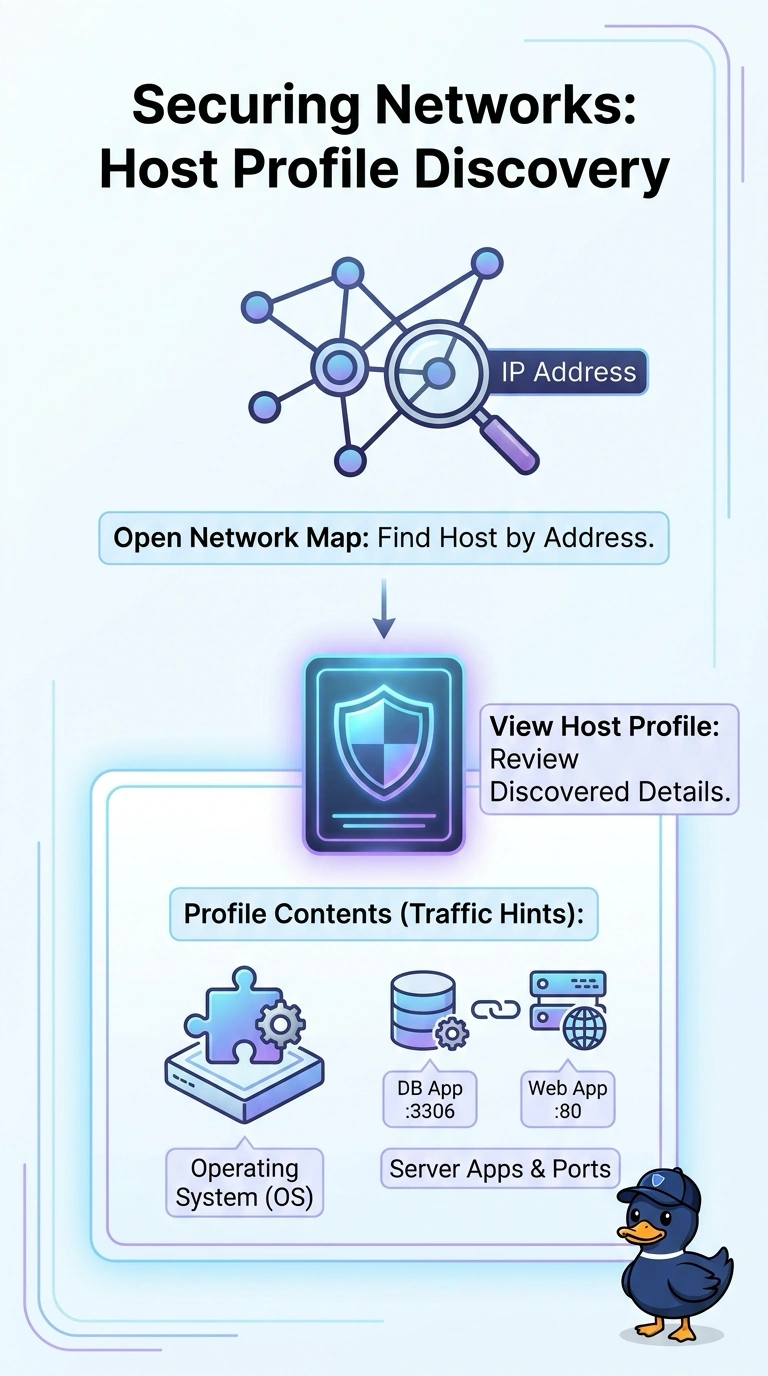
Use a host profile to inventory each server—it’s like an ID card for that host. Select a host on the network map to see its operating system, applications, and discovered service ports.
Full Explanation
A host profile is the right feature because the task requires an individual-host view that brings together the operating system, applications, and ports discovered for that host. A general asset inventory report can be useful for identifying hosts and their software, but the proposed version does not provide the required port details, so it cannot complete this inventory. A port-and-service scan report can document host operating systems and exposed ports, but it does not identify the applications associated with those services; ports alone do not satisfy the application requirement. An application inventory report can connect applications with their listening ports on each host, but without the operating system it leaves one requested field undocumented. These are all plausible inventory or assessment approaches, yet each misses one distinct part of the requested per-host record. Exam caveat: discovery-based host profiles reflect what the system has learned from available telemetry and may not represent every installed application or listening port, especially on quiet or recently added hosts. Practical check: open profiles for a sample of subnet hosts and confirm that the OS, application, and port fields are populated and that the discovery timestamps cover the period and network segment being assessed.